Emulation.
Notes
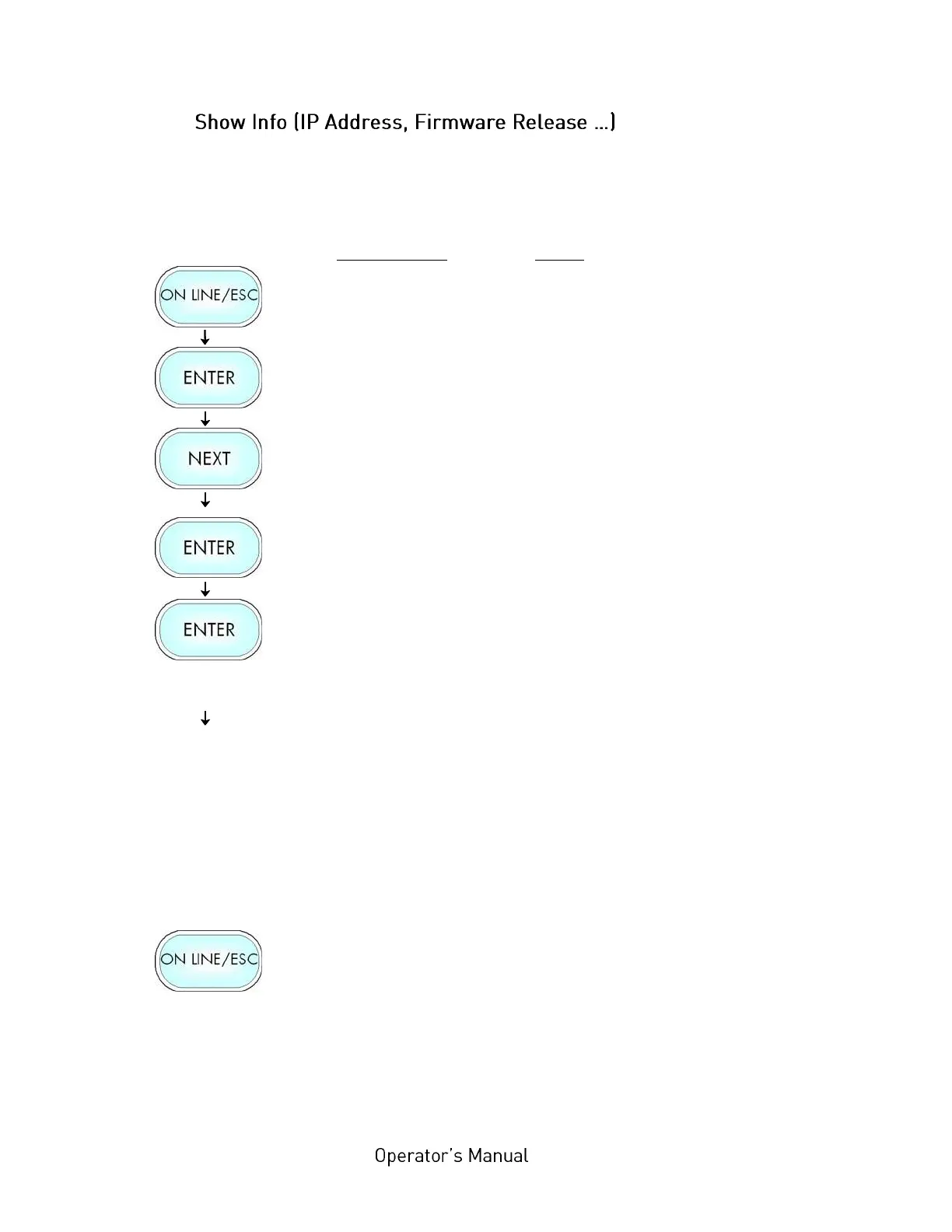
Turn the printer OFF LINE with this key.
Press this key. Menu Level 1 is selected.
Press the NEXT or PREVIOUS key until
[Show Info ] is displayed.
Press this key. The Show Info menu is
selected.
Press this key again to show the IP
Address of your printer.
Alternative: Use the NEXT or PREVIOUS
key to select for example the Firmware
Release or the Serial Number of your
printer.
The currently set IP Address is displayed.
If you need to change the setting, refer to
section 7.33 Configuration of Network
Parameters.
Turn the printer ON LINE again: Press
the ON LINE key longer than 2 seconds.



 To Next Page