68 Operation and Menu Structure
_________________________________________________________________________________________
_________________________________________________________________________________________
Microplex logiJET TC8 Edition 1.2
6.2. Power Supply and Turning on the Printer
Make sure that the voltage of the main power always matches the
Please notice the instructions given in chapter 5 Handling of
Consumables.
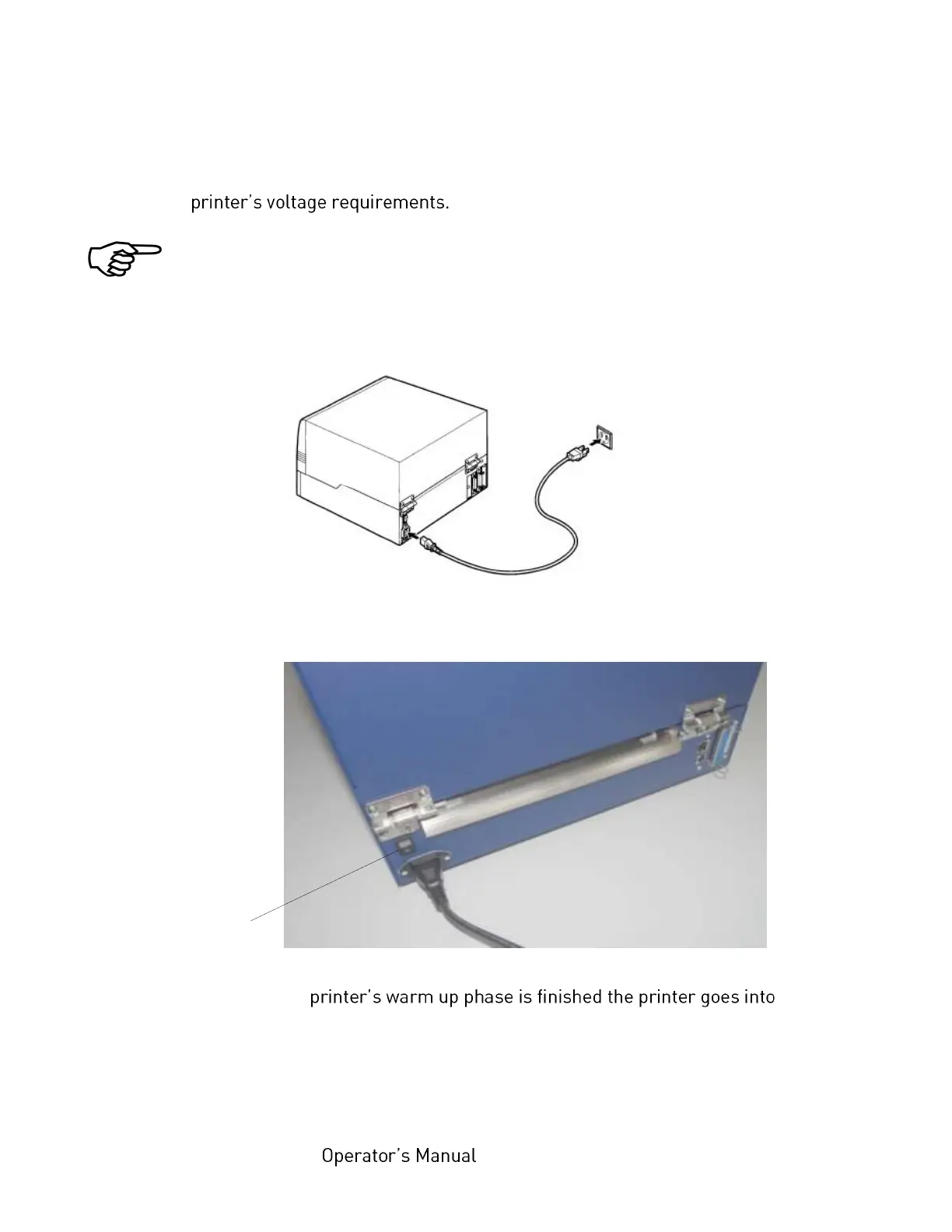
1. Plug one end of the printer power cord into the socket at the back of the
printer and the other end into a properly grounded outlet.
2. Turn on the printer. The power switch is located at the right side of the
printer (near the paper input opening).
As soon as the the
ON LINE mode. A status message and the name of the printer are displayed.
Note: You can change the language that appears on the touch panel.
Use the Display Language Selection panel function (see section 7.18).



 To Next Page