70 Operation and Menu Structure
_________________________________________________________________________________________
_________________________________________________________________________________________
Microplex logiJET TC8 Edition 1.2
6.4. Function of the Control Panel Elements
Display
The display serves to show for example the
messages.
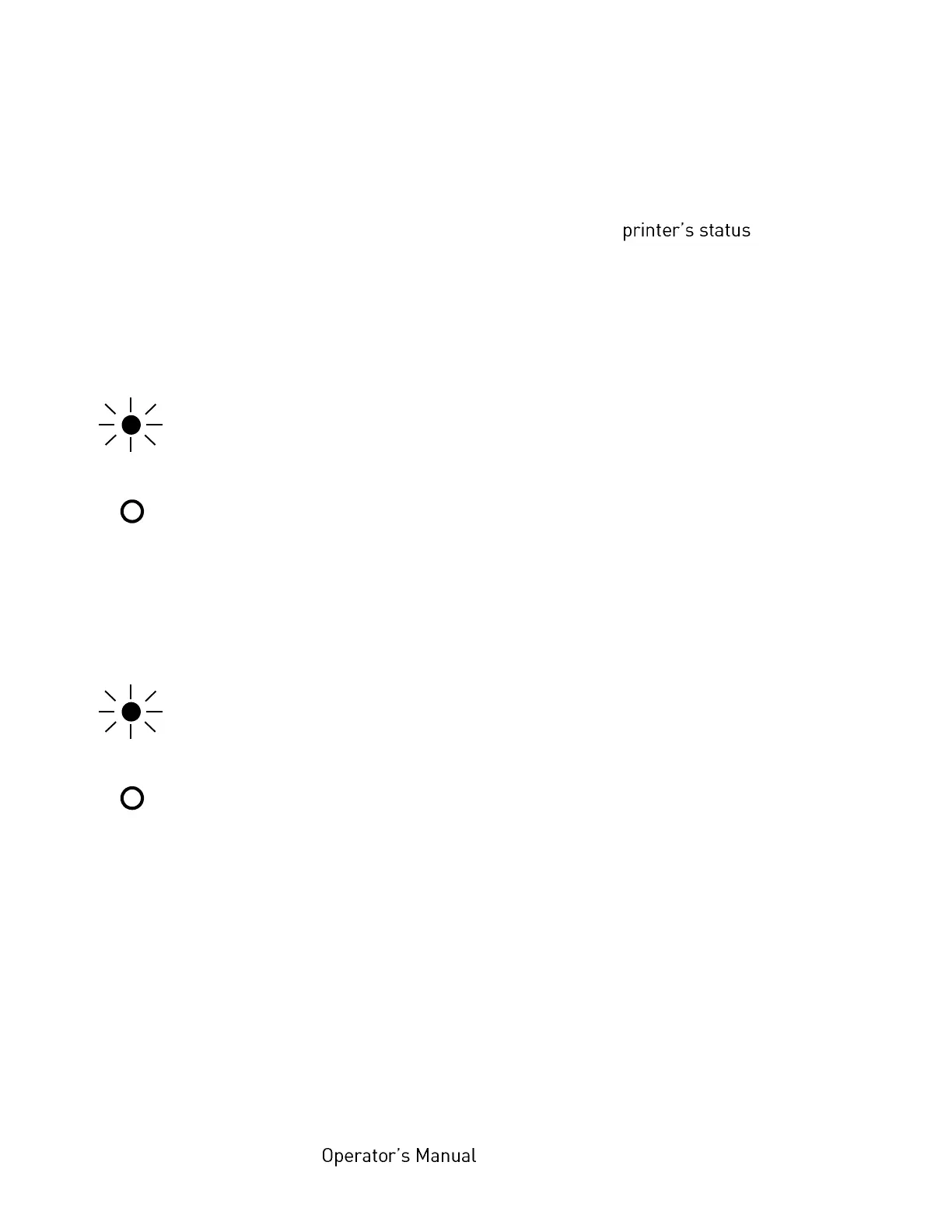
POWER - LED (applies only to logiJET TC8 equipped with display and 6 function keys)
The printer is on.
The printer is off.
ON LINE - LED (applies only to logiJET TC8 equipped with display and 6 function keys)
The printer is ready to receive data from the host (the printer is ON
LINE).
The printer is not ready to receive data from the host (OFF LINE).
The control panel keys are active.
Indication of Errors
When an error occurs, a corresponding error message is displayed by the printer.
In addition the background color of the touchscreen changes to red (this only applies
to logiJET TC8 printers equipped with touchscreen).



 To Next Page