EasyManua.ls Logo

Microplex LOGIJET TC8 - Menu Structure

Default Icon
205 pages
Print Icon
To Next Page IconTo Next Page
To Previous Page IconTo Previous Page
Loading...
74 Operation and Menu Structure
_________________________________________________________________________________________
_________________________________________________________________________________________
Microplex logiJET TC8 Edition 1.2
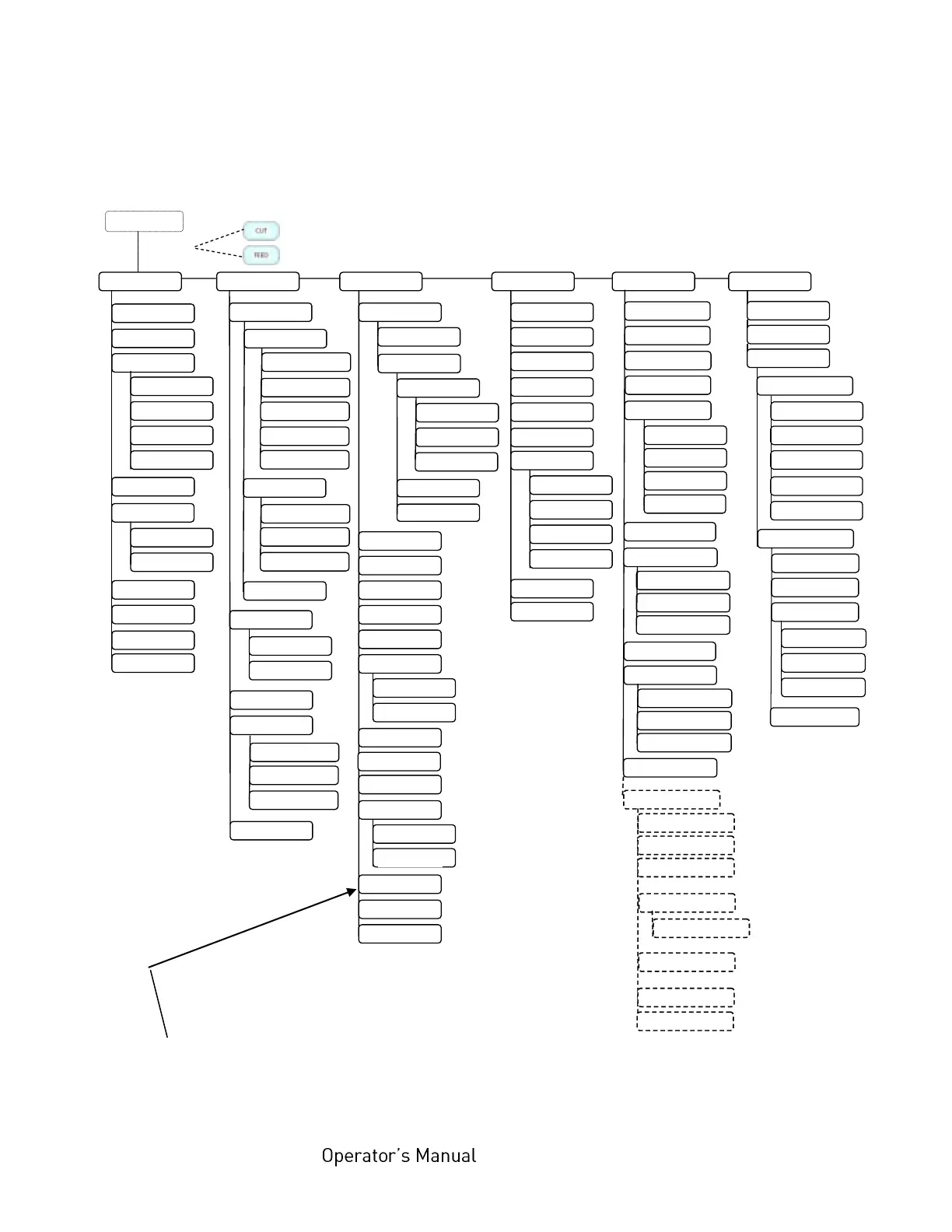
6.6. Menu Structure
Access to the menu structure is possible as soon as the printer is turned OFF LINE.
The menu structure of the printer logiJET TC8 is arranged in different levels:
ON LINE mode

OFF LINE
Menu Level 1
Status Sheet
Show Info
Normal Print/FF
Cancel Job
Menu Page
Sliding Pattern
Hexdump
Paper Menu
Paper Length
in inch
Two-Up Mode
Configuration
Interface
SIA Timeout
RS 232
RS 232 Protocol
RTS/CTS
XON/XOFF
Baudrate
RS 232 Fm.
None
Emulation
Language
Input Buffer
Transparent Code
Config. Word
User Config.
Select
Define
Factory Default
Page Menu
Font Number
Orientation
Margin
Left
from Right
Top
from Bottom
Engine
Print Direct.
Paper Type
in mm
Line Spacing
Symbol Code
Time Setting
Date Setting
Char. Spacing
Paper Width
Network
Font List
Extended Menu
in 1/300 inch
Key Lock
RFM
Line Termination
File Management
Directory
AcousticSignals
Key Tone
Printspeed
Density
Image X-Pos.
TearOff Mode
Torque Foil Mot.
TearOff Menu
TearOff Position
Image Y-Pos.
DHCP
Manual
Off
IP Address
Subnet Mask
Gateway
IP Assign
10MB HalfDuplex
10MB FullDuplex
Autonegotiation
Duplex/Speed
100MB HalfDuplex
100MB FullDuplex
Sensor Test
in inch
in mm
Error Tone
Timeout
Y-Direction
X-Direction
in 1/300 inch
Sync.-Menu
Sync.Sens.Level
Sync.Sens.Offset
Sync.Sens.Logic
Change by IF
NumberOfCopies
PCL Y-Offset
Auto.Sens.Adj.
Print Mode
Paper Size
Print-Files
Last Error
Persistent DHCP
MediaEnd Detect.
Measure Length
Auto.Measurement
Slip Menu
SNMP
Ethernet
Service Menu
Dot Test
Periph. Device
Head Resistance
Optional Devices
...
Pattern Test
...
Image Y-Pos.
Image X-Pos.
...
Testpage Letter
Testpage DIN A4
Slip Correction
IP Address
Firmware Release
Serial Number
Printer Emulation
Pattern Page
Label (with Gap)
Black Mark
Continuous
This panel function allows the user to choose a reduced menu instead
of the extended menu shown above.

Table of Contents

Related product manuals