When creating your color document (for example by using a
windows application software), please do not disregard the color
allocations described in section 12.1 and 12.2.
When you print a file, be sure that the driver settings are
correct:
See example screenshots on the next pages.
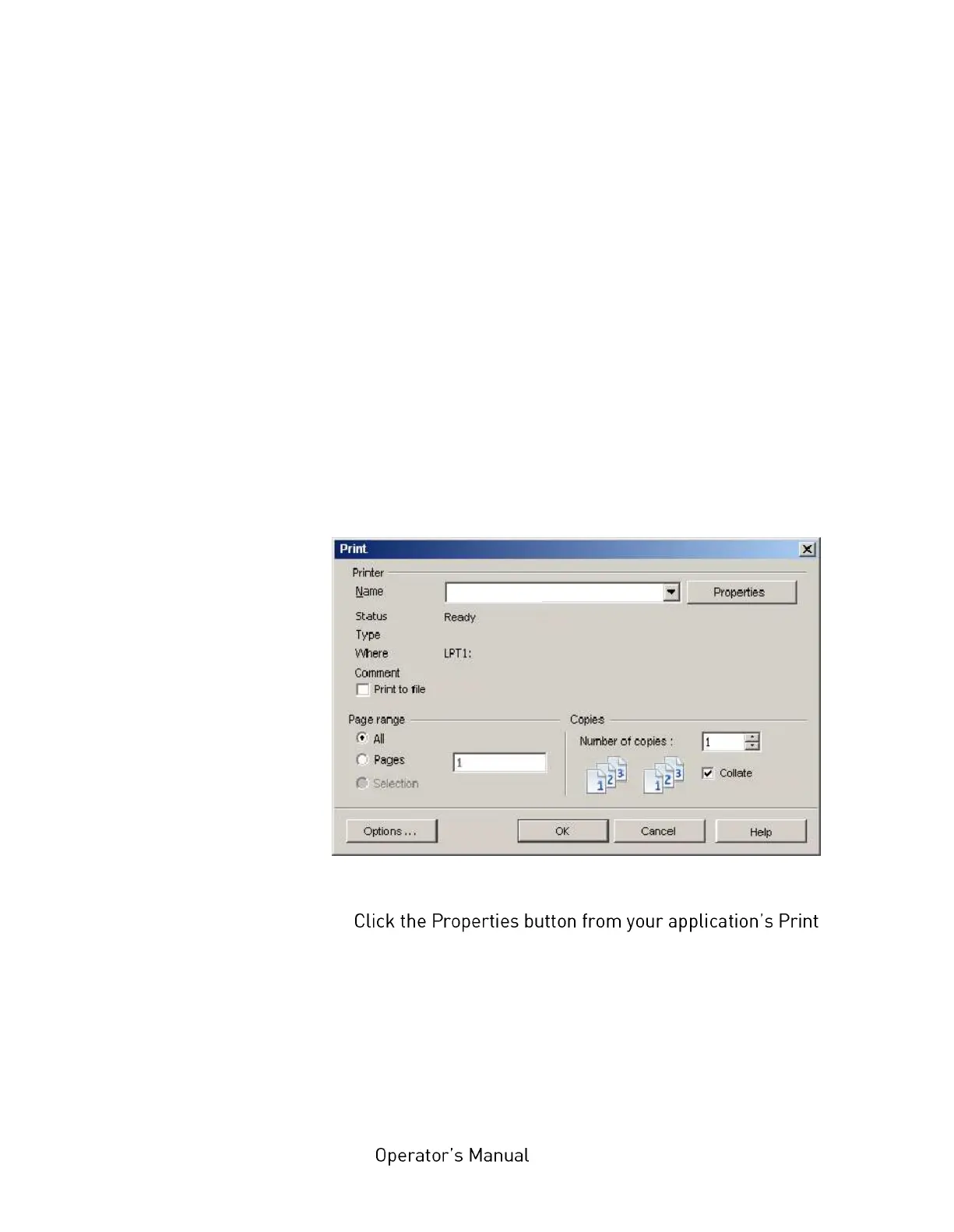
1. If you choose to print your document from a Windows
application program a print dialogue box appears.
This dialogue usually specifies the name of the printer on which
you will print your document.
Fig. 12.3.4.a Print dialogue box
2.
dialogue.
The driver window opens to allow you to specify your printing
preferences for this document:



 To Next Page