Operation and Menu Structure 67
_________________________________________________________________________________________
_________________________________________________________________________________________
Microplex logiJET TC8 Edition 1.2
6. Operation and Menu Structure
6.1. Attaching the Printer to a Network/PC
1. Make sure the printer, computer, and any other attached devices
are turned off and unplugged.
2. Use a proper interface line to connect the printer to the computer or to
attach the printer to the network.
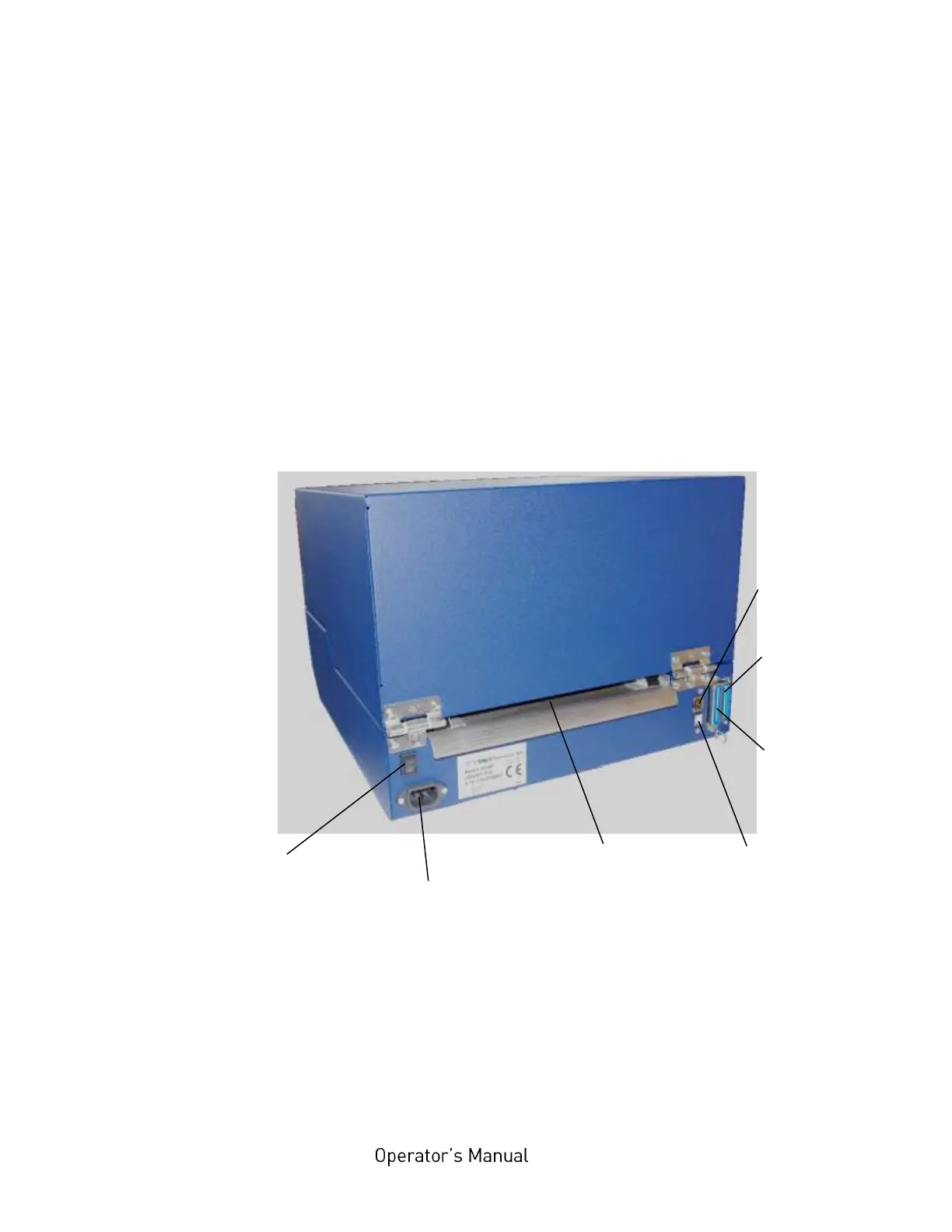
The printer logiJET TC8 is provided with several interface:
Fig. 6.1.a Rear view of the printer



 To Next Page