Handling of Consumables 45
_________________________________________________________________________________________
_________________________________________________________________________________________
Microplex logiJET TC8 Edition 1.2
5.2.2. Ribbon Loading
For printer operation both print units have to be equipped with
an own printer ribbon.
Make sure you always use printer ribbons in the same width or
being slightly wider than the media to print on.
In the case of printing on abrasive media printhead damaging
can be avoided this way.
Don much broader ribbons than the media to print on,
because this combination may lead to ribbon wrinkles.
To set the ribbon go on like this (the following work steps are
valid for both print units):
1. Turn the printer OFF LINE.
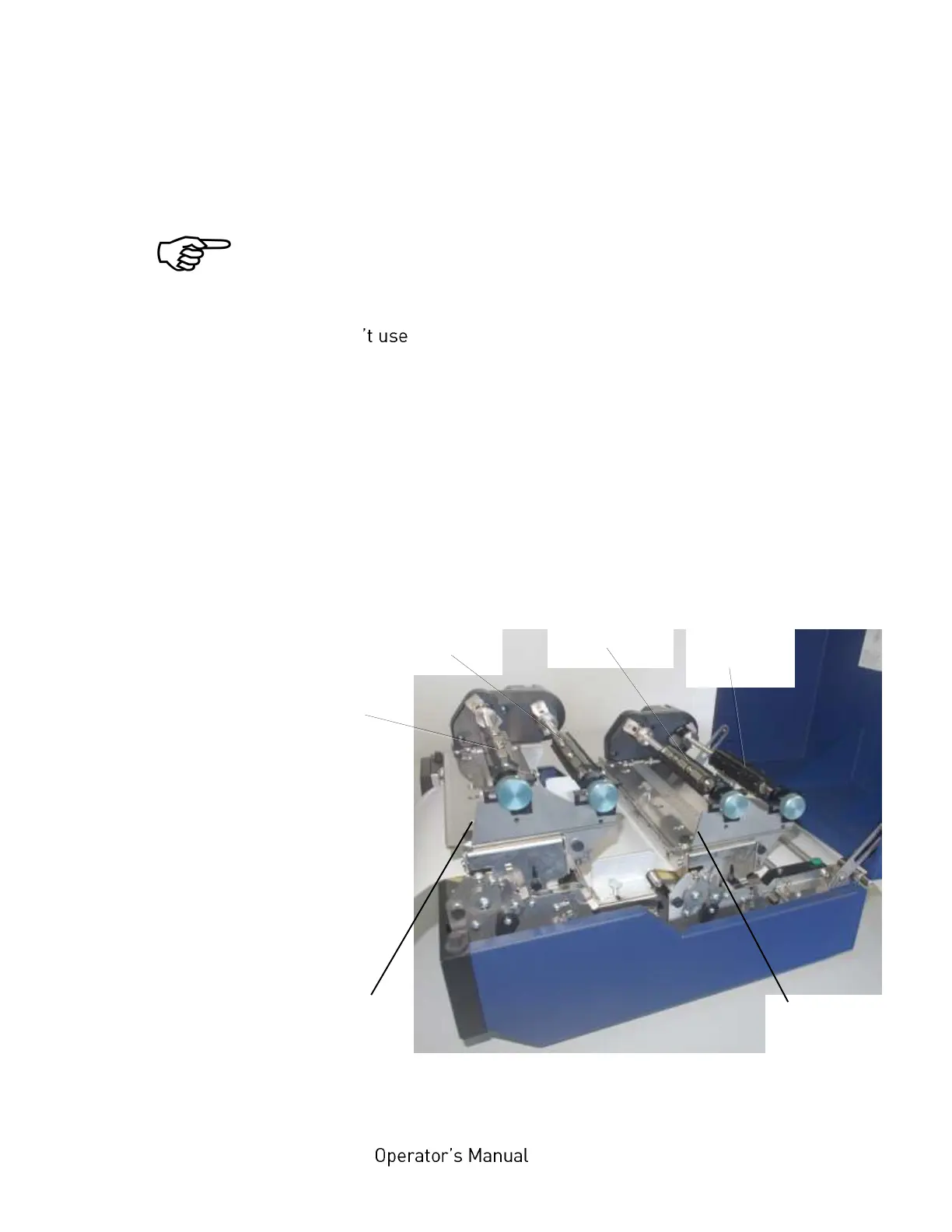
2. Open the top cover of the printer.
Fig. 5.2.2.a Printer opened



 To Next Page