46 Handling of Consumables
_________________________________________________________________________________________
_________________________________________________________________________________________
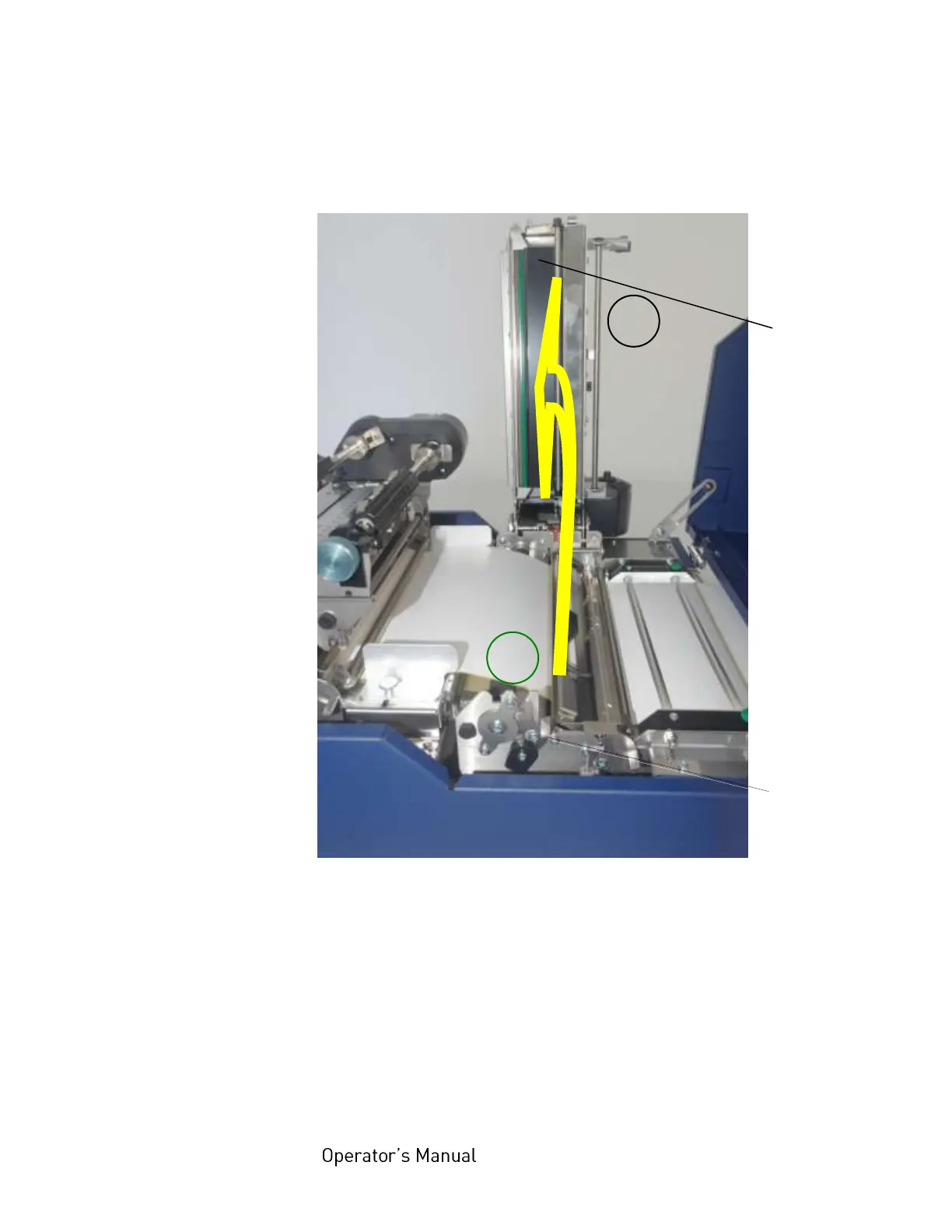
Microplex logiJET TC8 Edition 1.2
3. Unlock the printhead assembly by pushing the release
lever.
Fig. 5.2.2.b Releasing the printhead assembly and swivelling it upward
4. Swivel the printhead assembly upward until it stops and
stands upright.
5. Take the two ribbon mandrels out of the printer and adjust
them to the width of your new ribbon.
(A detailed description of this prodedure can be found in the
previous section).



 To Next Page