Handling of Consumables 41
_________________________________________________________________________________________
_________________________________________________________________________________________
Microplex logiJET TC8 Edition 1.2
5.2. Handling of Ribbon (Foil)
5.2.1. Adjusting the Ribbon Mandrels
The printermechanism (of both, the front and the rear print
unit) allows you to align the lateral position of the ribbon to the
printhead and to the lateral position of the media. The ribbon
has to be loaded centre-aligned (matching the print
media/paper, compare section 5.1).
To align the ribbon for example to the currently used paper you
have to adjust the flange as described in the following (the
following work steps are valid for both print units):
1. Turn the printer OFF LINE.
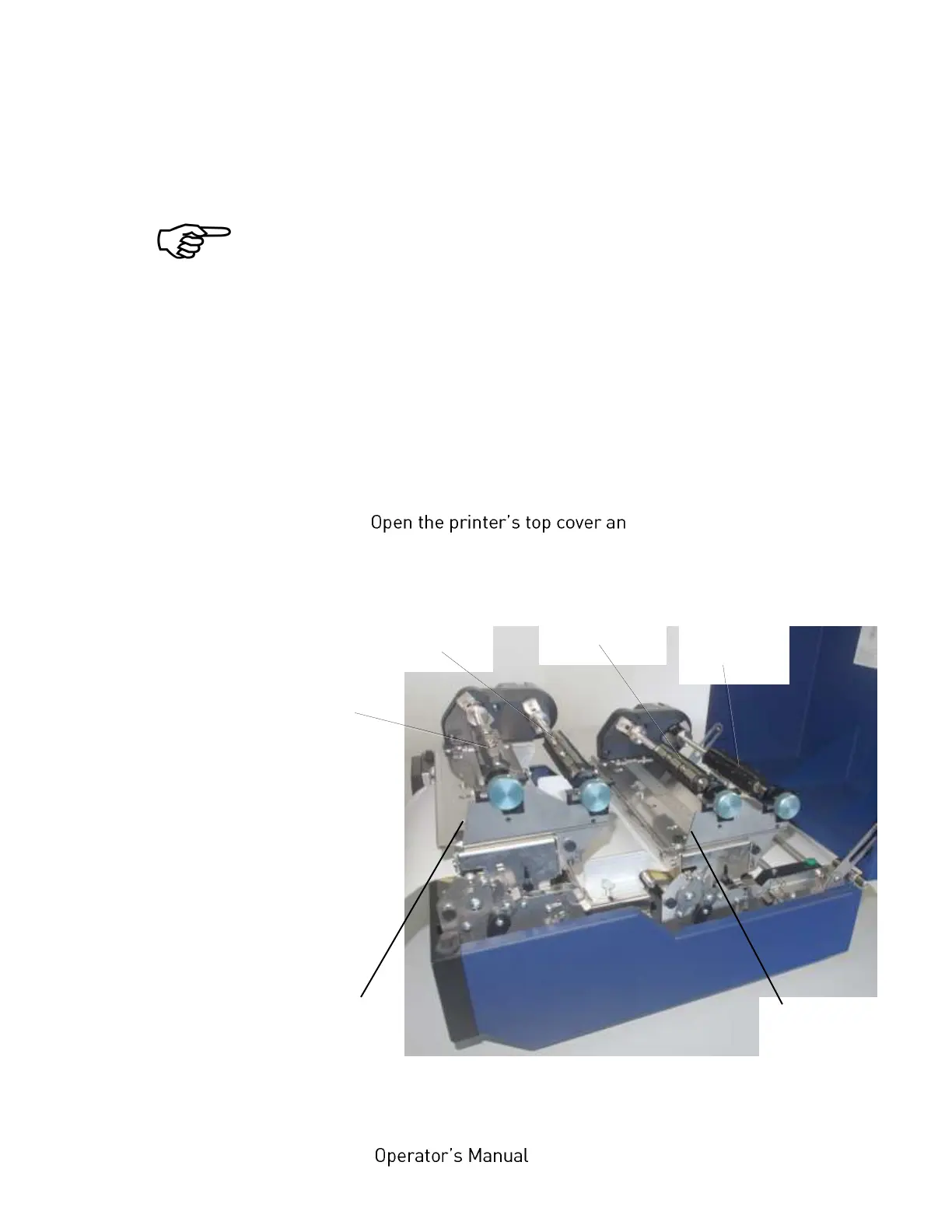
2. d swivel it to a vertical
position.
Fig. 5.2.1.a Printer opened



 To Next Page