42 Handling of Consumables
_________________________________________________________________________________________
_________________________________________________________________________________________
Microplex logiJET TC8 Edition 1.2
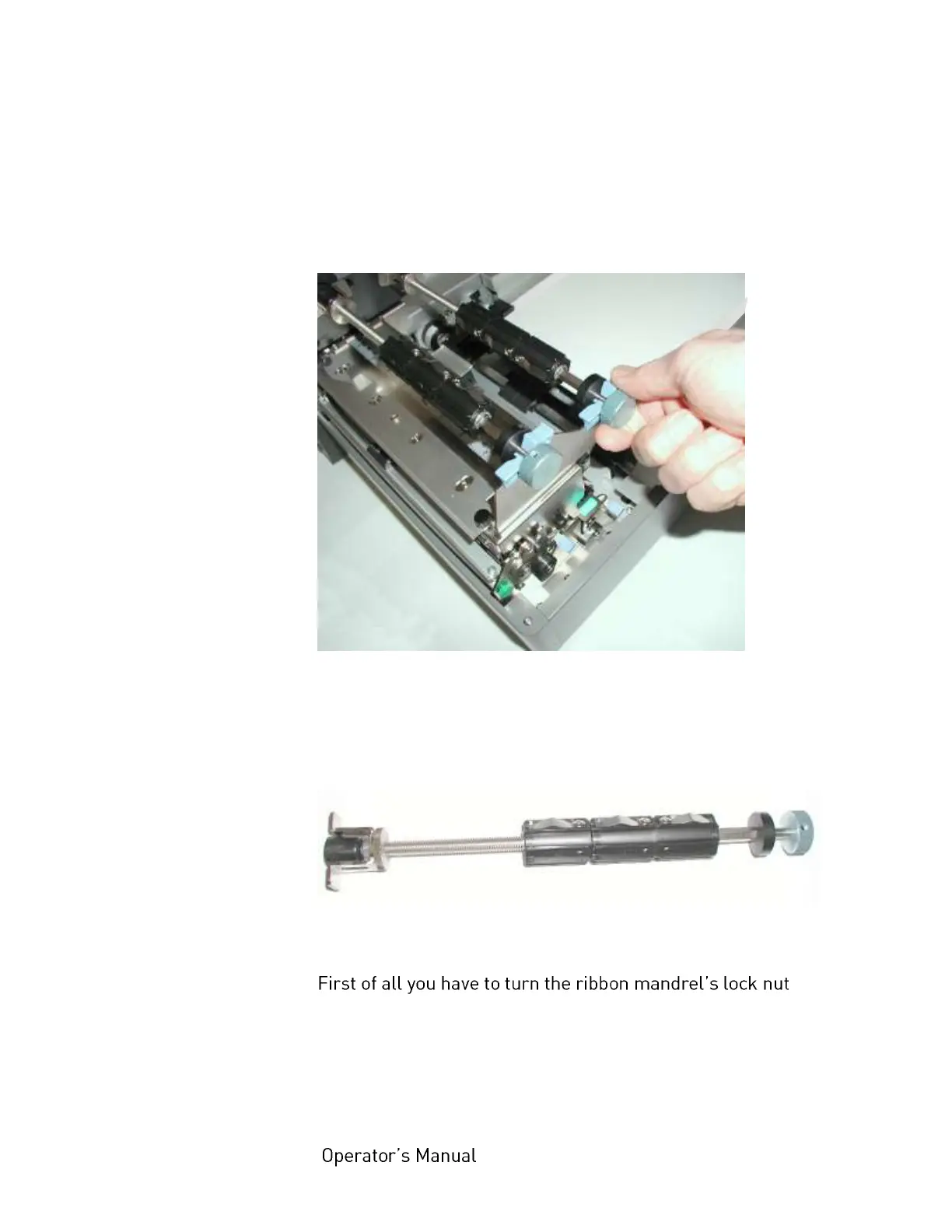
3. Take the ribbon mandrels (ribbon supply shaft and ribbon
rewind shaft) of the relevant print unit out of the printer.
Fig. 5.2.1.b Taking out the ribbon mandrels
4. Remove the old ribbon, if need be (remove the cores from
the ribbon mandrels).
Fig. 5.2.1.c Empty ribbon mandrel
5.
counterclockwise to allow the following adjustments.



 To Next Page