Handling of Consumables 43
_________________________________________________________________________________________
_________________________________________________________________________________________
Microplex logiJET TC8 Edition 1.2
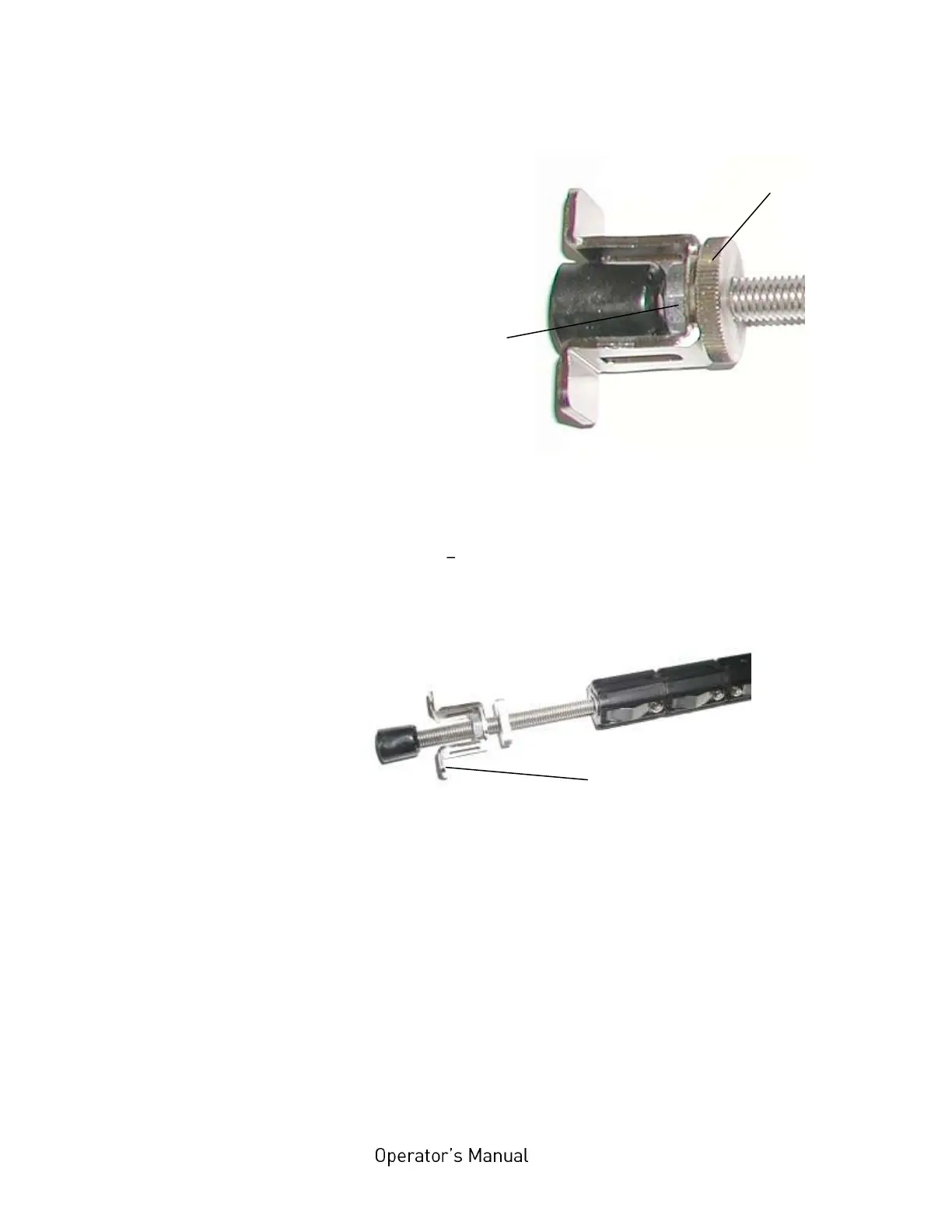
Fig. 5.2.1.d Loosening the lock nut
6. Now turn the Ribbon positioning nut to move it - for
example towards the middle of the ribbon mandrel. In
this example the flange can be adjusted to a ribbon with a
smaller width.
Fig. 5.2.1.e Adjusting the flange to a ribbon with a smaller width
7. Referring to the scale on top of the printhead assembly,
adjust the flange so that the ribbon is put in the center of
the media. The value of half the ribbon width being used is
the actual value on the scale.



 To Next Page