44 Handling of Consumables
_________________________________________________________________________________________
_________________________________________________________________________________________
Microplex logiJET TC8 Edition 1.2
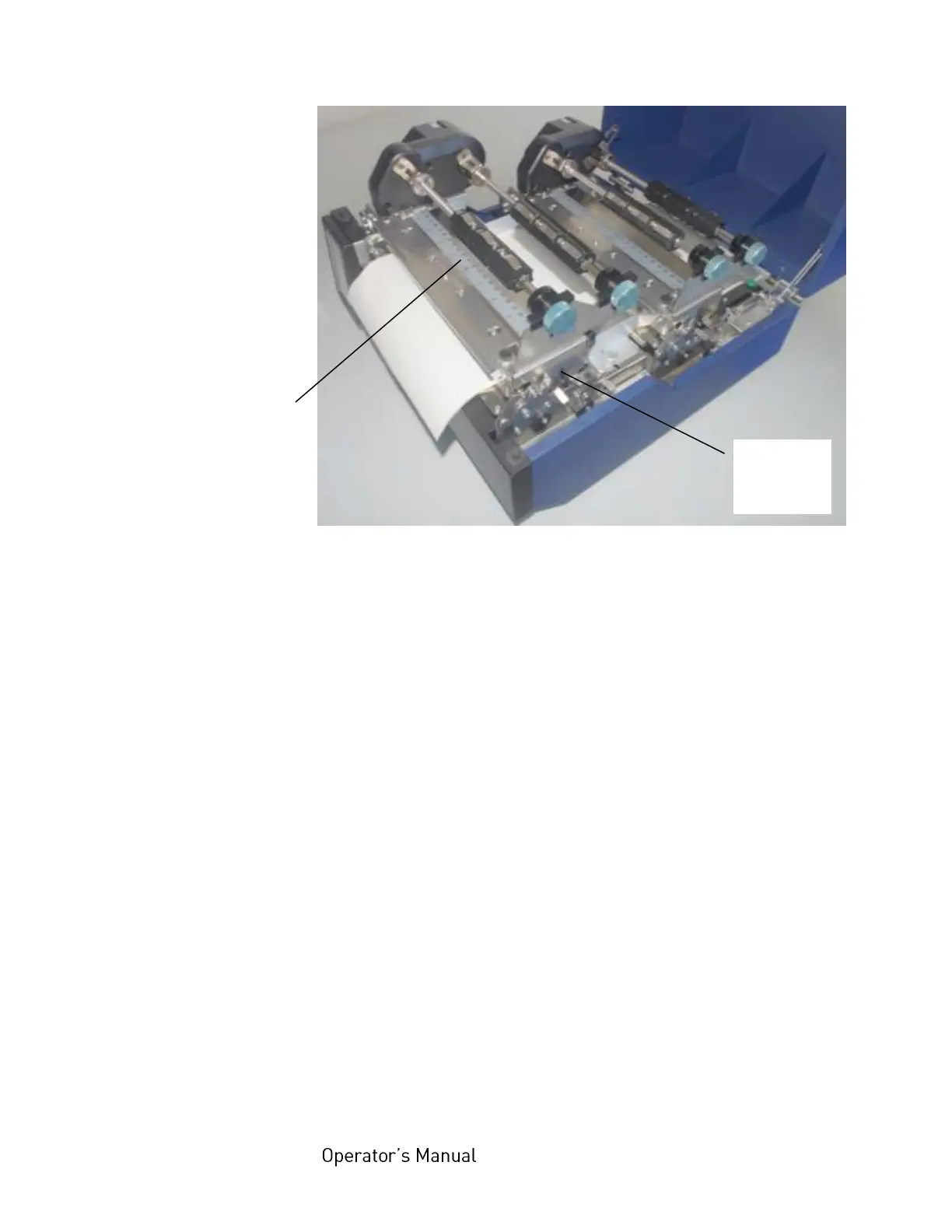
Fig. 5.2.1.f Scale on top of the printhead assembly
8. Check to see that the ribbon is positioned properly and fix
the ribbon positioning nut by turning the lock nut
clockwise.
9. Repeat the procedure described above for the second
ribbon mandrel of this print unit. Both mandrels have to
be adjusted to the same width.



 To Next Page