Panel Functions 119
_________________________________________________________________________________________
_________________________________________________________________________________________
Microplex logiJET TC8 Edition 1.2
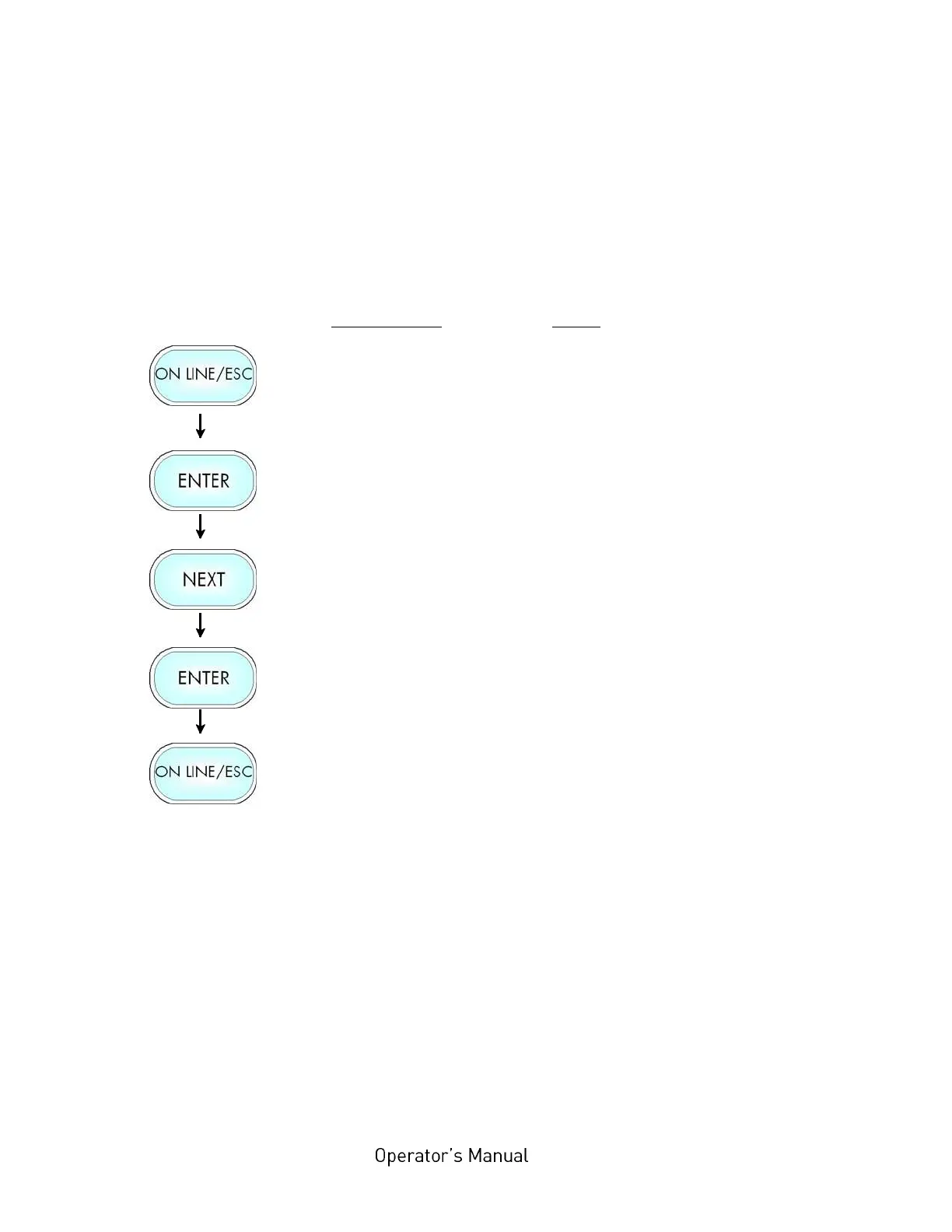
7.13. Clearing the Input Buffer (Cancel Job)
This function permits the resumption of a print job at a
particular page after a print interruption (e.g. paper jam). The
data contained in the input buffer before the interruption are
cleared.
Panel display
[ON LINE ]
[Menu Level 1 ]
[Status Sheet ]
[Cancel Job ]
[Cancel Job ]
Notes
Turn the printer OFF LINE with this
key.
Menu level 1 is selected.
Press the NEXT or PREVIOUS key
until [Cancel Job ] is displayed.
All data contained in the input
buffer will be cleared.
Turn the printer ON LINE again:
Press the ONLINE key longer than
2 seconds.



 To Next Page