Installation 13
_________________________________________________________________________________________
_________________________________________________________________________________________
Microplex logiJET TC8 Edition 1.2
2. Installation
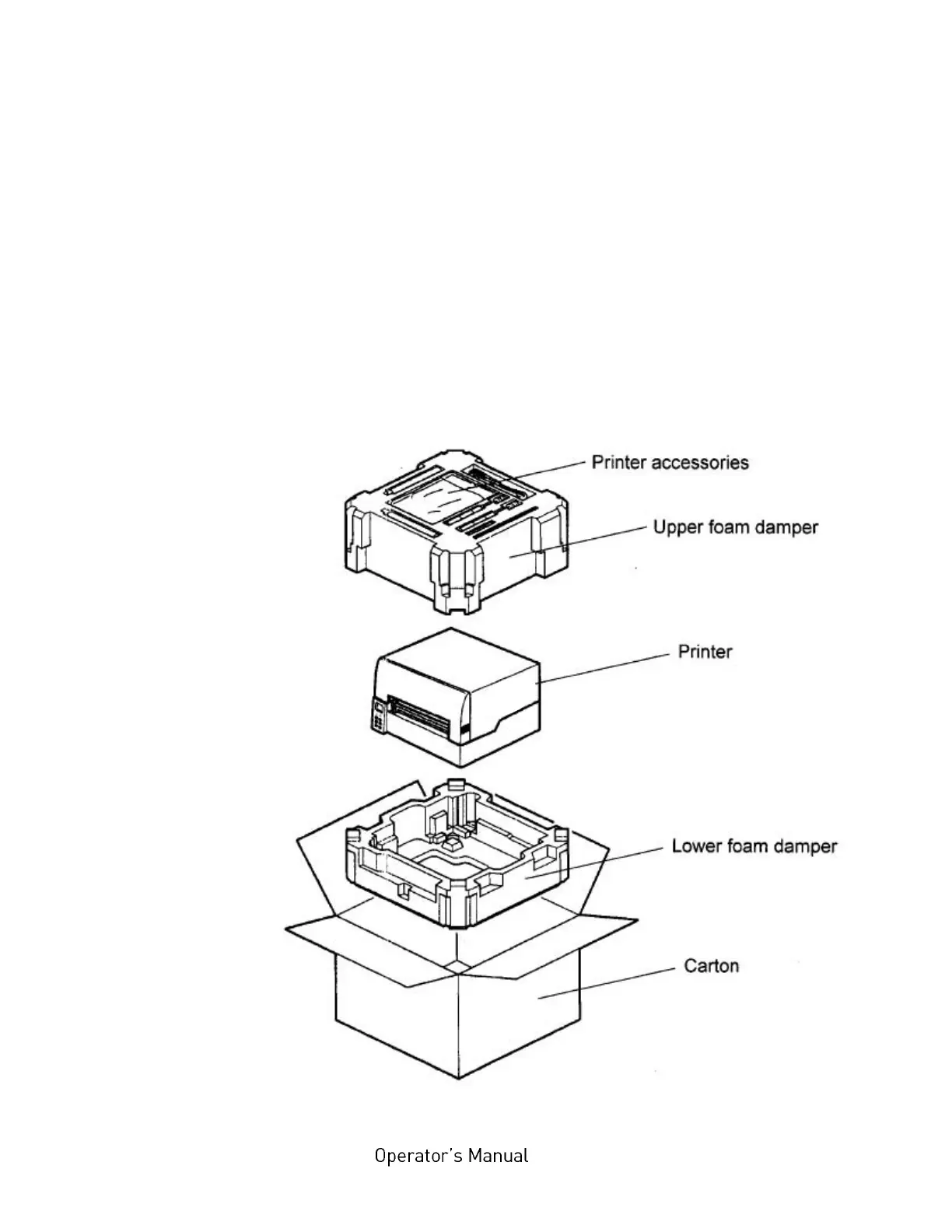
2.1. Printer Unpacking
1. Open the box and and remove the packing materials lying on top
to lay open the upper foam damper.
Hint: The packing materials of your printer may differ in shape
and appearance from the parts shown in the following
figure.
2. Remove the printer accessories, if need be.
Fig. 2.1.a Printer with packing materials



 To Next Page