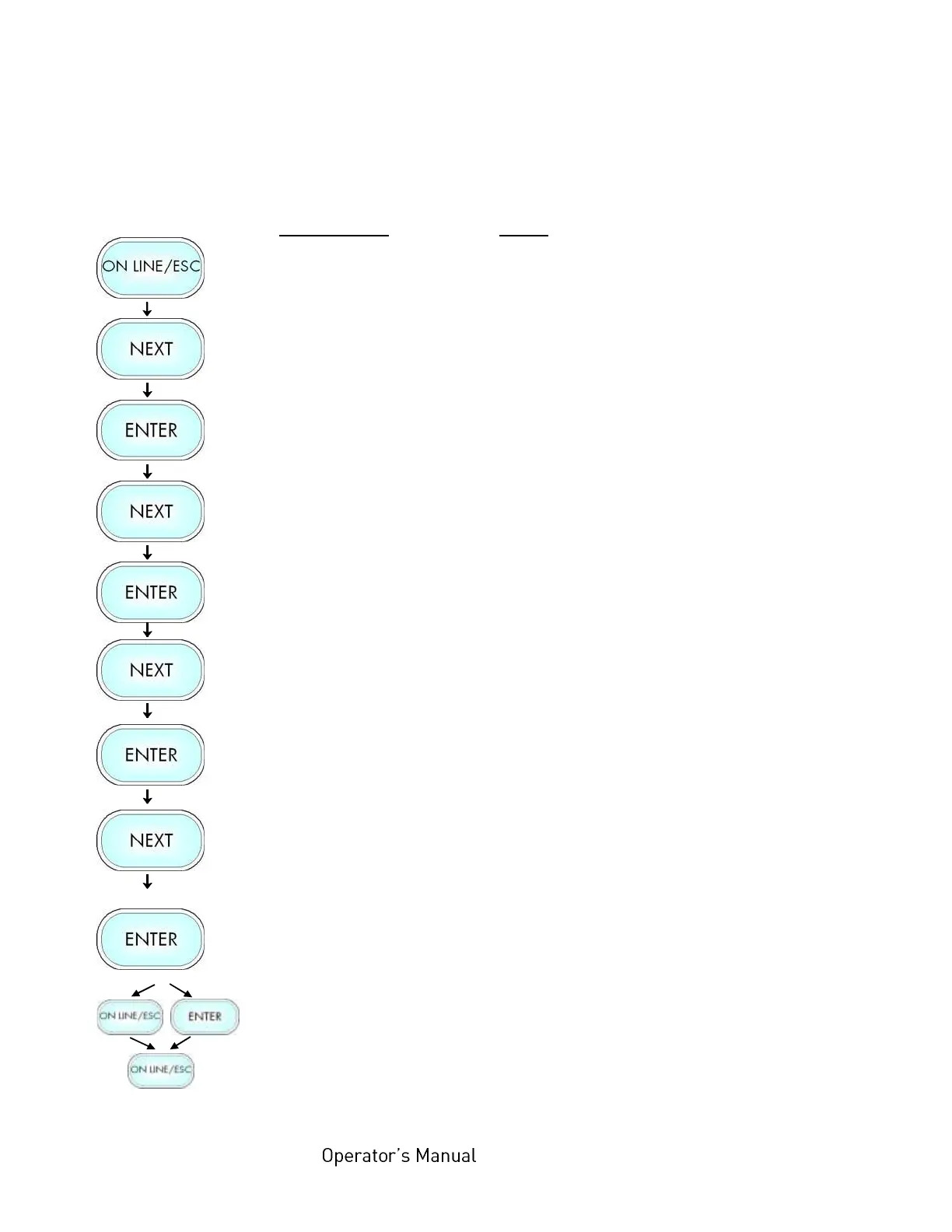
With this function the procedure for the label output and print is defined.
The different print modes are described on the following pages.
Notes
Turn the printer OFF LINE with this
key.
Press the NEXT or PREVIOUS key until
[Engine ] is displayed.
Press the NEXT or PREVIOUS key
until [TearOff Menu ] is displayed.
Press the NEXT or PREVIOUS key
until [Print Mode ] is displayed.
The currently set print mode is
displayed.
Press the NEXT or PREVIOUS key until
the desired print mode is displayed.
The Normal 1:1 mode is selected.
In addition this new value can be saved
as setup value (using the ENTER key).
After this decision turn the printer ON
LINE again: Press the ONLINE key
longer than 2 seconds.



 To Next Page