Panel Functions 145
_________________________________________________________________________________________
_________________________________________________________________________________________
Microplex logiJET TC8 Edition 1.2
Hints on adjusting the position:
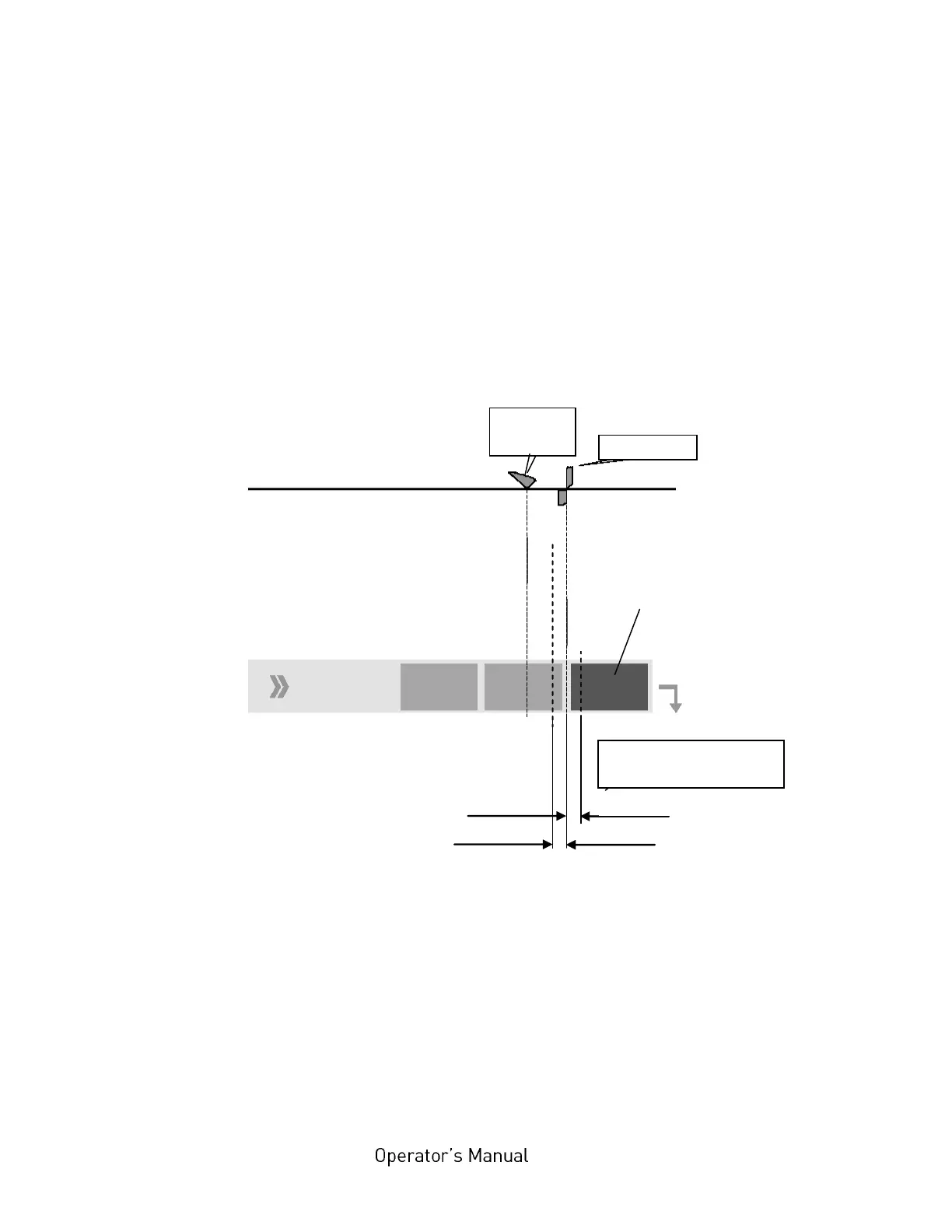
This function is used to change the cutting position of the optional cutter:
Adjusting causes a shift of the cutting position relative to the printer
detected gap position (i.e. relative to the perforation or the start of the
label, compare the following figure).
Setting range for the
cutting position
(Offset: 0 up to +10.7mm)
Changing the SyncOffset has an effect on the cutting position, too.
For further information see section 7.4 Adjusting the Zero Position of
the Material Transport.



 To Next Page