38 Handling of Consumables
_________________________________________________________________________________________
_________________________________________________________________________________________
Microplex logiJET TC8 Edition 1.2
5.1.2. Media Removal
1. Turn the printer OFF LINE.
2.
position.
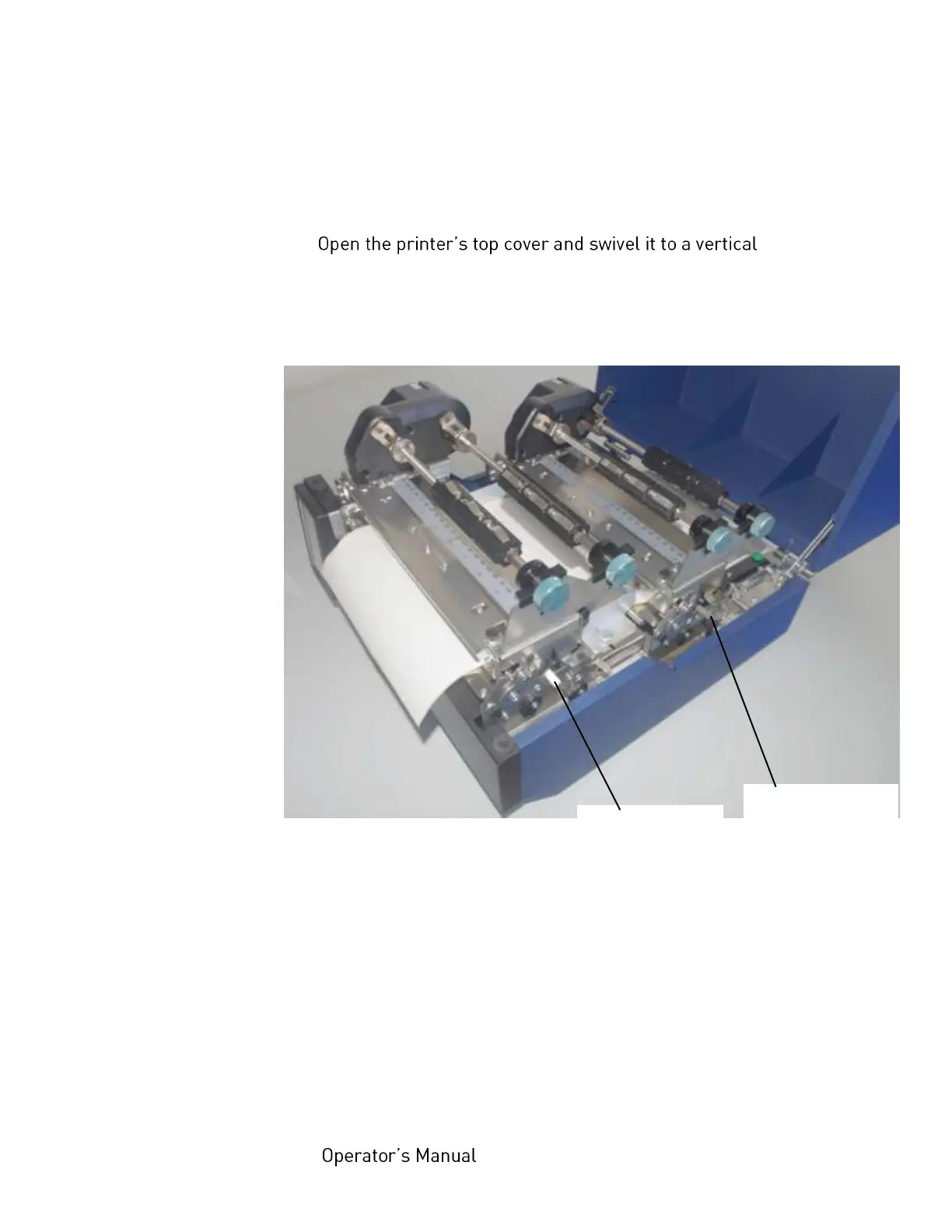
3. Unlock the front printhead assembly by pushing the
printhead release lever and raise the printhead assembly
Fig. 5.1.2.a Unlocking the printhead assemblies
4. Raise the front printhead assembly to a vertical position.
5. Repeat the work steps 3 and 4 at the rear printhead
assembly.
Caution! Both printheads and the platen rollers may be hot.
Front printhead
release lever
Rear printhead
release lever



 To Next Page