Handling of Consumables 39
_________________________________________________________________________________________
_________________________________________________________________________________________
Microplex logiJET TC8 Edition 1.2
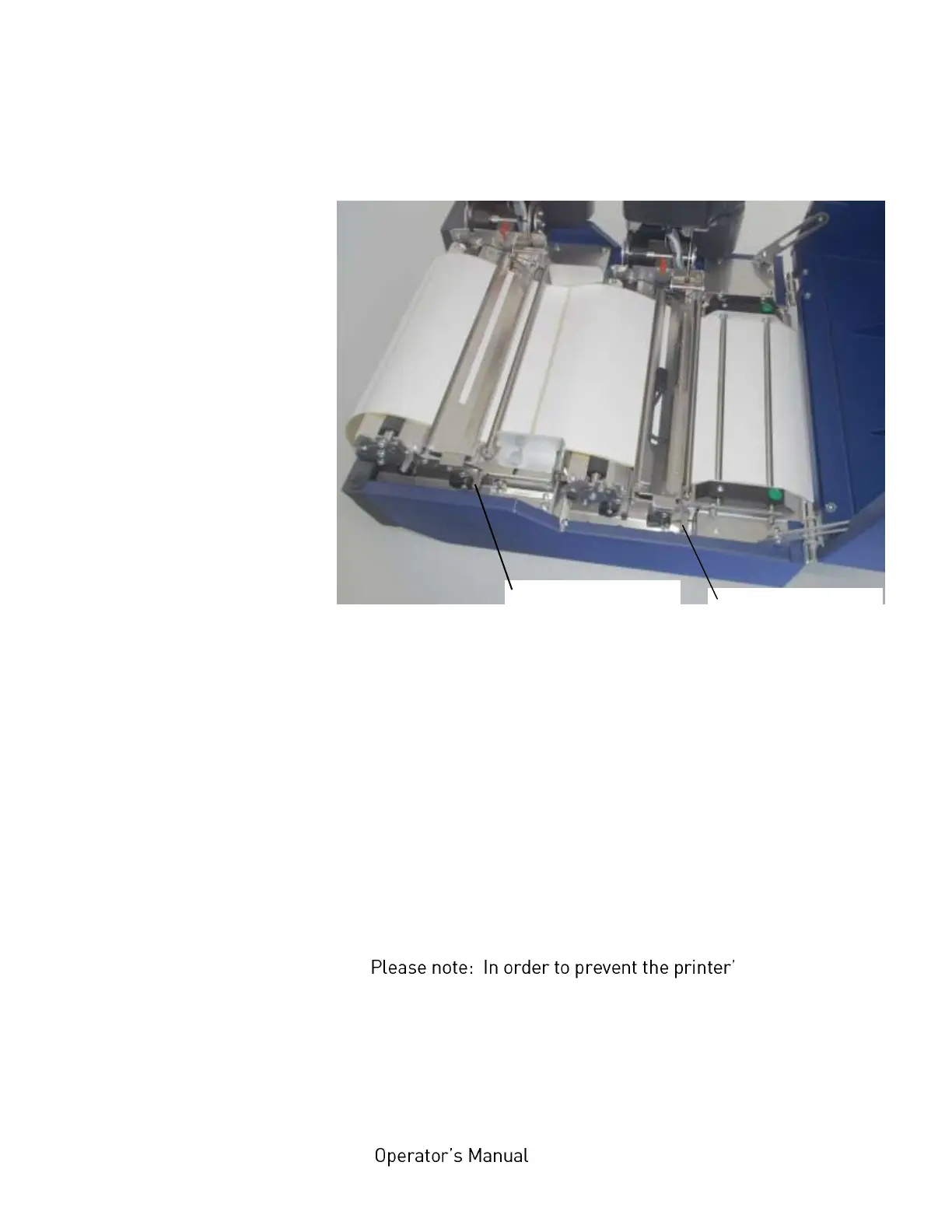
6. Unlock both transparent sensor guides and raise them until
they touch the printhead assemblies.
Fig. 5.1.2.b Unlock both transparent sensor guides
(in order to raise them)
7. Take the media out of the printer by pulling the continuous
media towards the stack behind the printer.
8. Remove the box containing the print media from behind
the printer, if need be.
9. Now you can load the new media to the printer.
s interior from
dust pollution etc. be sure to perform the
following work steps:
Release lever of the
front transpararent
sensor guide
Release lever of the
rear transpararent
sensor guide



 To Next Page