116 Panel Functions
_________________________________________________________________________________________
_________________________________________________________________________________________
Microplex logiJET TC8 Edition 1.2
7.10. Printing the Font List
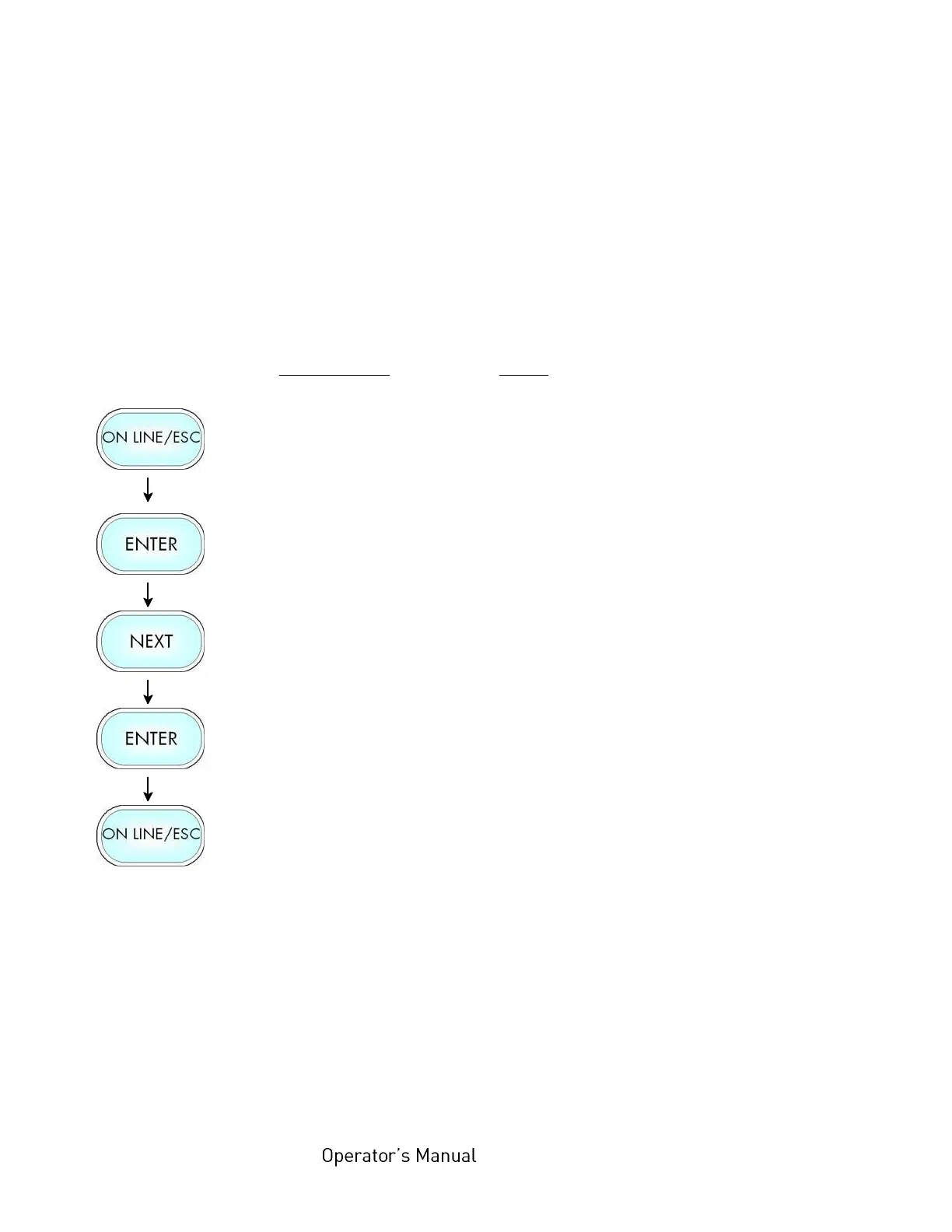
This function generates a list of all fonts installed to the
printer.
The font list shows demo prints of all fonts and, in addition,
the concerning PCL selection commands. These commands
contain information on font width and font height (see section
7.22 Font Selection, too).
Panel display
[ON LINE ]
[Menu Level 1 ]
[Status Sheet ]
[Font List ]
[Font List ]
Notes
Turn the printer OFF LINE with this
key.
Menu Level 1 is selected.
Press the NEXT or PREVIOUS key
until [Font List ] is displayed.
The font list is printed.
Turn the printer ON LINE again:
Press the ONLINE key longer than
2 seconds.



 To Next Page