Panel Functions 141
_________________________________________________________________________________________
_________________________________________________________________________________________
Microplex logiJET TC8 Edition 1.2
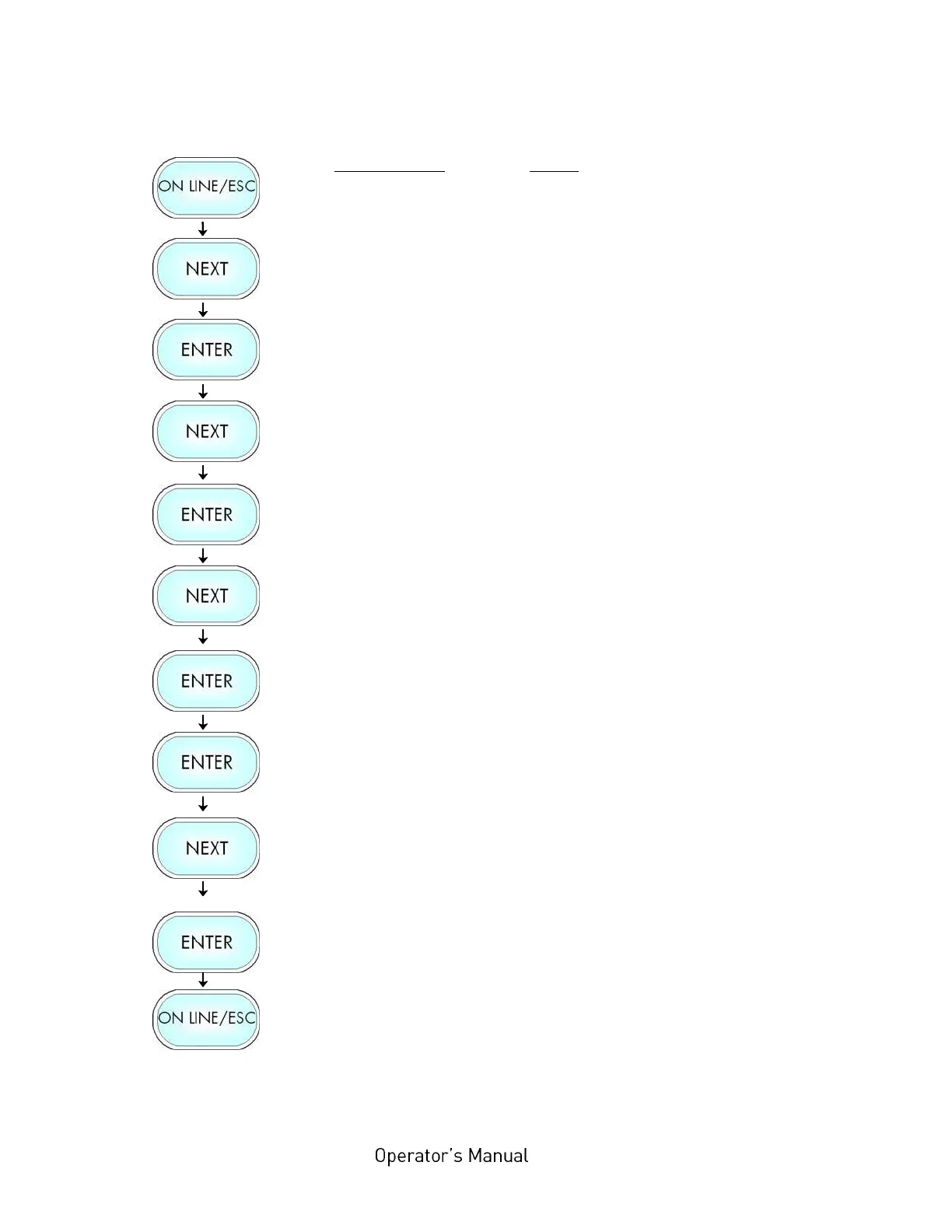
Peripheral device selection:
Panel display
[ON LINE ]
[Menu Level 1 ]
[Engine ]
[Printspeed ]
[Service Menu ]
[Dot Test ]
[Optional Devices ]
[Periph. Device ]
[TearOff Edge ]
[Cutter ]
[Saved ! ]
Notes
Turn the printer OFF LINE with this key.
Press the NEXT or PREVIOUS key until
[Engine ] is displayed.
Press the NEXT or PREVIOUS key until
[Service Menu ] is displayed.
Press the NEXT or PREVIOUS key until
[Optional Devices ] is displayed.
Select the submenu [Periph. Device ] .
Press the NEXT or PREVIOUS key until
the desired peripheral device is
displayed.
The cutter is selected.
Turn the printer ON LINE again: Press
the ON LINE key longer than 2 seconds.
After having finished the settings described above, the printer has to be turned
off and on. After printer power off and on the new settings will be valid.



 To Next Page