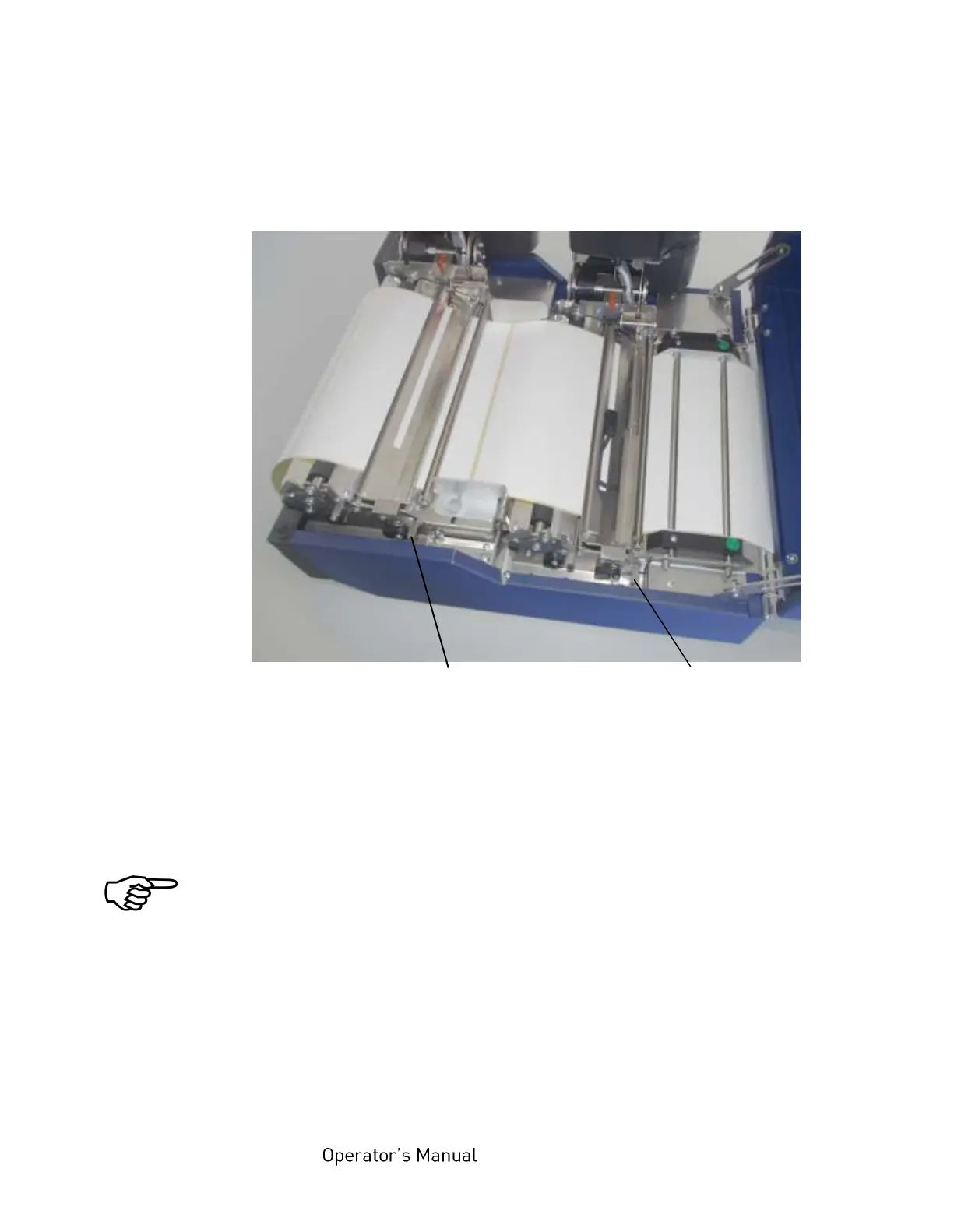
f) Unlock both metal guides (transparent sensor guides) and
swivel them upward until they touch the printhead assemblies.
Fig. 9.4.b Releasing both metal guides (in order to swivel them upward)
g) Remove the creased paper from the printer. (For example
pull the z-folded paper completely out of the printer.)
After every paper jam the paper has to be removed completely from
the paper path.
h) Detach the creased paper at the next perforation.
i) Load new paper to the printer (see chapter 5).
Check if the paper is impeccable (crushed or damped paper
must not be inserted).



 To Next Page