112
M
ANAGING CALLS DND AND CALL FORWARD
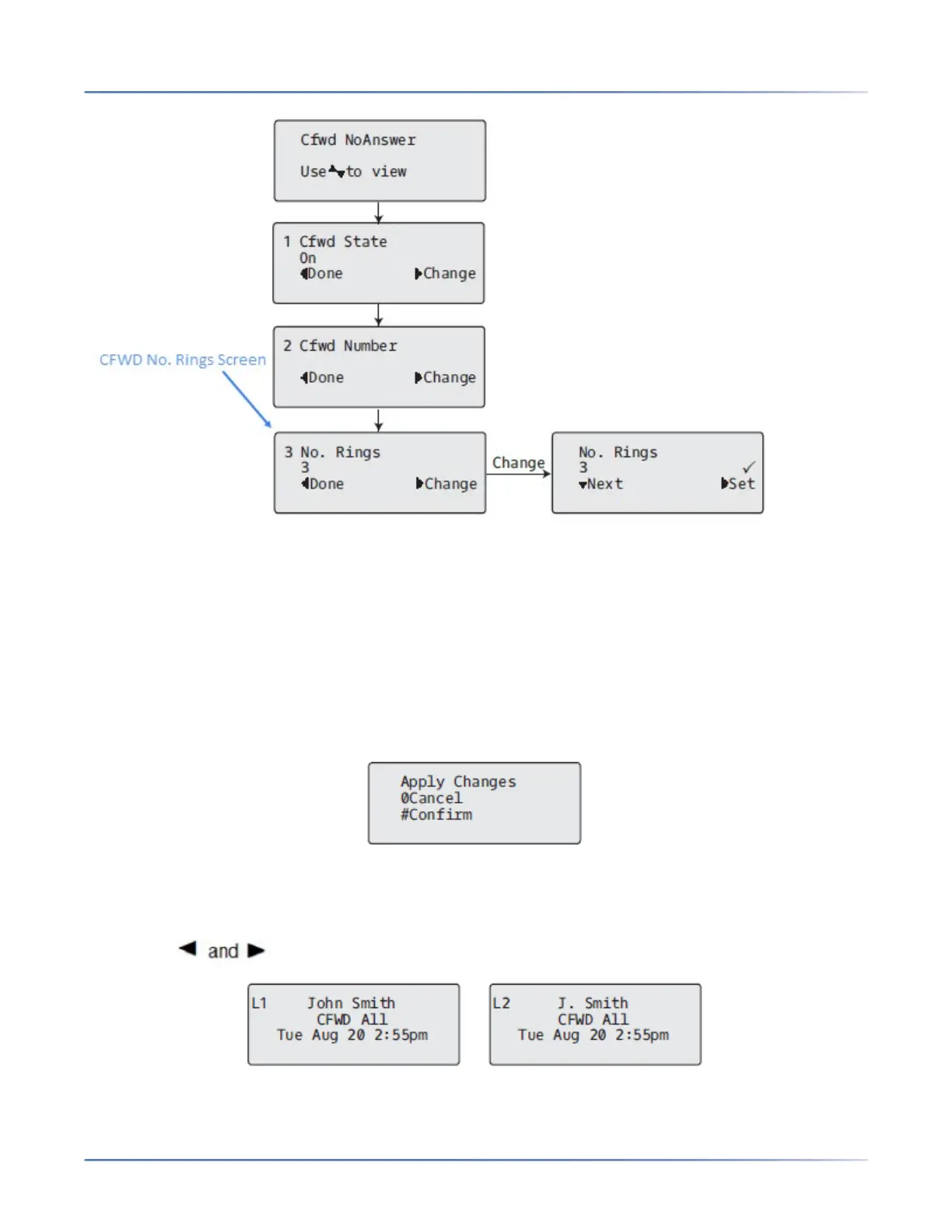
13. Press 2Next to select the number of rings to apply to the phone for call forwarding incoming calls.
Valid values are 1 to 20. Default is 3.
14. When the phone receives an incoming call, and call forward is configured on the phone, the phone
rings the number of times you specify in the No. Rings screen, and then forwards the call if there is
no answer.
15. Press 4 Set to save the change.
16. Press 3 Done to save all your changes.
17. Each time you press 3 Done , the following screen displays.
18. Press # Confirm to confirm the change(s) each time the Apply Changes screen displays. All changes
are saved to the phone.
CFWD in Phone Mode IP Phone UI
1. Use the navigation keys to scroll through each account.



 To Next Page