109/128
Integrating the Door Station into a Network with Static IP Addresses
© MOBOTIX AG • Security-Vision-Systems • Made in Germany
www.mobotix.com • sales@mobotix.com
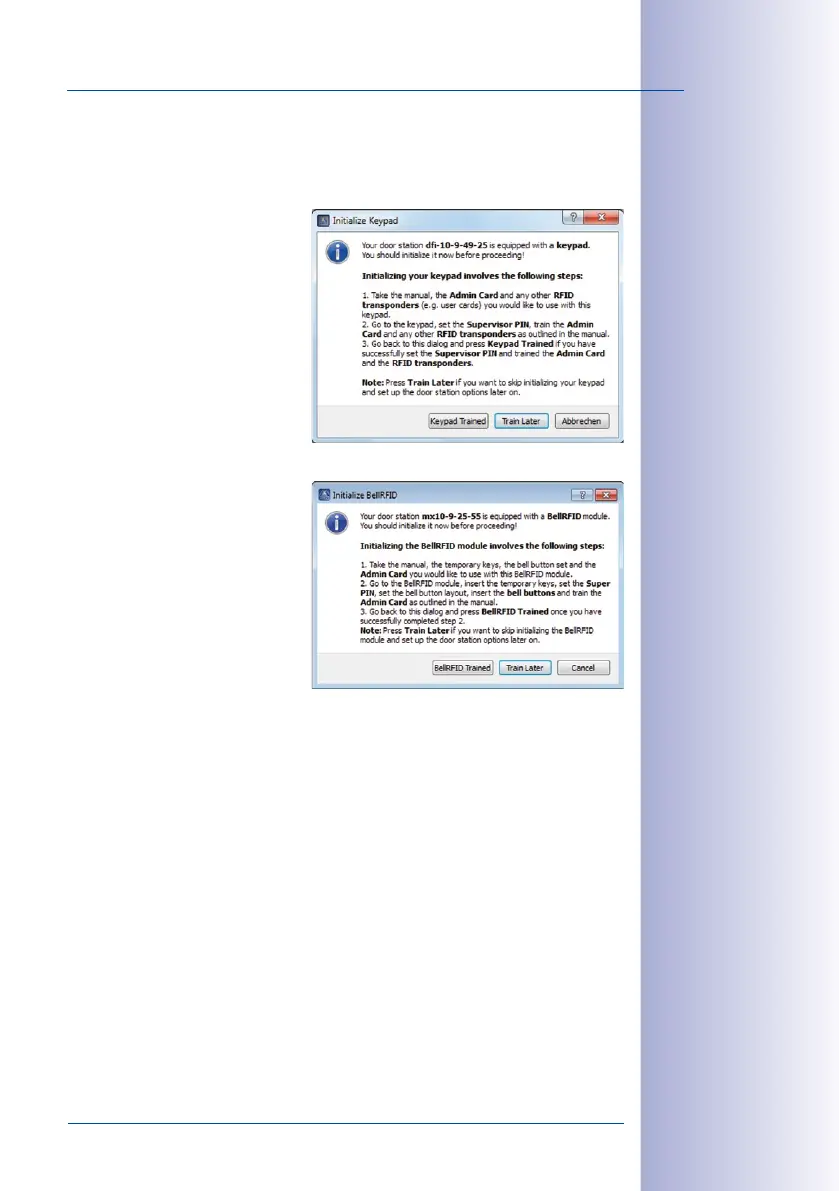
Depending on which access module is connected, the Initialize Keypad or the Initialize
BellRFID window opens:
• Initialize Keypad:
– Click on Train Keypad.
– Enter the Super PIN at the
KeypadRFID module of the
door station, train the admin
card and the desired number
of user cards (see
Section 2.2,
«Step2: Set Up the KeypadRFID
Access Module»
).
–
Next, click on Keypad Trained.
The Specify Door Station
Equipment window opens.
• Initialize BellRFID:
– Click on Train BellRFID.
– Enter the Super PIN at the
BellRFID module of the door
station and set the bell but
-
ton layout (see BellRFID Quick
Install, Installation and Initial
Operation).
–
Next, click on BellRFID Trained.
The Automatic Configuration
window opens once more.
This runs the Automatic Configuration again, allowing you to correct a faulty
entry, if required. Click on Next.
The Specify Door Station Equipment window opens. Proceed as outlined in
Section 5.1.3
,
step6.



 To Next Page