108/128
T25 System Manual Part 2: System Expansion with MxEasy
© MOBOTIX AG • Security-Vision-Systems • Made in Germany
www.mobotix.com • sales@mobotix.com
Step5: Continue to Configure T25 (See Also Section2.3.3 of the MxEasy Manual)
Proceed through the next steps of the MxEasy Wizard. For the settings in the Select Integration
with MxEasy and Configure Access Mode windows, follow the description given above
in
Section 5.1.3, «Connecting a Door Station Using the MxEasy Wizard»
. Next, the Start
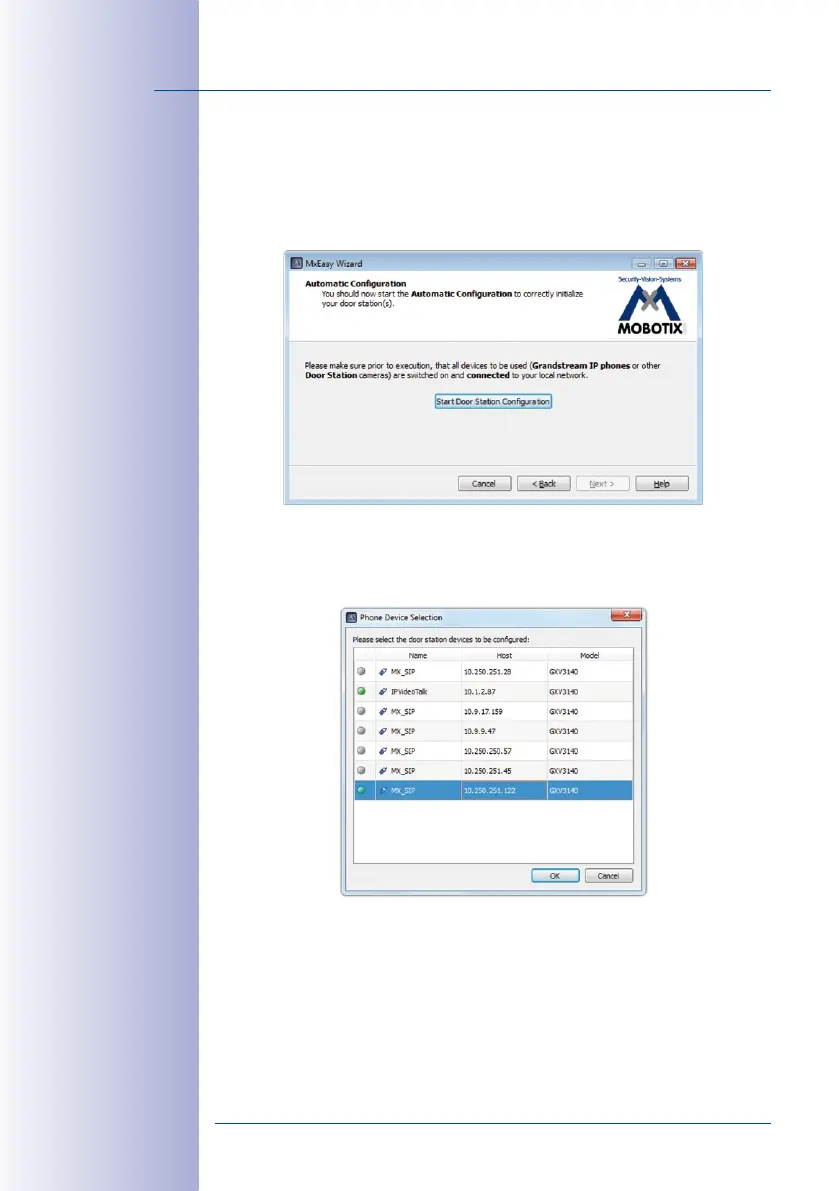
Automatic Configuration windows opens.
1.
Click on Start Door Station Configuration. The system searches for existing Grandstream
IP phones and other door station cameras. If additional door station modules have
been found, they will be displayed in the Phone Device Selection dialog. (A message
will inform you if no additional modules have been found.) Click on Next.
2. Select the door station modules you would like to include in the system. Click on OK.
This will start the Automatic Configuration. Note that this may take several minutes.



 To Next Page