9 Visualization
Maschinenfabrik Reinhausen GmbH 2020 1116385142/08 EN ETOS
®
ED
Time until auto-logout 15.0min
Measured value display Primary values
Transformer name Transformer
Remote behavior Hardware and SCADA
Service user access activation Activated
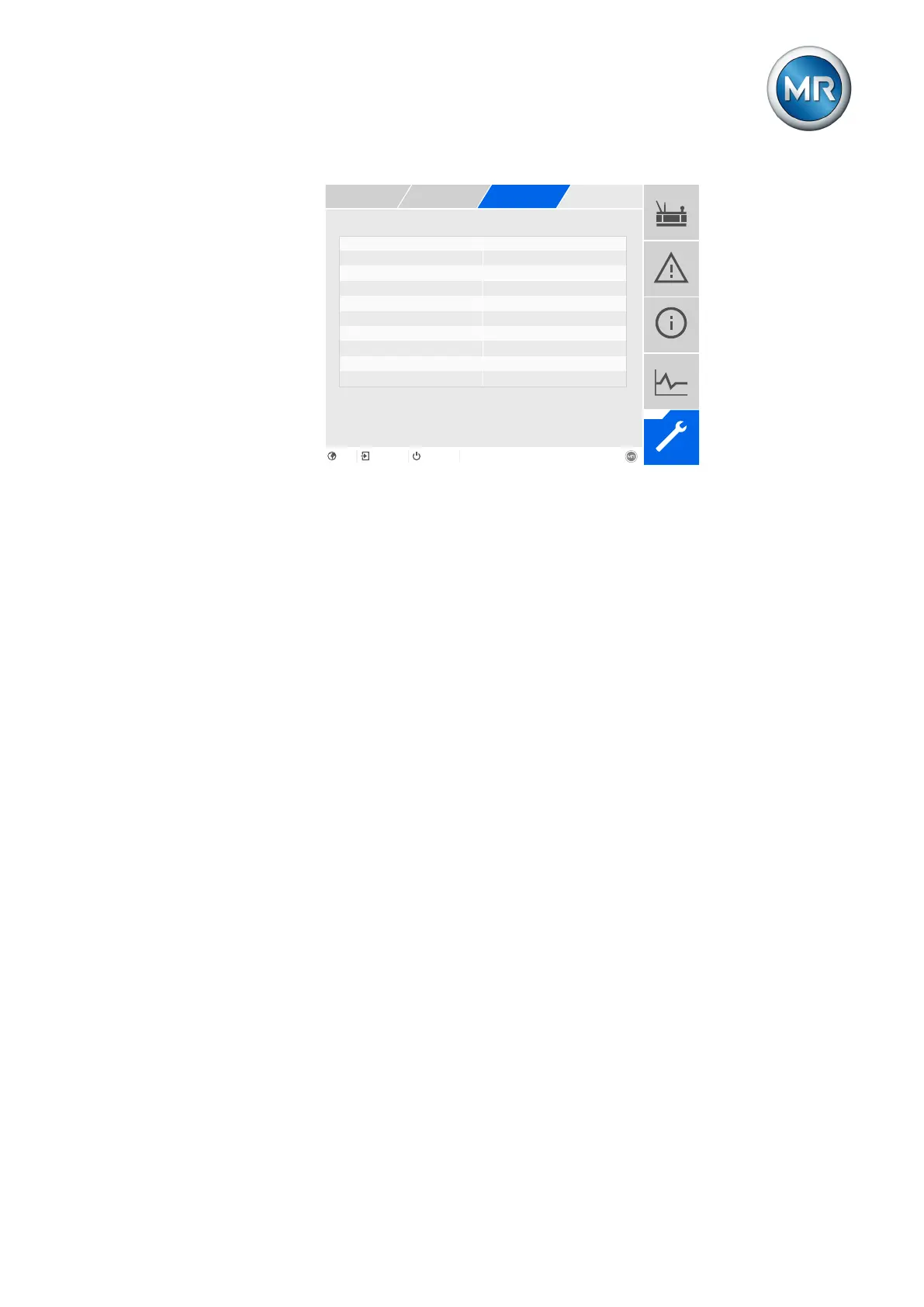
Figure84: General
You must be assigned the administrator role to set parameters.
When in delivery status, you can log in as the administrator as follows:
▪ User name: admin
▪ Password: admin
1. Go to Settings > Parameters > System > General.
2. Select the desired parameter.
3. Set the parameter.
4. Press the Accept button to save the modified parameter.
5. Restart the device to apply the change.
Service user access activation
You can use this parameter to activate or deactivate service user access.
9.3 Configuring the network
You can configure the ETH1 and ETH2.2 network interfaces of the CPU as-
sembly in this menu item.
You can only set the parameters for ETH1 if the device is equipped with the
optional control system connection via Ethernet (TCP/IP):
▪ IEC61850
▪ IEC60870-5-104
▪ Modbus (Modbus type TCP active)
▪ DNP3 (DNP3 transmission type TCP active)
▪ MQTT



 To Next Page