9 Visualization
Maschinenfabrik Reinhausen GmbH 2020 3236385142/08 EN ETOS
®
ED
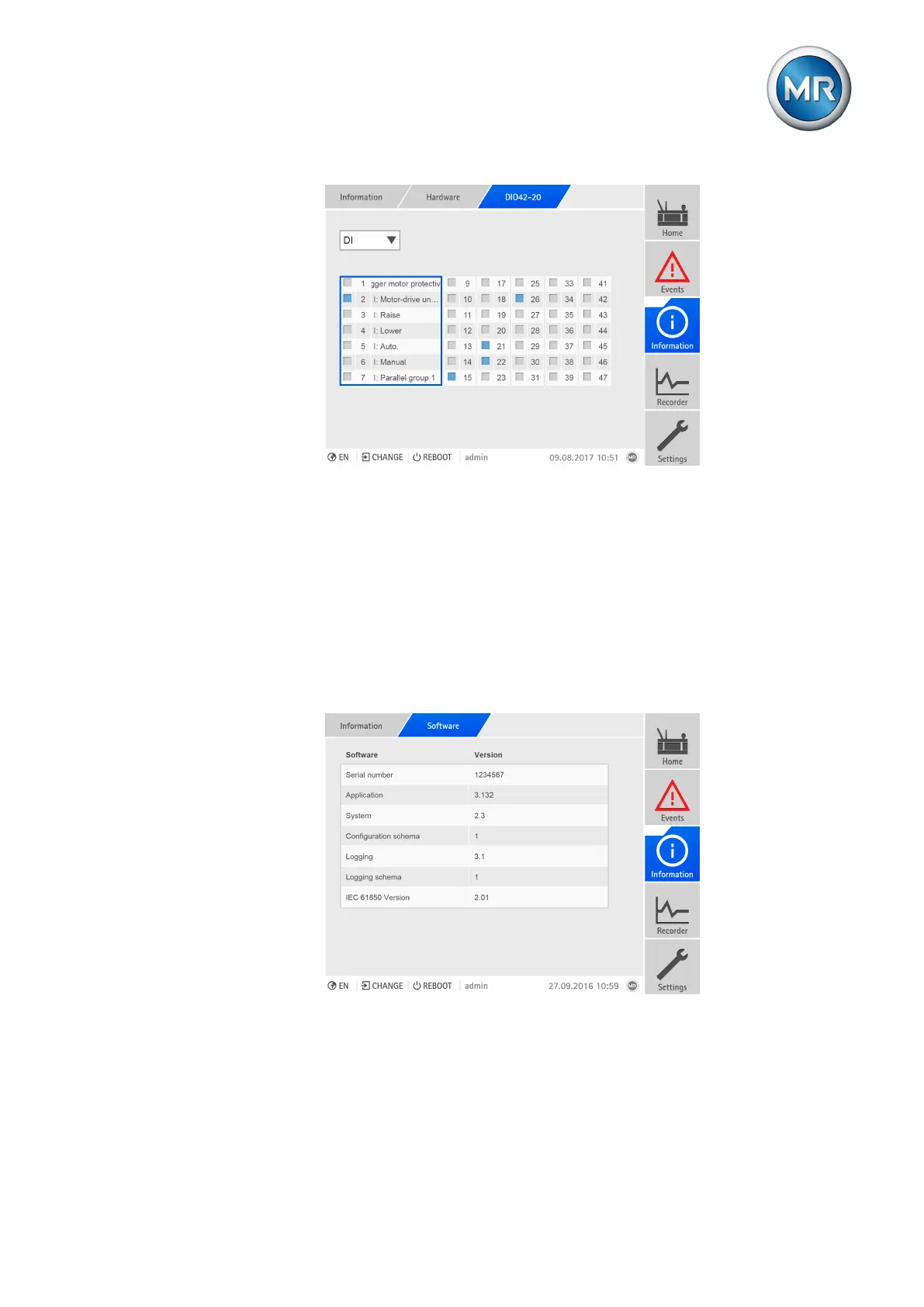
Figure245: Displaying the status of the DIO assembly
1. Go to Information > System > Hardware.
2. Select the desired assembly (DIO).
3. In the selection field, select the desired option (DI = digital inputs, DO =
digital outputs).
4. Select the desired column of channels to display the linked functions.
9.35.2 Software
Under Software, you can display the version status of the software compo-
nents of the device.
Figure246: Information about the device's software
► Go to Information > System > Software.



 To Next Page