9 Visualization
Maschinenfabrik Reinhausen GmbH 2020152 6385142/08 ENETOS
®
ED
Generic SCADA status message 1 500
Generic SCADA status message 2 500
Generic SCADA status message 3 500
Generic SCADA status message 4 500
Generic SCADA status message 5 500
Generic SCADA status message 6 500
Generic SCADA status message 7 500
Generic SCADA status message 8 500
Generic SCADA status message 9 500
Generic SCADA status message 10 500
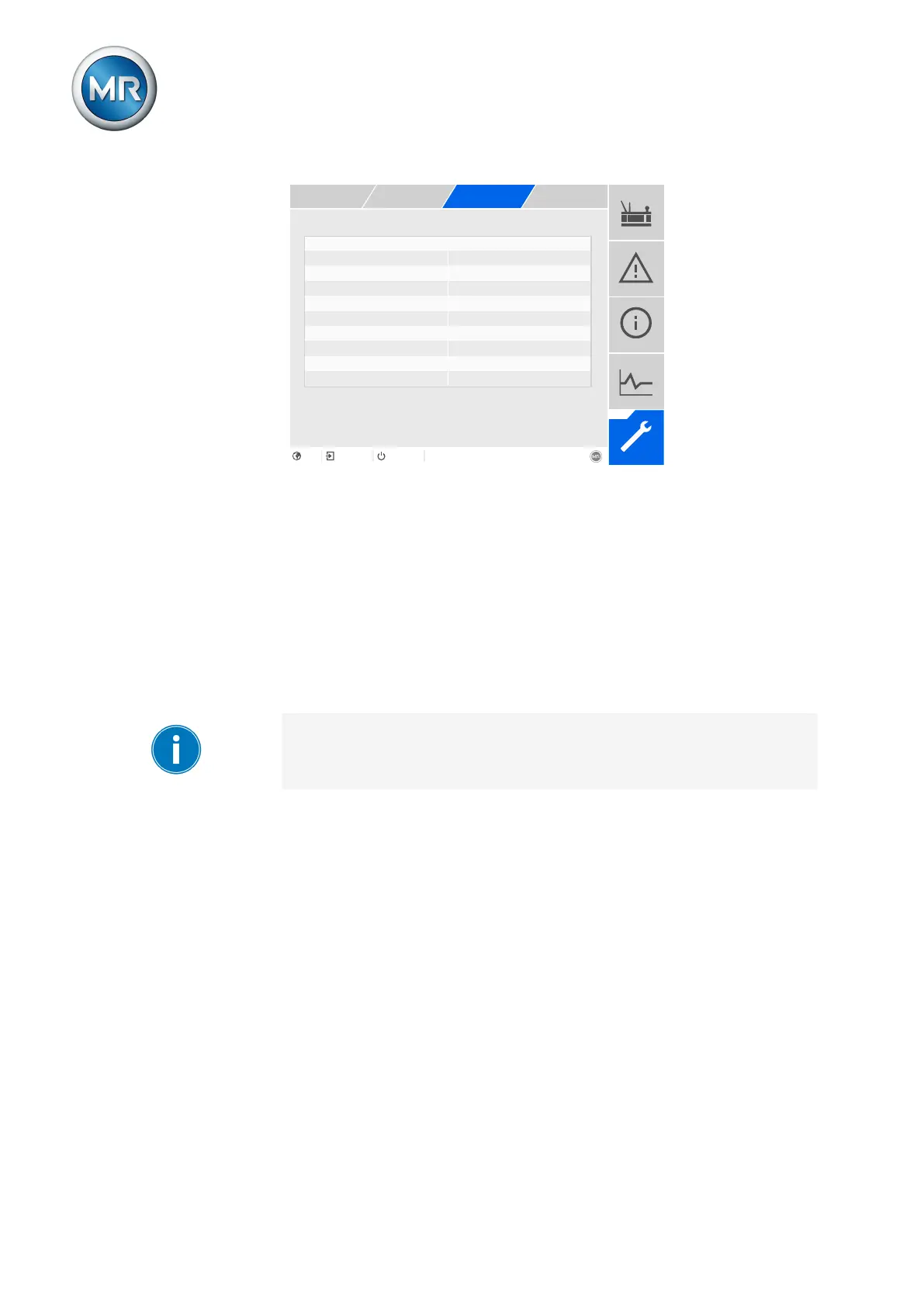
Figure111: Linking SCADA messages
ü The desired event number is known.
1. Go to Settings > Parameters > System > Link messages.
2. Select the desired parameter.
3. Enter the desired event number.
4. Press the Accept button to save the modified parameter.
Generic SCADA message X
You can use this parameter to link the SCADA message with an event mes-
sage. To do so, enter the desired event number.
If you enter event number 500, the link is disabled.
9.11 Cooling system control (optional)
You can use the cooling system control function package to control and/or
monitor up to 6 cooling stages depending on device configuration.



 To Next Page