9 Visualization
Maschinenfabrik Reinhausen GmbH 2020212 6385142/08 ENETOS
®
ED
9.19 Measurement
You can use the following parameters to configure the measurement of cur-
rent and voltage.
Regulation mode Single-phase
Control variable L1/N or L1/L2
UI measuring channels 3-phase measurem.: Ch. 1,2,3
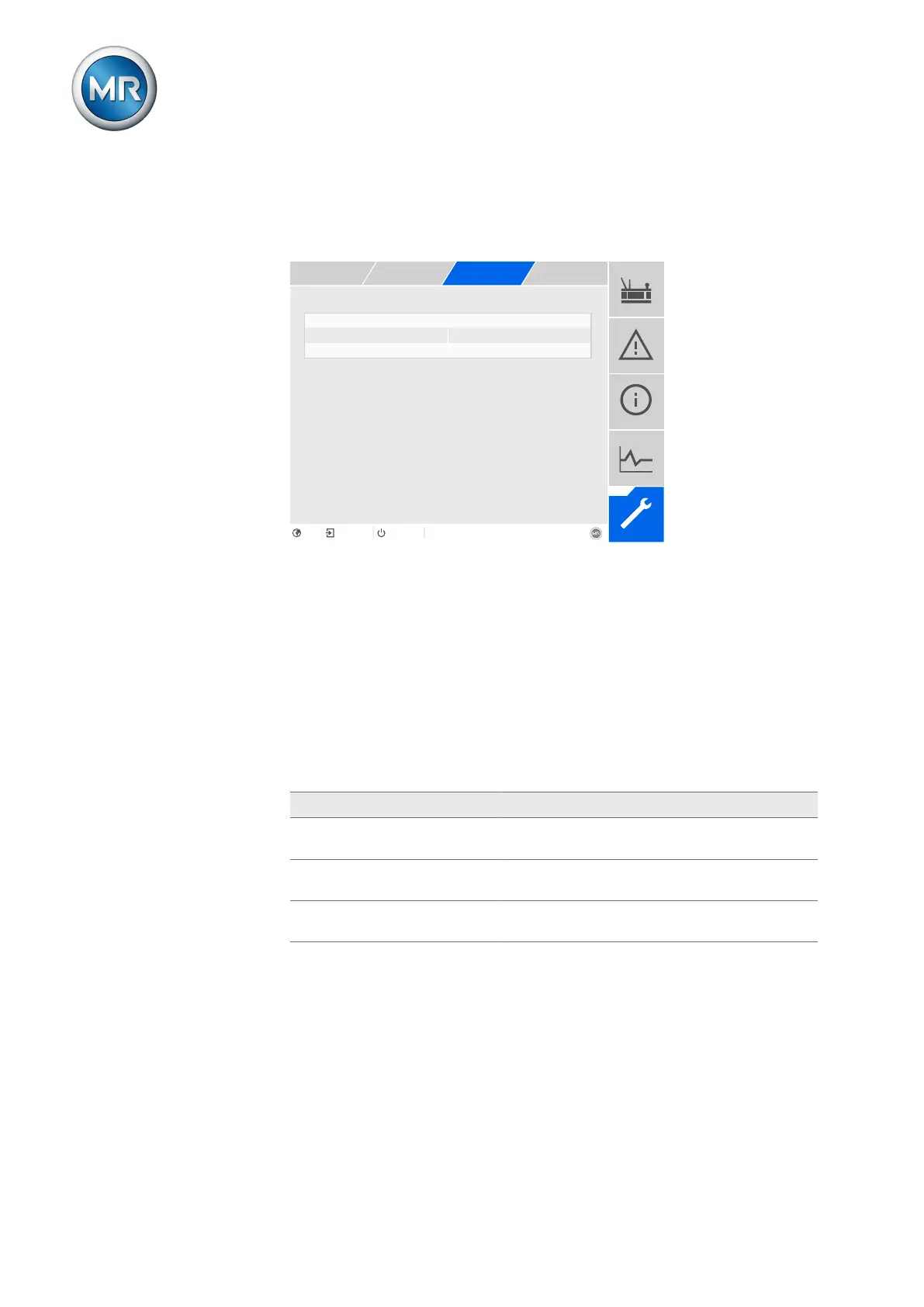
Figure142: Measurement
1. Go to Settings > Parameters > Grid > Measurement.
2. Select the desired parameter.
3. Set the desired parameter.
4. Press the Accept button to save the modified parameter.
9.19.1 UI measuring channels
If you are measuring the voltage and current with the 3-phase UI 3 measur-
ing module, you can use this parameter to set the measurement channels in
use:
Option Description
1-ph. measurement: Channel 1 The device uses 1 channel each for measure-
ment of voltage and current.
3-ph. measurement: Channel 1,
2, 3
The device uses 3 channels each for measure-
ment of voltage and current.
3-ph. voltage, 1-ph. current The device uses 3 channels for voltage measure-
ment and 1 channel for current measurement.
Table67: UI measuring channels



 To Next Page