9 Visualization
Maschinenfabrik Reinhausen GmbH 2020176 6385142/08 ENETOS
®
ED
9.15.2 Setting control variable (optional)
If the device is equipped with the optional reactive power regulation function,
you can set which control variable the device is to regulate.
Response to SCADA disconnection No reaction
SCADA disconnection delay time 5s
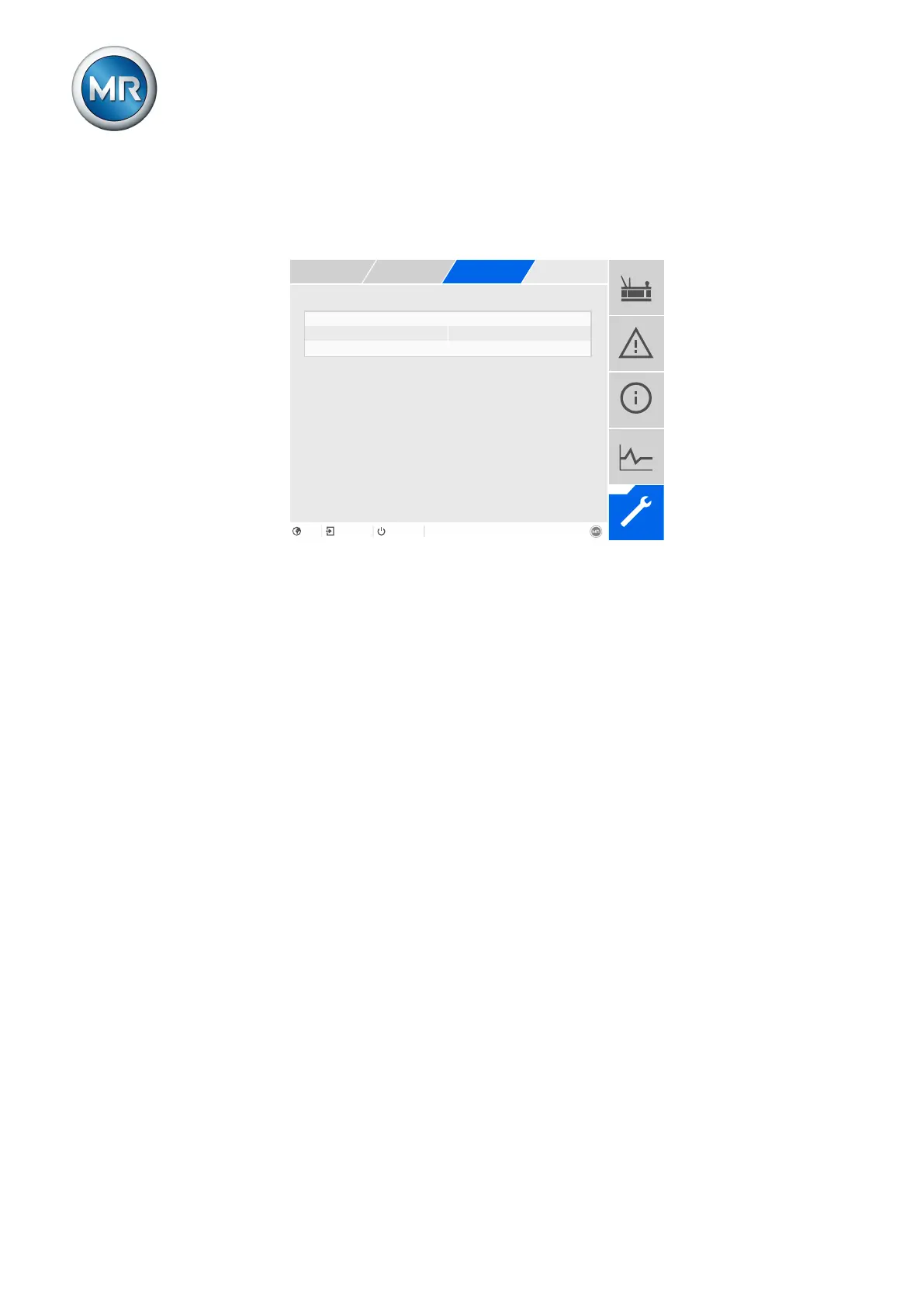
Figure130: Regulation
1. Go to Settings > Parameters > On-load tap-changer regulator > Regu-
lation.
2. Select the desired parameter.
3. Set the desired parameter.
4. Press the Accept button to save the modified parameter.
Control variable
You can use this parameter to set which control variable the device is to reg-
ulate. You can select the following options:
▪ Voltage
▪ Reactive power
Depending on your selection, the device uses the associated parameter set
for each option (desired value, bandwidth, etc.).



 To Next Page