9 Visualization
Maschinenfabrik Reinhausen GmbH 2020284 6385142/08 ENETOS
®
ED
Number of data bits
You can use this parameter to set the number of databits.
Parity
You can use this parameter to set the parity. You can select the following
options:
▪ None
▪ Even
▪ Odd
Number of stop bits
You can use this parameter to set the number of stop bits.
9.28.2 Managing sensors
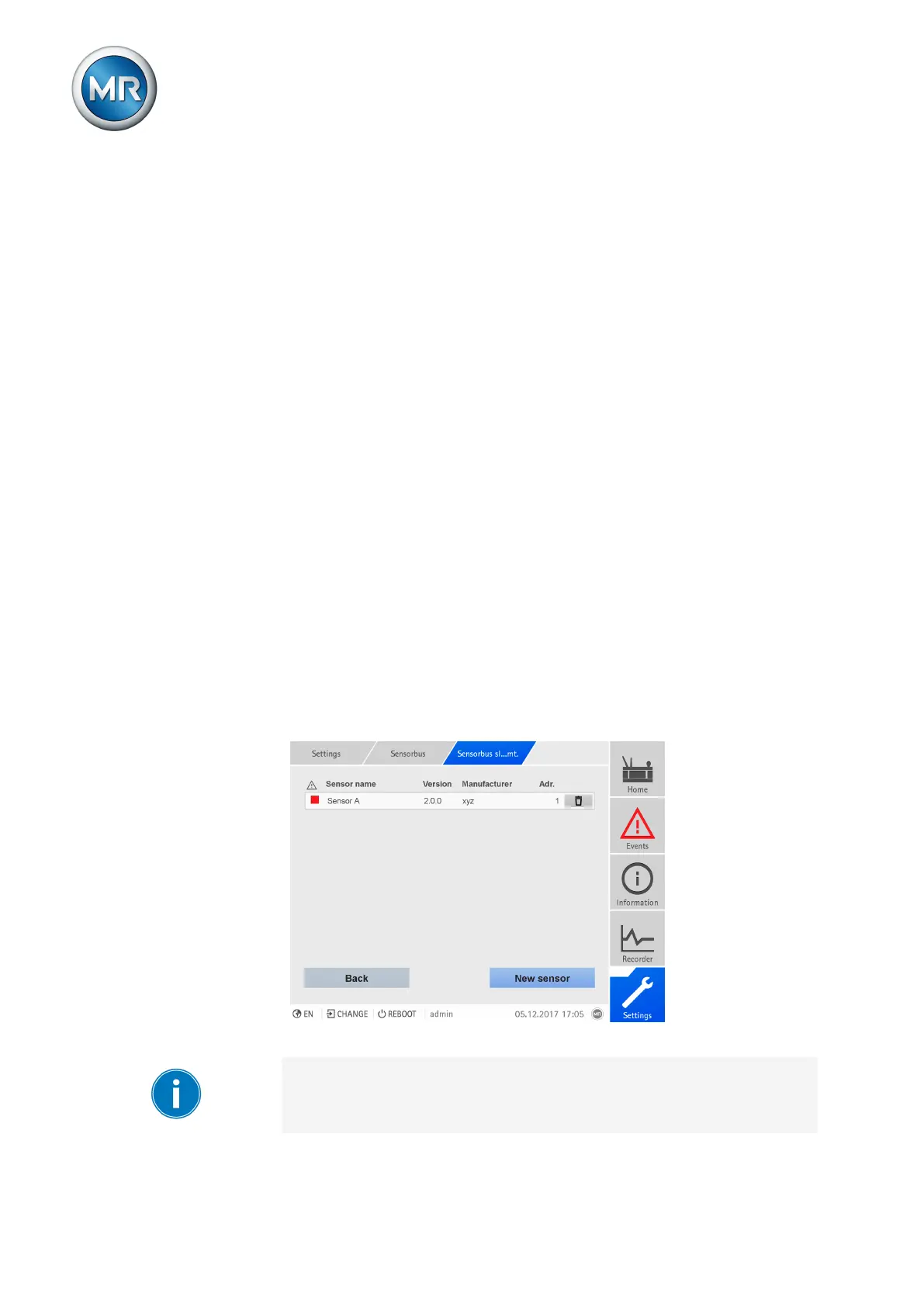
This menu lets you manage sensors connected to the device over the MR
sensor bus. The following information is displayed:
▪ Sensor name
▪ Sensor version
▪ Sensor manufacturer
▪ Sensor Modbus address
▪ Status
– Blue: The sensor is connected to the sensor bus
– Red: The sensor is not connected to the sensor bus
Figure210: Managing sensors
The operation described below is only possible if you access the visualiza-
tion using a computer. You must also have a Parameterizer or Administrator
user role.



 To Next Page