9 Visualization
Maschinenfabrik Reinhausen GmbH 2020148 6385142/08 ENETOS
®
ED
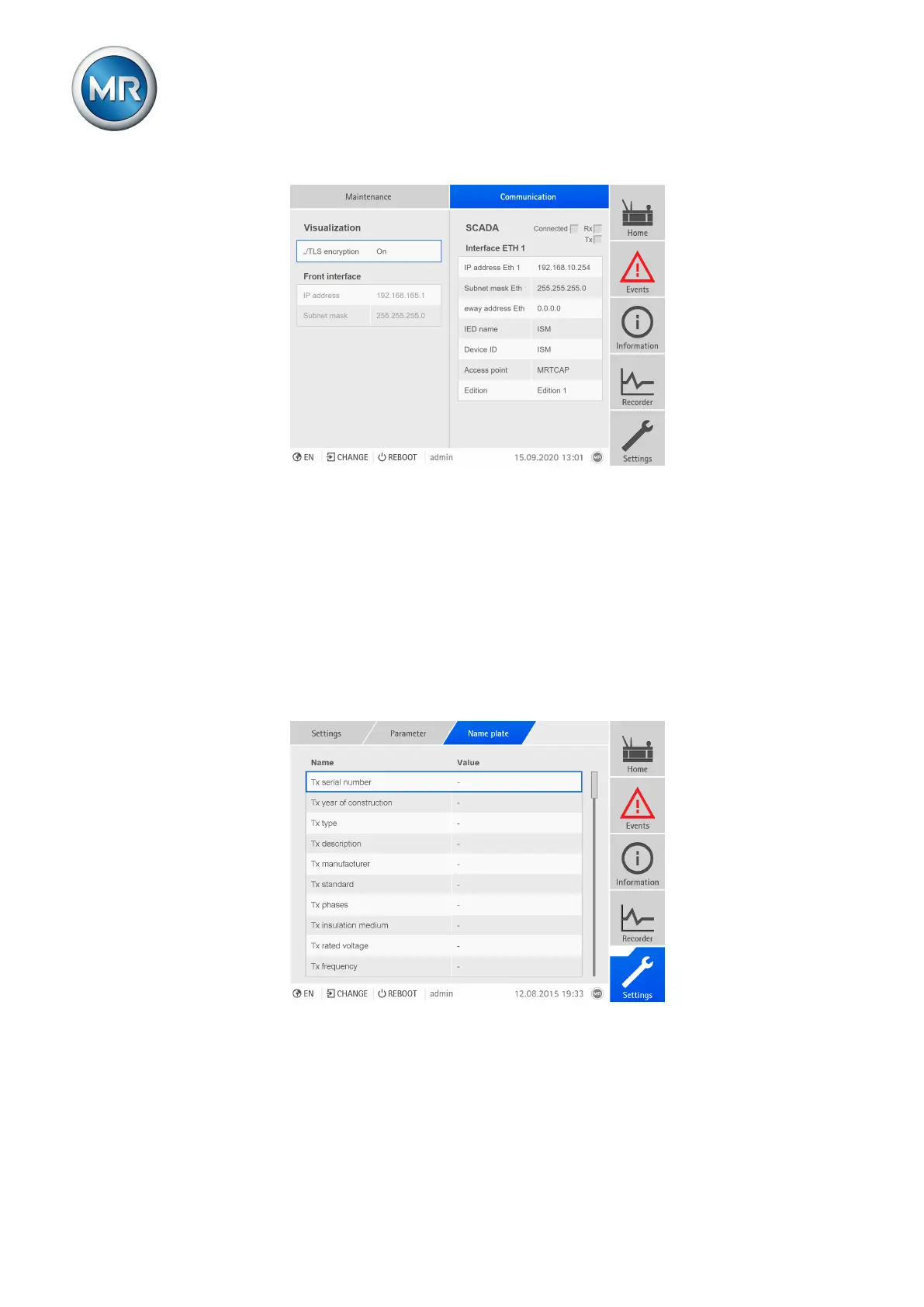
Figure106: Communication
► Go to Home > Communication.
9.9 Name plate
You can enter the data of the name plates, the on-load tap-changer and the
motor-drive unit and display it later.
9.9.1 Enter the name plate data
You can enter the name plate data for the transformer, the on-load tap-
changer and the motor-drive unit.
Figure107: Nameplate
1. Go to Settings > Parameters > System > Nameplate.
2. Select the desired parameter.
3. Set the parameter.
4. Press the Accept button to save the modified parameter.



 To Next Page