9 Visualization
Maschinenfabrik Reinhausen GmbH 2020 1776385142/08 EN ETOS
®
ED
9.16 Voltage regulation (optional)
All of the parameters required for the voltage regulation are described in this
section.
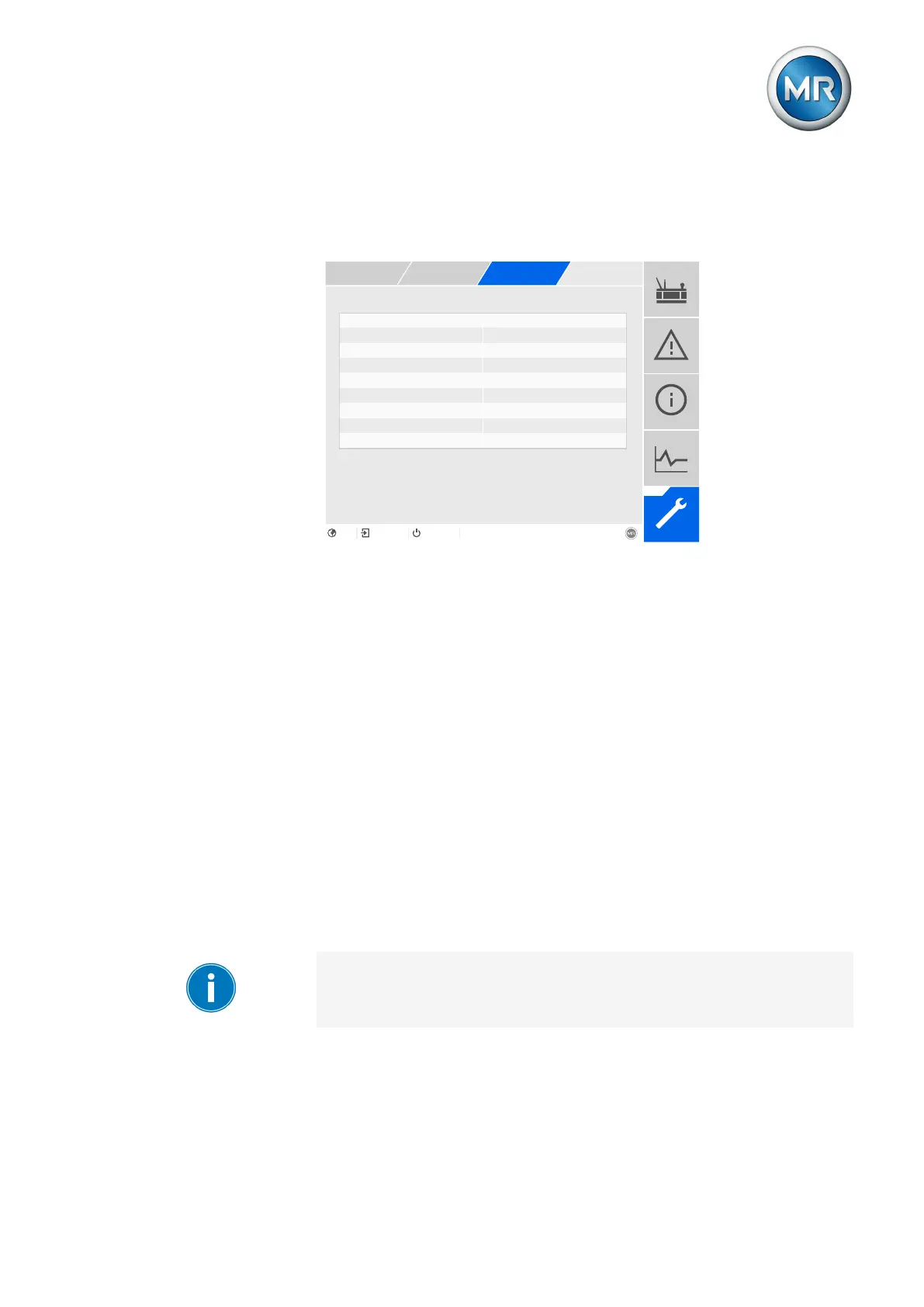
Selecting a desired value Desired value 1
Activate delay time T2 Off
Figure131: Voltage regulation (example)
9.16.1 Setting the desired value
In accordance with the order, the device is equipped with one of the follow-
ing variants for setting the desired value:
9.16.1.1 Desired value 1
1. Go to Settings > Parameters > Grid > Control > Desired value.
2. Enter the desired value.
3. Press the Accept button to save the modified parameter.
9.16.1.2 Desired value 1...3
You can set 3 different desired values. The device always uses one of the
set desired values for control. You can define the desired value used for
control by means of the "Select desired value" parameter or with the digital
inputs.
The device only processes commands via digital inputs or the control sys-
tem when it is in the Remote mode. You must also set the Remote behavior
[►Page 109] parameter accordingly.
Setting the desired value
1. Go to Settings > Parameters > Grid > Control > Desired value.
2. Enter the desired value.



 To Next Page