9 Visualization
Maschinenfabrik Reinhausen GmbH 2020318 6385142/08 ENETOS
®
ED
9.34.3 Creating, editing and deleting users
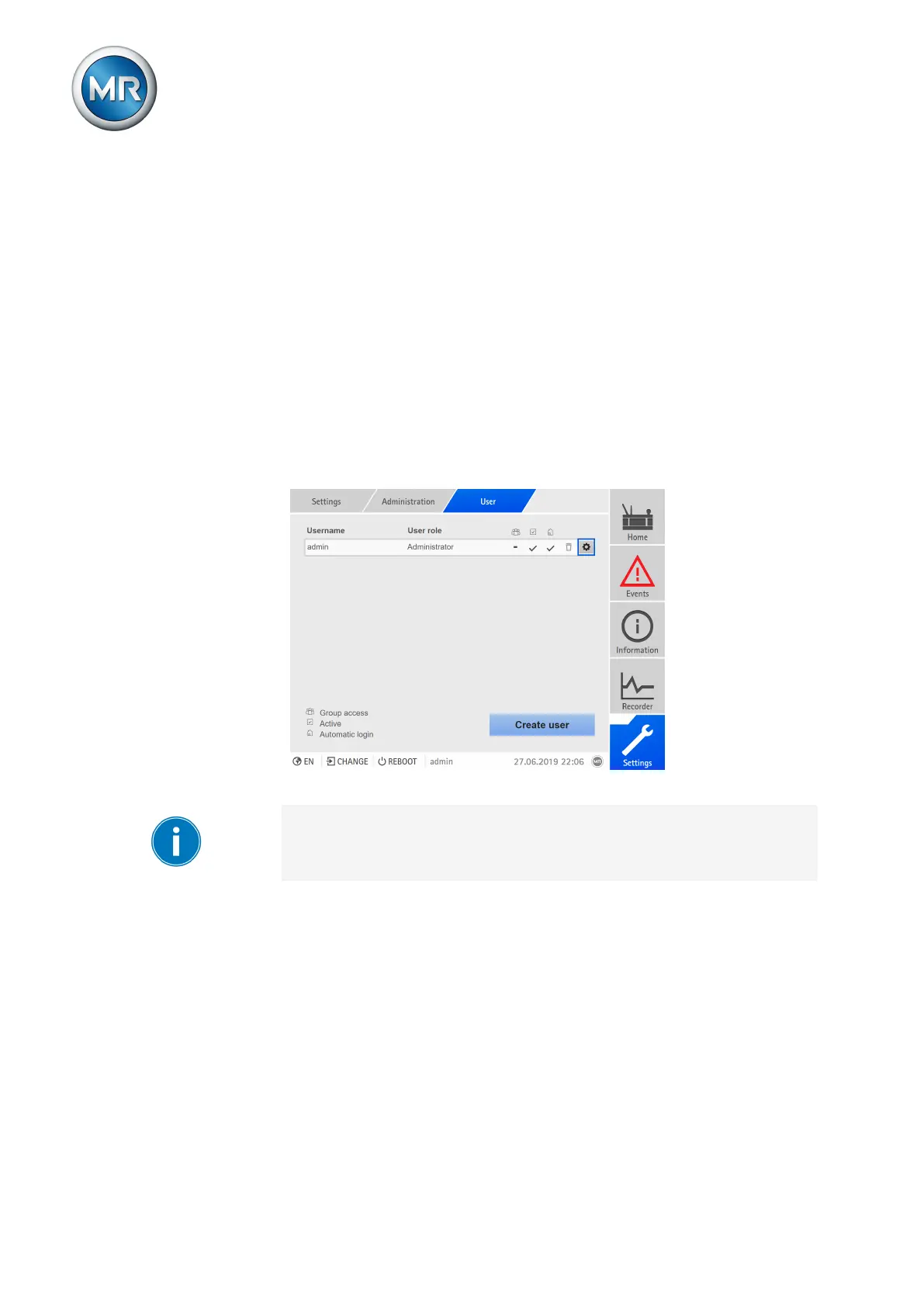
You can set the following options for all users:
▪ Username and password
▪ Role: You can assign a role to every user. The access rights to parame-
ters and events are linked to the roles.
▪ Group access: With this option, you can declare a user account to be a
group account (e.g. for access by different people). Users with group ac-
cess cannot change their own password. The password can only be
changed by the administrator.
▪ Active: You can activate or deactivate the user. Deactivated users cannot
log in. The user data is still stored in the device.
▪ Auto login: You can activate the Auto-login function for a user. This user is
automatically logged in when the system is restarted or another user logs
out.
Figure241: Overview of users created
You can only create, edit, and delete users if you are assigned an adminis-
trator role.
When in delivery status, you can log in as the administrator as follows:
▪ User name: admin
▪ Password: admin
Creating users
To create a new user, proceed as follows:
1. Go to Settings > Administration > User.
2. Press the Create user button.
3. Enter the user name once and the password twice.


 To Next Page