9 Visualization
Maschinenfabrik Reinhausen GmbH 2020 3036385142/08 EN ETOS
®
ED
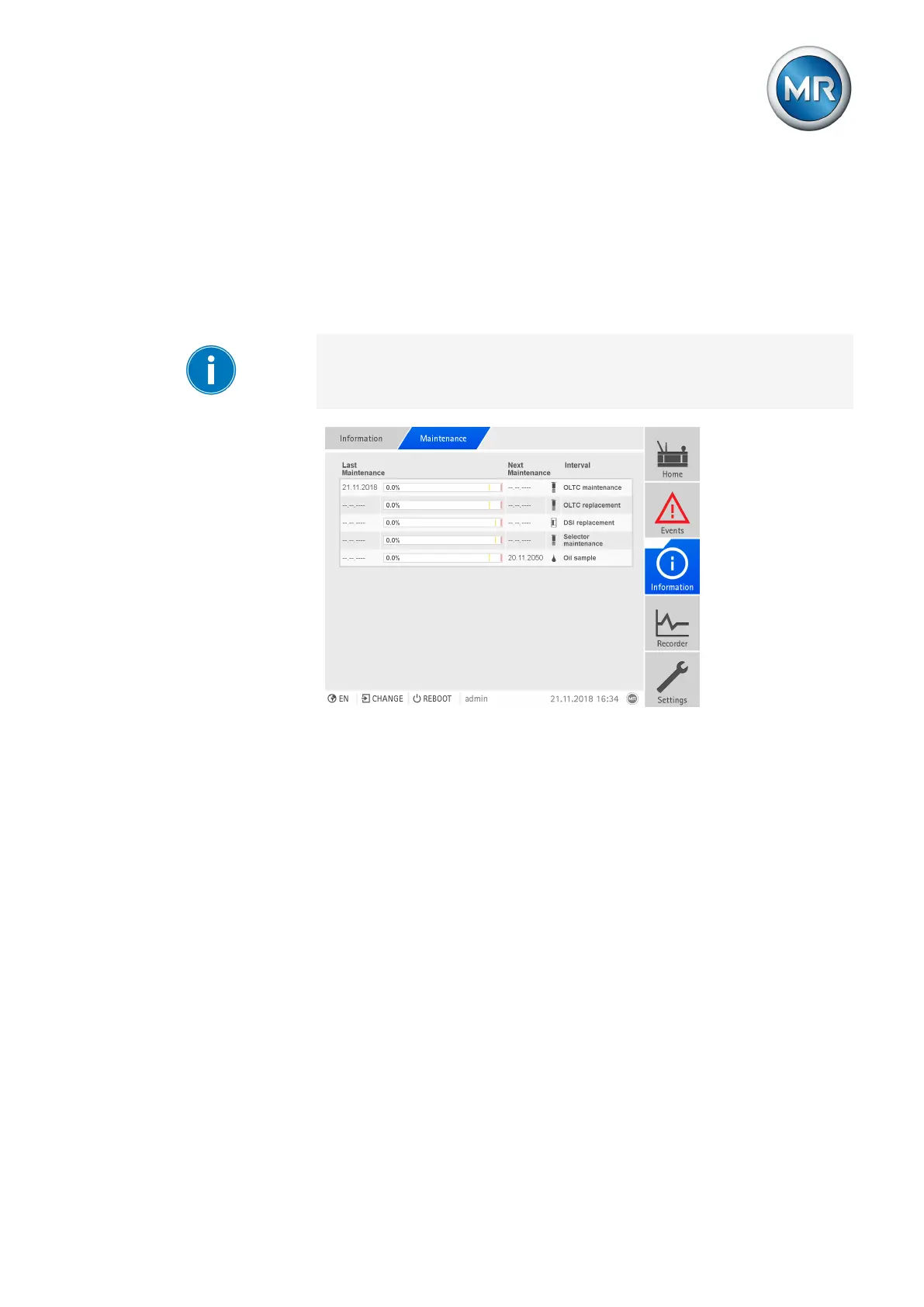
9.31.4 Displaying maintenance overview
The maintenance overview displays the progress of the individual mainte-
nance intervals. You can also see the limit values for the "yellow" and "red"
event messages. For the maintenance intervals of the on-load tap-changer,
the device uses the recorded operating data to predict the date for the next
maintenance appointment. The date is not displayed until enough operating
data has been recorded.
If you have deactivated the "OLTC operator maintenance" or "Transformer
operator maintenance" interval, the interval is shown grayed out in the main-
tenance overview.
Figure229: Maintenance overview
► Go to Information > System > Maintenance.
9.31.5 Displaying the maintenance logbook
All maintenance tasks that have been performed are displayed in the main-
tenance logbook. The entries are generated automatically if you perform
maintenance using the maintenance wizard. You can also create separate
entries.
The maintenance logbook displays the following information:
▪ Time of maintenance
▪ Mainten.type
▪ Description



 To Next Page