9 Visualization
Maschinenfabrik Reinhausen GmbH 2020304 6385142/08 ENETOS
®
ED
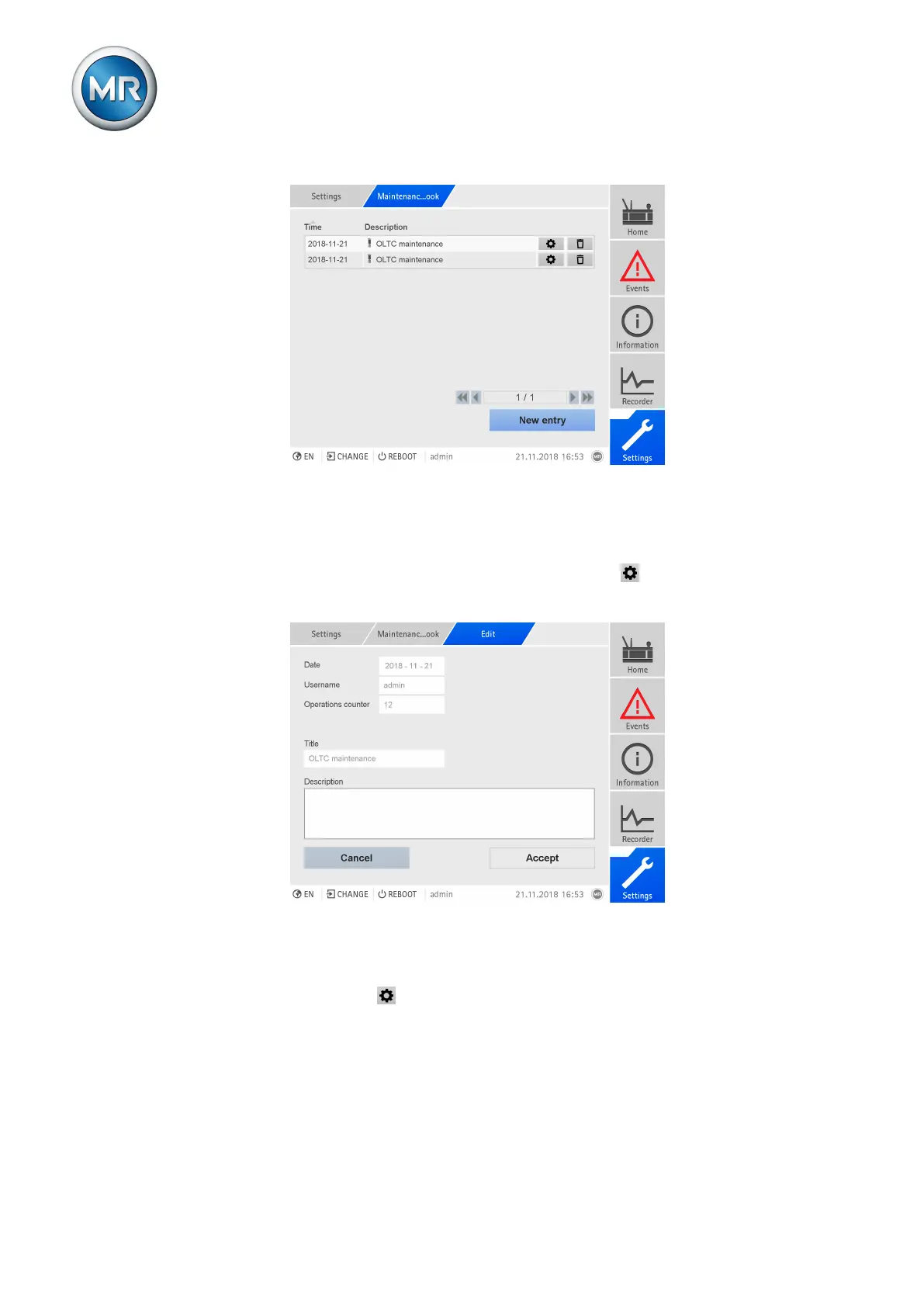
Figure230: Maintenance logbook
To call up the maintenance logbook, proceed as follows:
► Go to Settings > Maintenance logbook.
Editing an entry in the maintenance logbook
You can edit the entries in the maintenance logbook as needed.
Figure231: Editing an entry in the maintenance logbook
Proceed as follows to edit an entry in the maintenance logbook:
1. Go to Settings > Maintenance logbook.
2. Press the button in order to edit an entry.
Creating an entry in the maintenance logbook
Proceed as follows to create an entry in the maintenance logbook without
using the maintenance wizard:
1. Go to Settings > Maintenance logbook.



 To Next Page