9 Visualization
Maschinenfabrik Reinhausen GmbH 2020 3476385142/08 EN ETOS
®
ED
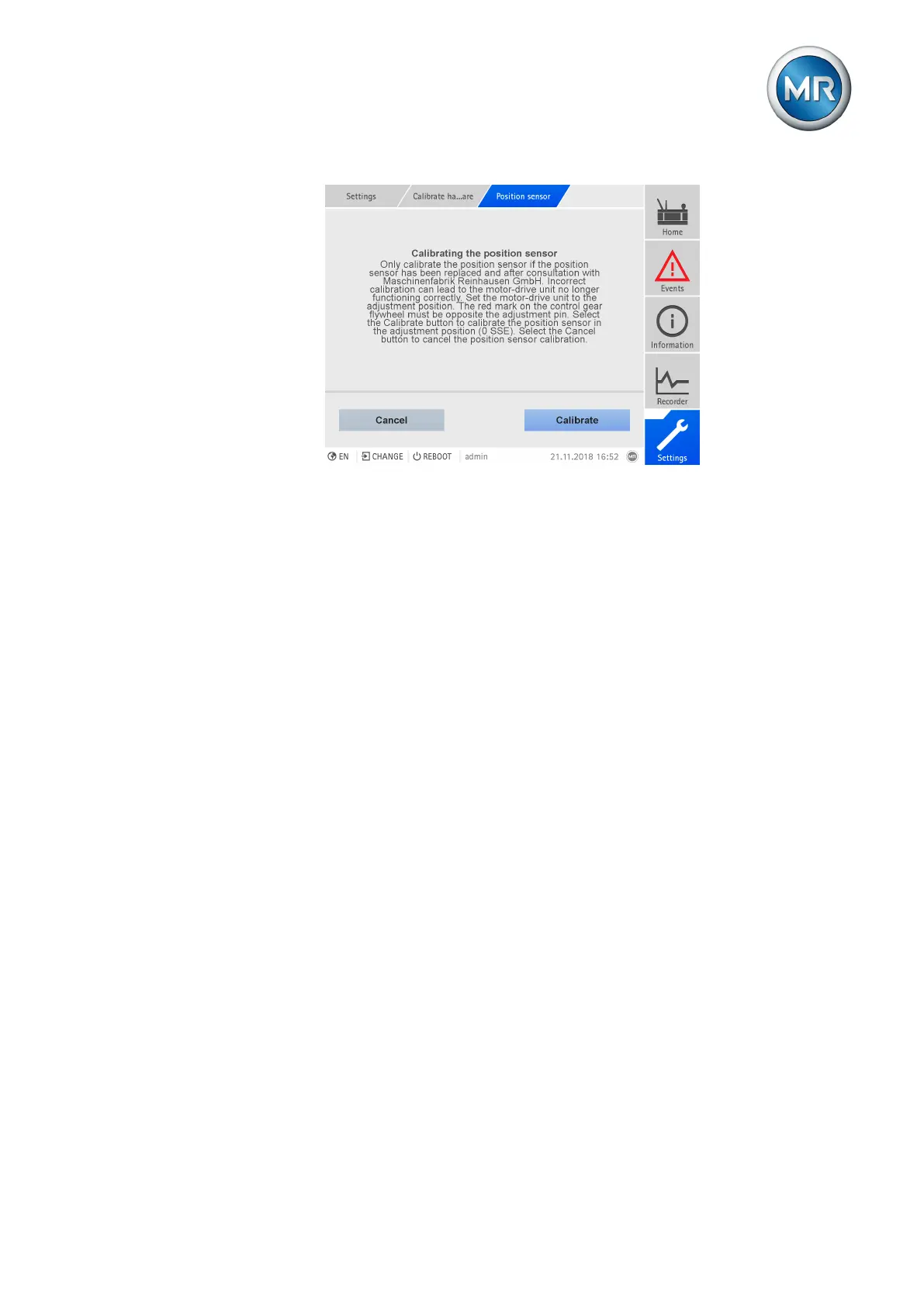
Figure259: Calibrating the position sensor
To calibrate the position sensor, proceed as follows:
ü The position sensor is replaced according to the service instructions and
the motor-drive unit is in the adjustment position (red mark on the fly-
wheel).
1. Go to Settings > Calibrate hardware > Position sensor.
2. Press the Calibrate button.
3. Press Yes to confirm the prompt.
ð The position sensor will be calibrated.
4. Go to Information > Drive and compare the display for the tap position
and the tap-change indicator sections (SSE) to the motor-drive unit dis-
play. The values must match.
9.40 Performing trial tap-change operations
In order to complete the commissioning of the monitoring system, you have
to perform trial tap-change operations. To do so, you can activate the trial
tap-change operations mode. In this mode, the wear and soot accumulation
caused by the tap-change operations that are performed are not calculated
and switching interval monitoring is deactivated. As long as this mode is ac-
tive, the device reports the event Trial tap-change operations active.
The "Trial tap-change operations" mode is automatically deactivated under
the following conditions:
▪ 8 hours after the mode was activated.
▪ If the device is restarted.



 To Next Page