9 Visualization
Maschinenfabrik Reinhausen GmbH 2020 2216385142/08 EN ETOS
®
ED
Note that the parameters "Error if no communication" and "Behavior if no
communication" have no function in the circulating reactive current mini-
mization without CAN communication parallel operation method.
9.21.2 Configuring parallel operation
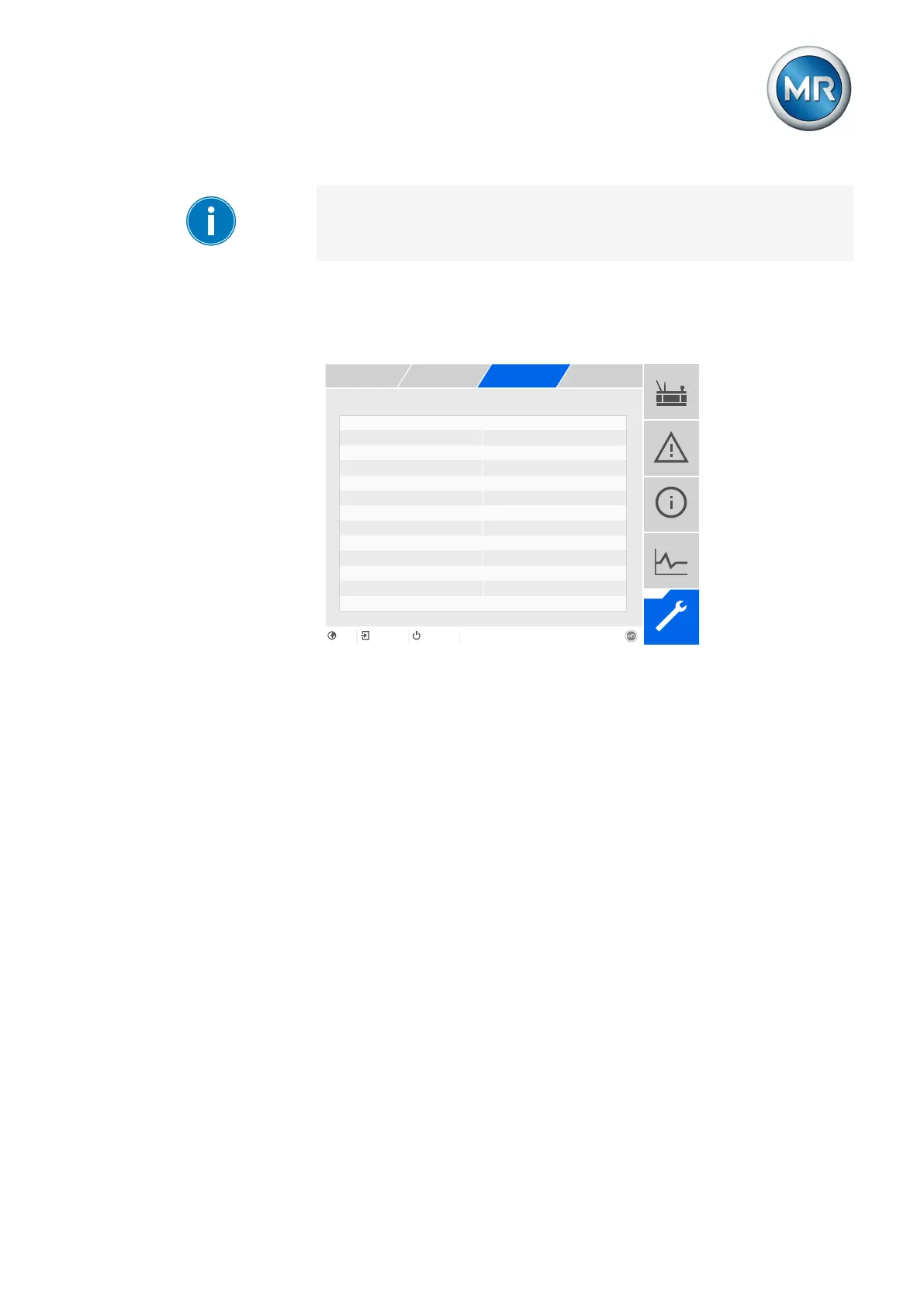
In the Parallel operation menu item, you can set the parameters needed for
parallel transformer operation.
Activating parallel operation On
Parallel operation method Master
Circulating reactive current sens... 0.0%
Circulating reactive current bloc... 20.0%
Desired load stress type Inductive
Master/follower current blocking Off
Master/follower switching charact... Sequential
Error if no communication present No error
Behavior if no communication pres... Independent regulation
Parallel operation error delay ti... 10s
Figure151: Parallel operation
1. Go to Settings > Parameters > Grid > Parallel operation.
2. Select the desired parameter.
3. Set the desired parameter.
4. Press the Accept button to save the modified parameter.
Activating parallel operation
You can use this parameter to activate parallel operation.



 To Next Page