9 Visualization
Maschinenfabrik Reinhausen GmbH 2020120 6385142/08 ENETOS
®
ED
Severity level Description
Notice Notice state
Info Information state
Debug Debug state
Table25: Severity levels
9.7 Setting the screensaver
In order to increase the service life of the display on the front panel of the
device, you can activate and set a screensaver. The following functions are
available for this purpose:
▪ Switching off the display
▪ Dimming the brightness of the display
Screensaver waiting time 15min
Dimming waiting time 3min
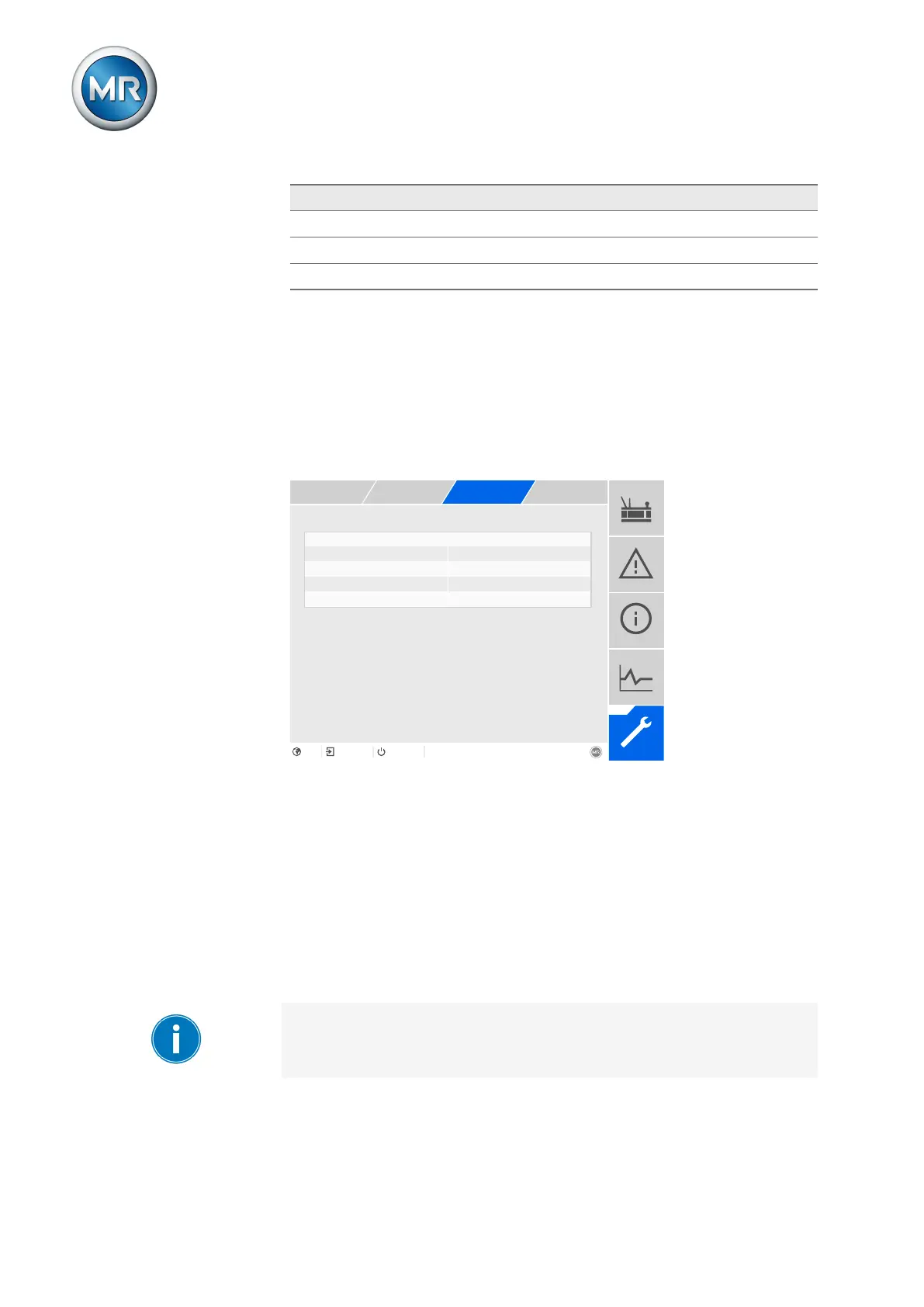
Figure89: Setting the screensaver
1. Go to Settings > Parameters > System > Screensaver.
2. Select the desired parameter.
3. Set the desired parameter.
4. Press the Accept button to save the modified parameter.
Screensaver
If you activate this function, the device fully switches off the display when the
adjustable waiting period has expired if no key is pressed. The display
switches on again if you press any key.
Deactivating the screensaver has a negative impact on the service life of
the display. Maschinenfabrik Reinhausen recommends that you activate the
screensaver and set a waiting period of 15 minutes.



 To Next Page