9 Visualization
Maschinenfabrik Reinhausen GmbH 2020 1336385142/08 EN ETOS
®
ED
9.8.6 Configuring DNP3 (optional)
If you would like to use the DNP3 control system protocol, you must set the
parameters listed below. Also refer to the section Configuring the network
[►Section 9.3, Page 111] if you want to use the DNP3 via TCP.
DNP3 transmission type TCP
Timeout for response confirmation 5s
Destination address 10000
Indefinite unsolicited retries Off
Number of unsolicited retries 3
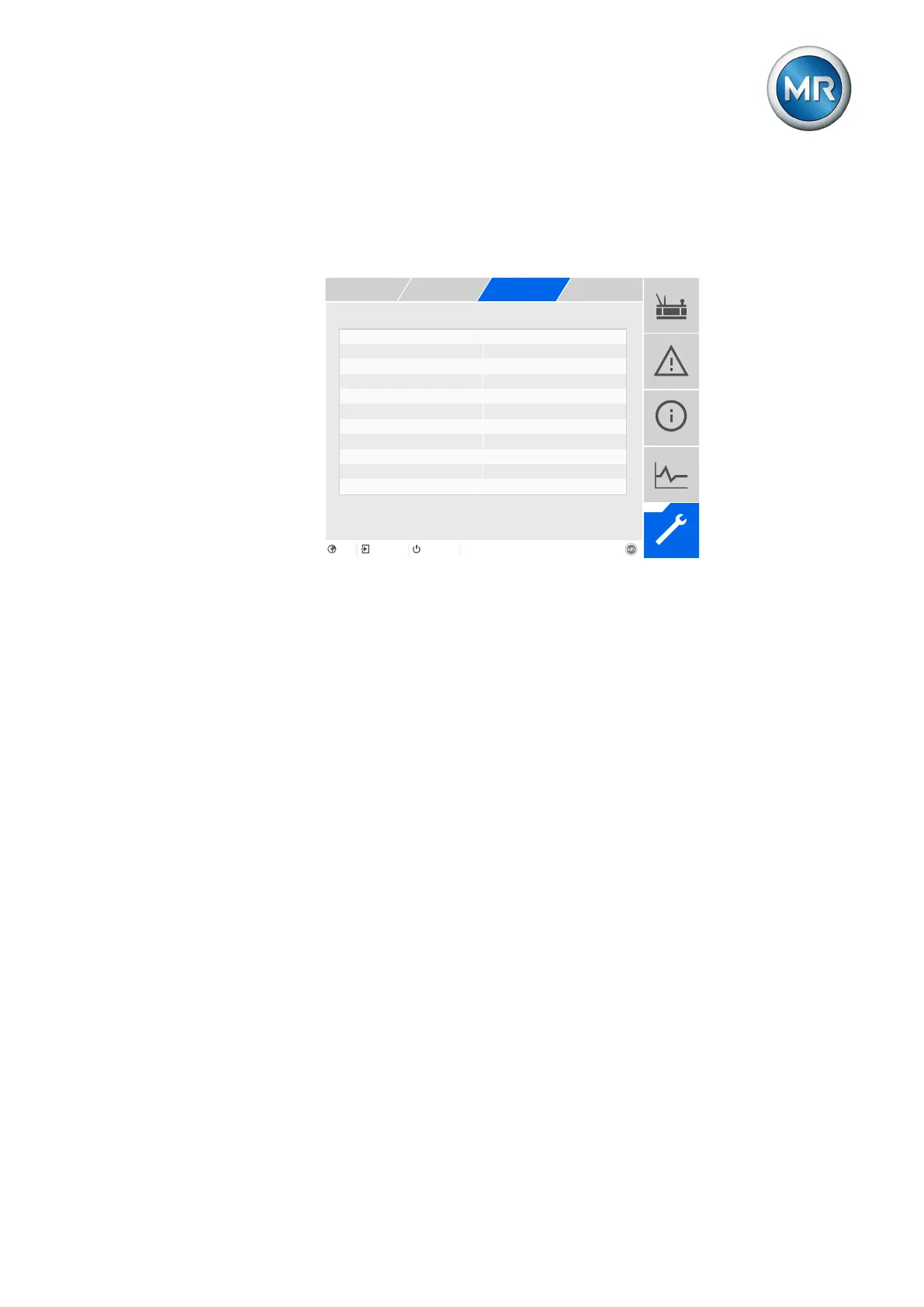
Figure95: DNP3
1. Go to Settings > Parameters > System > DNP3.
2. Select the desired parameter.
3. Set the parameter.
4. Press the Accept button to save the modified parameter.
9.8.6.1 DNP3 transmission type
You can use this parameter to set the transmission type. You can select the
following options:
▪ TCP
▪ Serial
TCP port
You can use this parameter to set the TCP port.
Serial interface
You can use this parameter to select the serial interface for data transmis-
sion. You can select the following options:
▪ RS232
▪ RS485



 To Next Page