7 Commissioning
Maschinenfabrik Reinhausen GmbH 2020 976385142/08 EN ETOS
®
ED
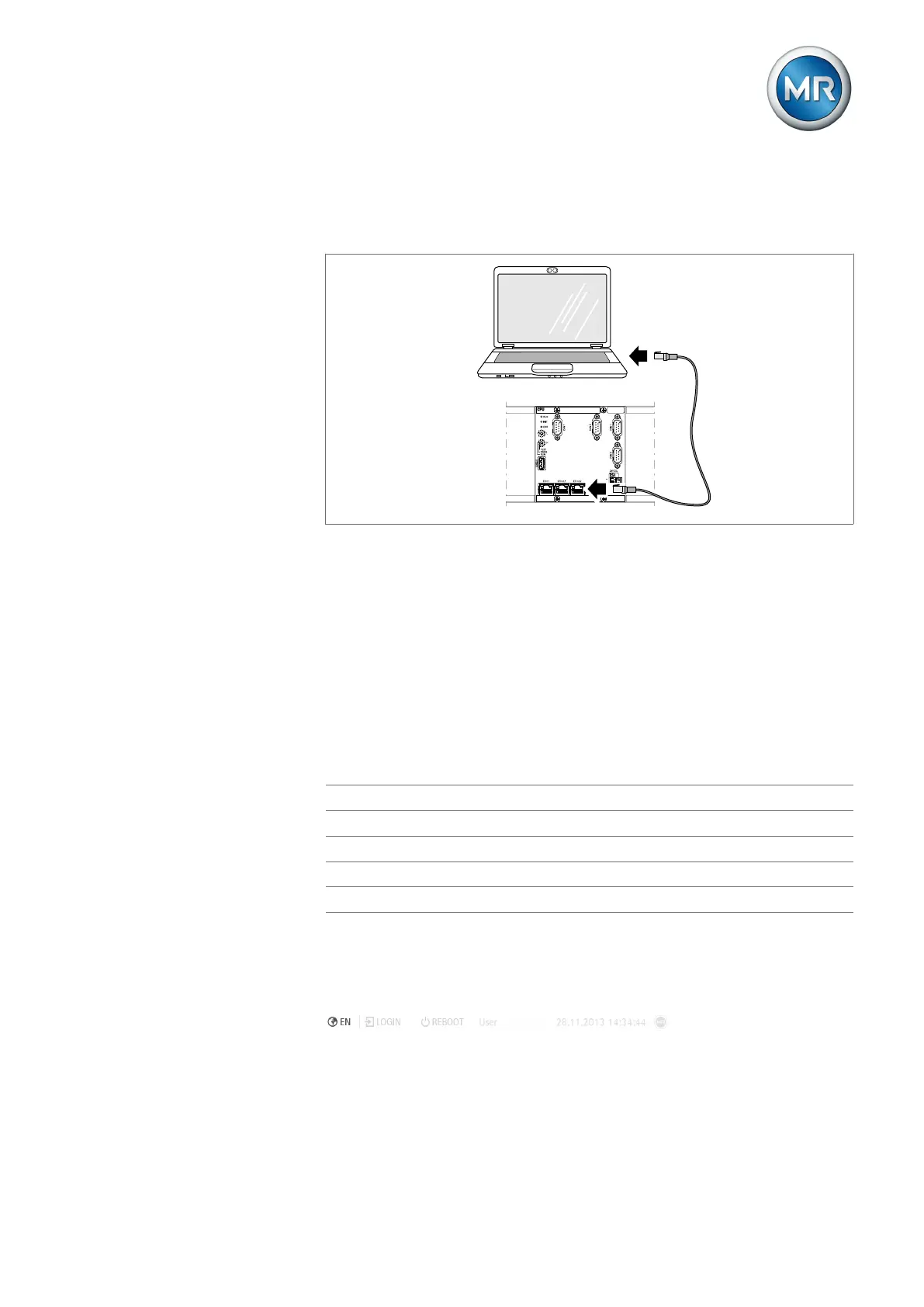
To connect via the ETH2.2 interface, proceed as follows:
1. Connect the PC and device using an Ethernet cable (RJ45 plug) via the
ETH2.2 interface.
Figure76: Establishing a connection via the ETH2.2 interface on the back
2. Assign a unique IP address to the PC in the same subnet as the device
(e.g. 192.0.1.100).
3. Enter the visualization's IP address (e.g. http://192.0.1.230, if SSL
encryption is active enter https://192.0.1.230) in the browser on the
PC.
ð The visualization is accessed.
7.6.2 Setting the language
You can use this parameter to set the display language for the device. The
device comes with a maximum of four languages.
English Italian*
German Portuguese*
French* Russian*
Spanish* Chinese*
Korean* Polish*
Table18: Available display languages
*) Language is available as an option
1. Select the Language button in the status bar, or as an alternative, go to
Settings> System > General > Language.
Figure77: Setting the language
2. Select the desired language from the list box.
3. Press the Accept button to save the modified parameter.
ð The "Restart device" dialog appears.



 To Next Page