7 Commissioning
Maschinenfabrik Reinhausen GmbH 202096 6385142/08 ENETOS
®
ED
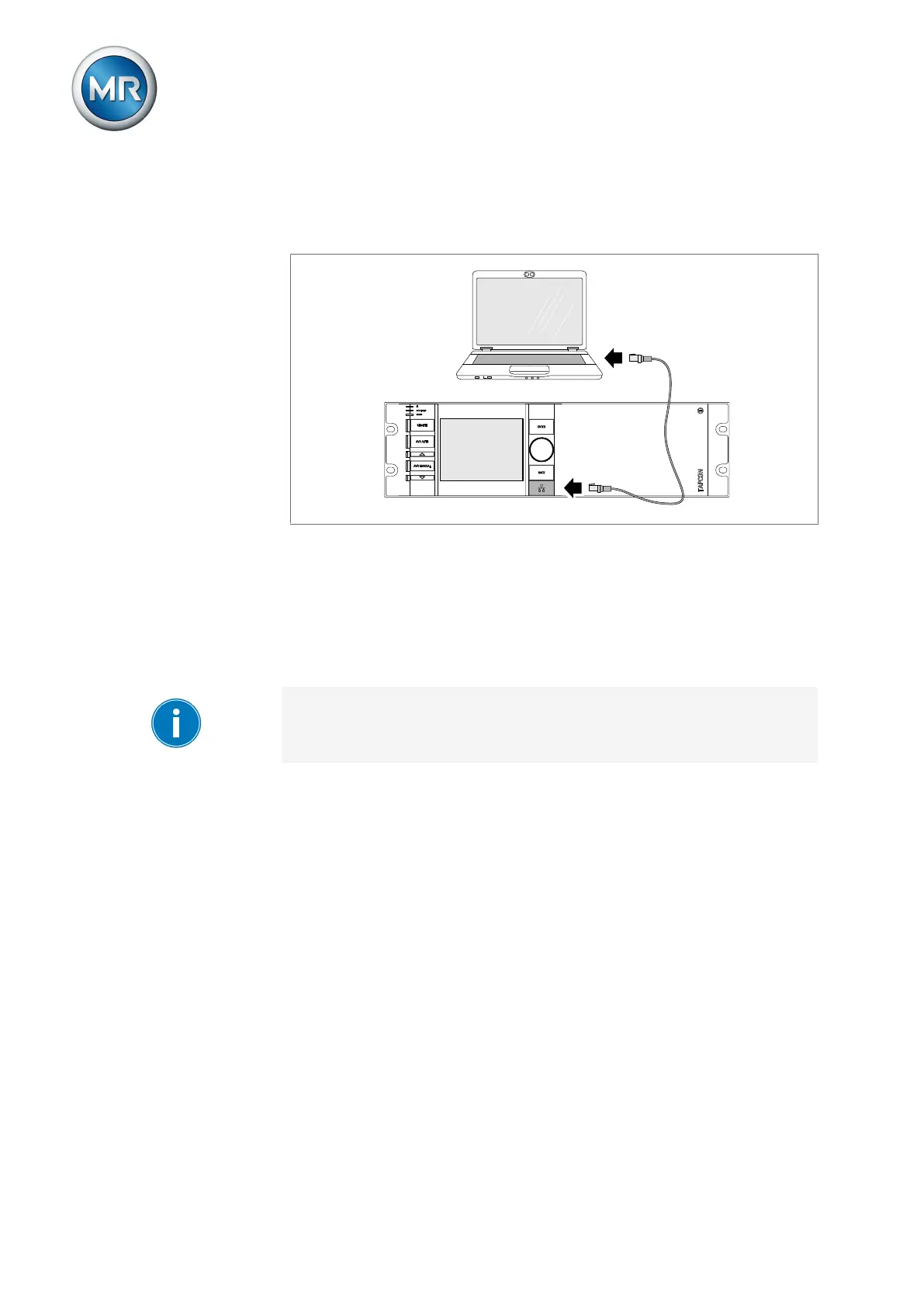
ETH1.1 interface To establish a connection via the ETH1.1 interface, proceed as follows:
1. Connect the PC and the device via the front interface using an Ethernet
cable (RJ45 plug).
Figure75: Establishing a connection via the front interface
2. Activate automatic assignment of the IP address via DHCP on the PC.
3. Enter the visualization's IP address http://192.168.165.1, or if SSL
encryption is active enter https://192.168.165.1, in the browser on
the PC.
ð The visualization is accessed.
ETH2.2 interface (optional)
The device is supplied with the IP address 192.0.1.230 at the factory. If
you have changed the IP address, you can view the IP address in the Com-
munication menu.



 To Next Page