9 Visualization
Maschinenfabrik Reinhausen GmbH 2020 1296385142/08 EN ETOS
®
ED
Reference time
You can use this parameter to set which time is to be transmitted by the con-
trol system. The device uses this information for time synchronization
[►Section 9.5, Page 116]. You can select the following options:
Option Description
Local The control system transmits the local time.
Note: If you use this option, you must deactivate the au-
tomatic changeover between daylight saving time and
standard time [►Page 117]. Otherwise the device will
use an incorrect time.
UTC The control system transmits the time as UTC. The de-
vice calculates the local time from UTC and the set time
zone [►Page 117].
Table30: Reference time
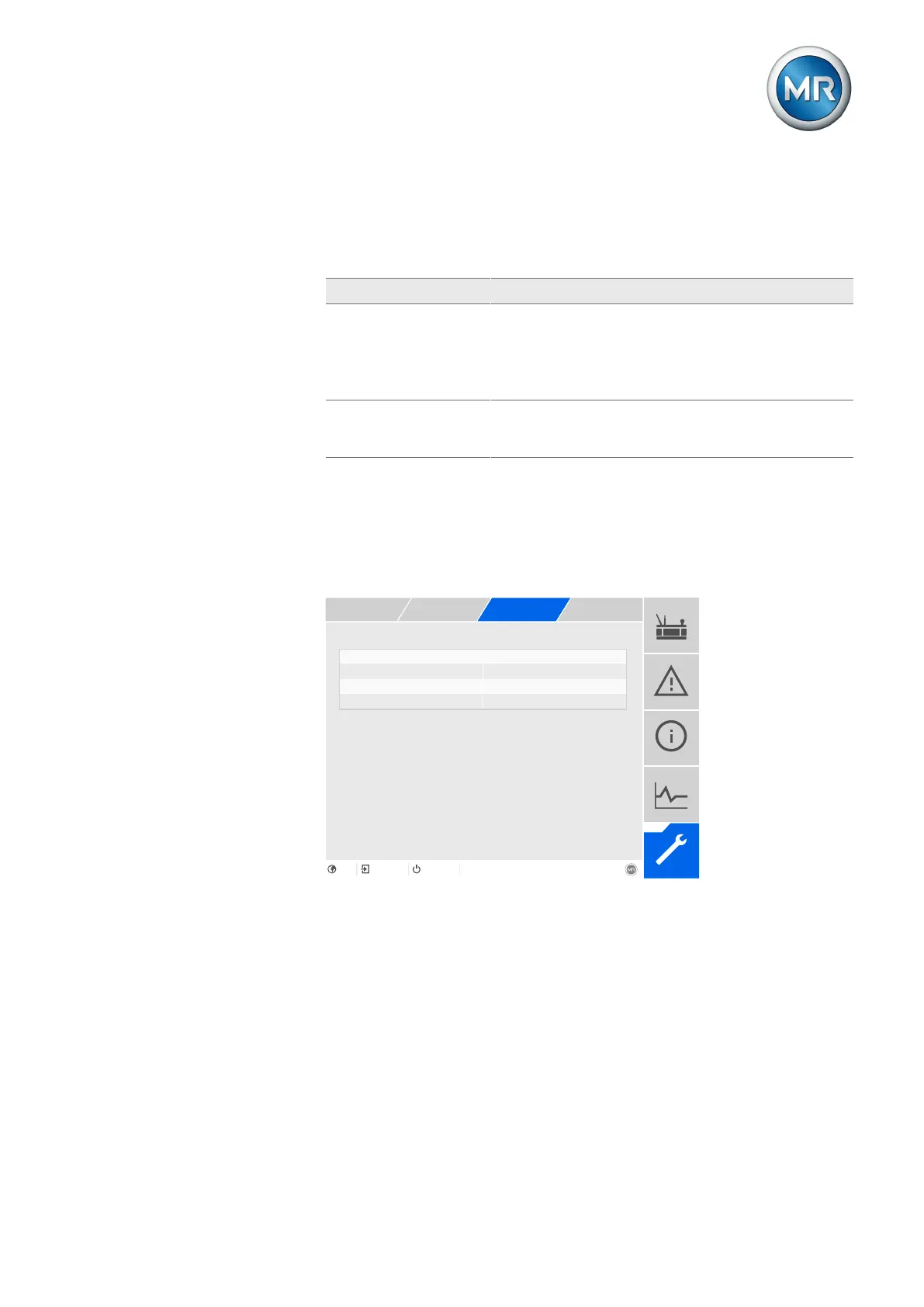
9.8.4 Configuring IEC 60870-5-104 (optional)
If you want to use the IEC 60870-5-104 control system protocol, you must
set the following parameters. Also refer to the section Configuring the net-
work [►Section 9.3, Page 111].
ASDU sequence optimization None
Figure93: IEC 60870-5-104
1. Go to Settings > Parameters > System > IEC60870-5-104.
2. Select the desired parameter.
3. Set the parameter.
4. Press the Accept button to save the modified parameter.
TCP port
You can use this parameter to set the TCP port.



 To Next Page