9 Visualization
Maschinenfabrik Reinhausen GmbH 2020322 6385142/08 ENETOS
®
ED
9.35 Information about device
9.35.1 Hardware
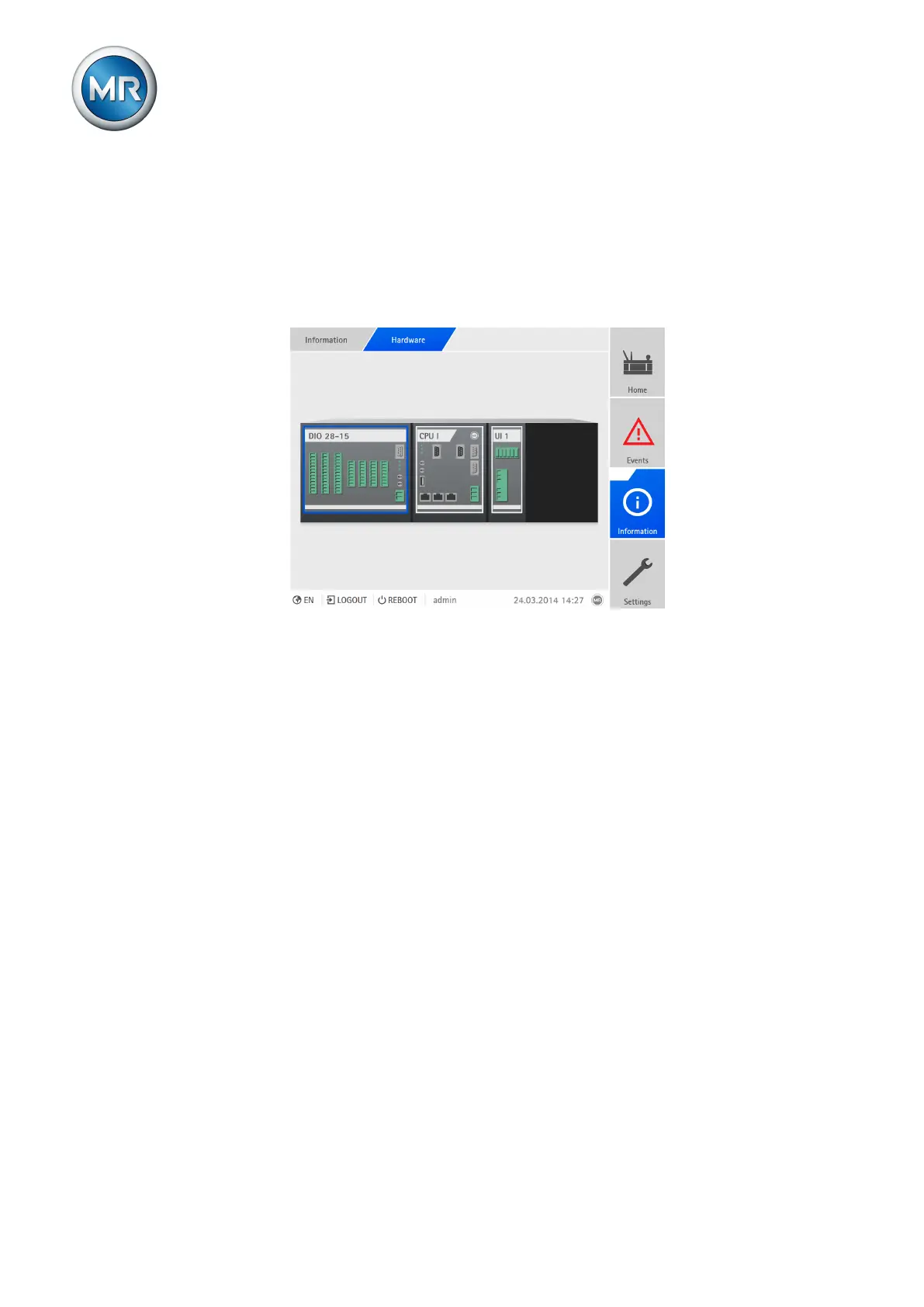
Under Hardware, you can display information on the device's hardware. You
will find information about the signal level of the individual channels for the
assemblies.
Figure244: Displaying information about the device's hardware
1. Go to Information > System > Hardware.
2. Select the desired Assembly in order to display the signal levels of the
channels.
9.35.1.1 Displaying the status of the DIO assembly
You can display the status of the digital inputs and outputs of the DIO as-
sembly.
▪ Blue: There is a signal (logical 1) at the input or output.
▪ Gray: There is no signal (logical 0) at the input or output.



 To Next Page