9 Visualization
Maschinenfabrik Reinhausen GmbH 2020114 6385142/08 ENETOS
®
ED
9.4 MQTT
You can activate and configure the MQTT message protocol in this menu
point. To do so, you must connect the device to an MQTT server (Broker) via
Ethernet via the ETH1 or ETH2.x interface on the CPU assembly. Note that
the device will only send messages (publish). The receive message function
is not active.
There are 2 options available for configuring the protocol:
▪ Via the IP address of the MQTT server:
– Enter the IP address as the broker address.
– It is not necessary to configure a DNS server.
▪ Via DNS server:
– Configure the DNS server in "Network settings".
– Enter the URL as the broker address.
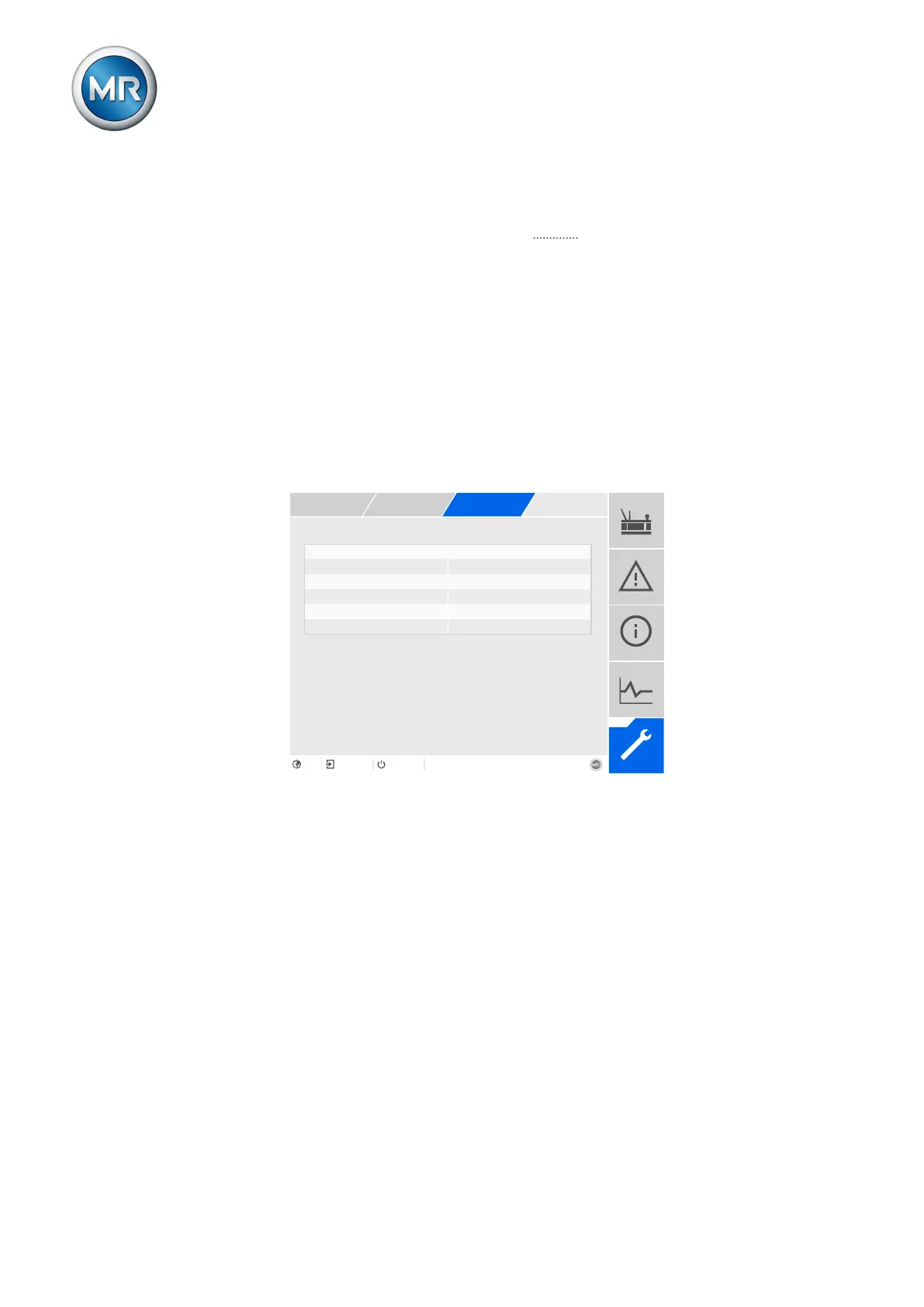
Figure86: MQTT
ü When using a URL on the broker, it may be necessary to enter and acti-
vate [►Page 113] the IP address [►Page 113] of the DNS server.
ü If a DNS server is not available, enter the IP address [►Page 112] of the
MQTT server.
1. Go to Settings > Parameters > System > MQTT.
2. Select the desired parameter.
3. Set the parameter.
4. Press the Accept button to save the modified parameter.
Activate MQTT
You can use this parameter to activate the transmission of messages to the
MQTT server (broker).



 To Next Page