9 Visualization
Maschinenfabrik Reinhausen GmbH 2020314 6385142/08 ENETOS
®
ED
9.33.3 Displaying event memory
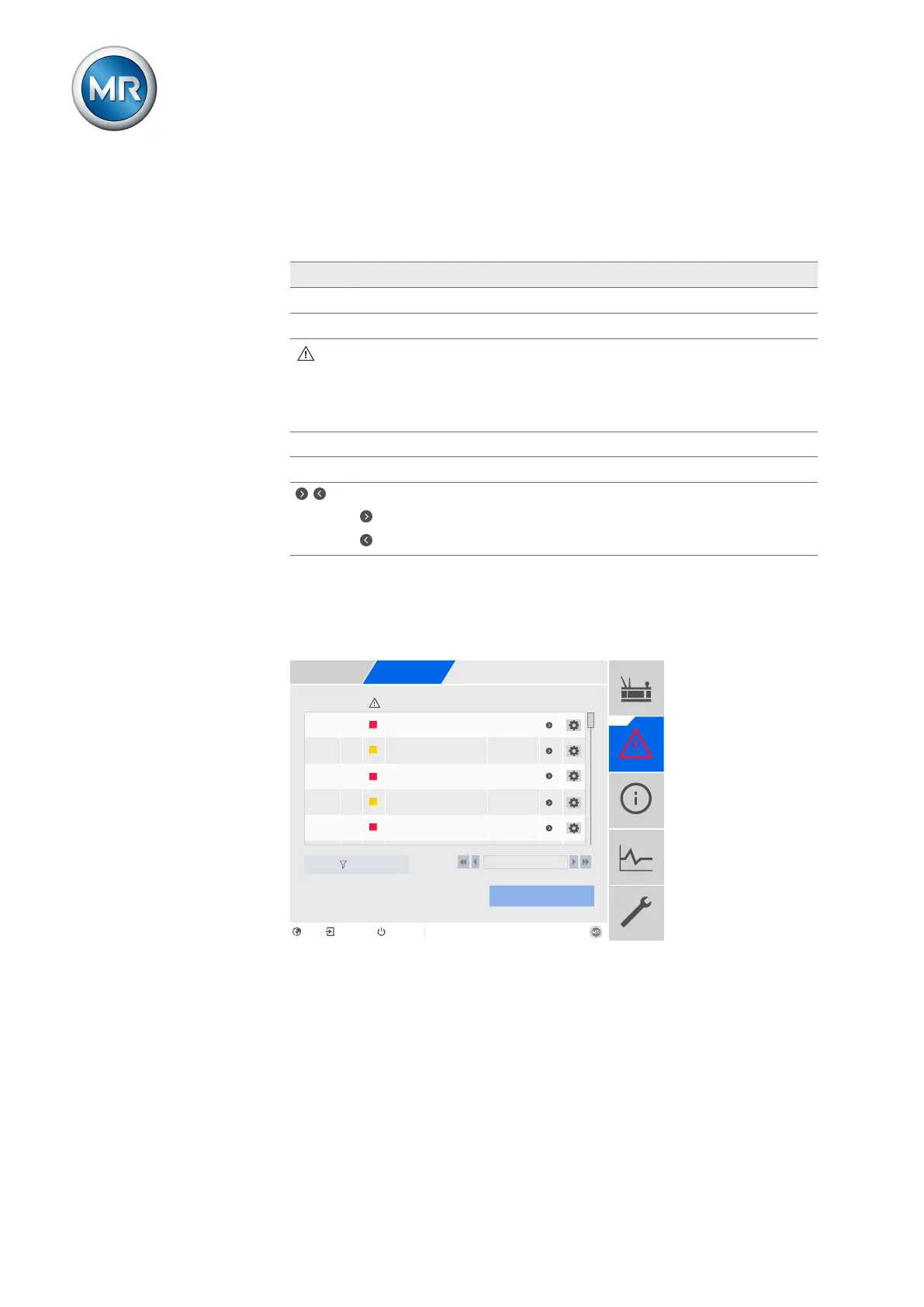
Past events are stored in the event memory. The following information is dis-
played:
Column Description
# Consecutive number of events
No. Event number for clear identification
Event category:
▪ Error (red)
▪ Warning (yellow)
▪ Info (gray)
Event Event text
Time Date and time of event (DD-MM-YYYY, HH:MM:SS/ms)
/
Event coming/going:
Event coming
Event going
Table94: Event memory
To call up the event memory, proceed as follows:
1. Go to Events.
2. Press the Log button.
No.
Event Time
16
Limit value P>>
15
Limit value P>
18
Limit value Q<<
17 Limit value Q<
12
Ambient conditions ...
18.03.2020
04:35:17/576
17.03.2020
10:56:59/669
16.03.2020
08:22:11/125
12.03.2020
01:33:22/845
10.02.2020
14:21:49/602
#
32
31
30
29
28
Export
Filter
1 / 100+
Home
Events
Information
Recorder
Settings
EN CHANGE REBOOT admin 06.04.2020 13:08
Figure239: Event memory
Filtering events
To adjust the display, you can define a filter. To do so, proceed as follows:
1. Press the Filter button.
2. Enter the desired time period.
3. Select the desired event categories and the desired event status.
4. Select the desired events in the Events list.



 To Next Page