9 Visualization
Maschinenfabrik Reinhausen GmbH 2020262 6385142/08 ENETOS
®
ED
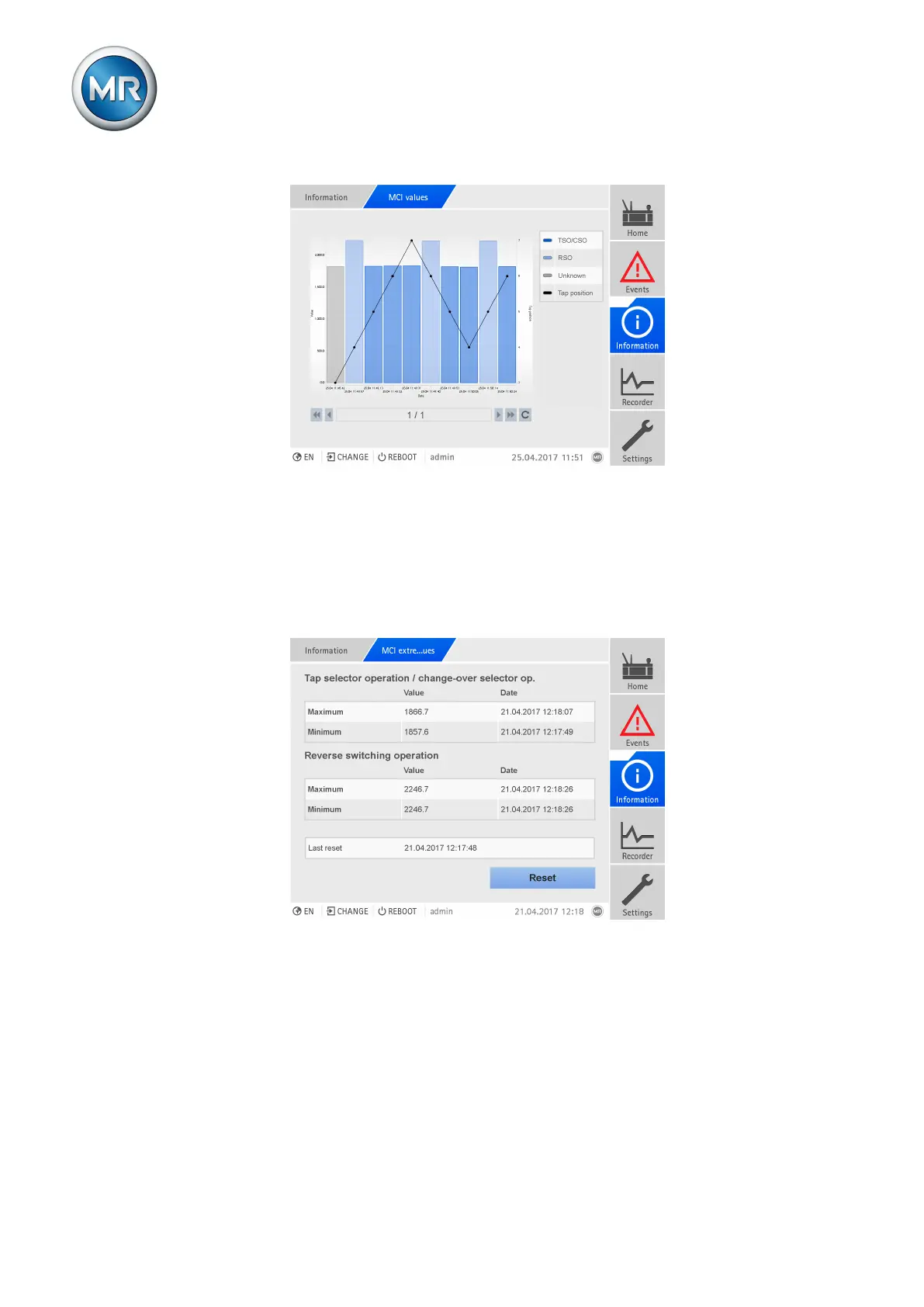
Figure187: MCI values
1. Go to Information > On-load tap-changer > MCI values.
2. Where necessary, select the navigation buttons to change pages.
MCI extreme values
In the MCI extreme values menu, you can display the maximum and mini-
mum values of the Motor Current Index and the corresponding dates.
Figure188: MCI extreme values
1. Go to Information > On-load tap-changer > MCI extreme values.
2. Where necessary, select the Reset button to clear the displayed extreme
values.
9.25.5 Displaying information about contact wear (only OILTAP®)
If you are monitoring an on-load tap-changer of type OILTAP®, you can dis-
play the current wear values of the main switching contacts (MSCA, MSCB)
and transition contacts (TCA, TCB).



 To Next Page