9 Visualization
Maschinenfabrik Reinhausen GmbH 2020264 6385142/08 ENETOS
®
ED
9.26.1 Hot-spot calculation (optional)
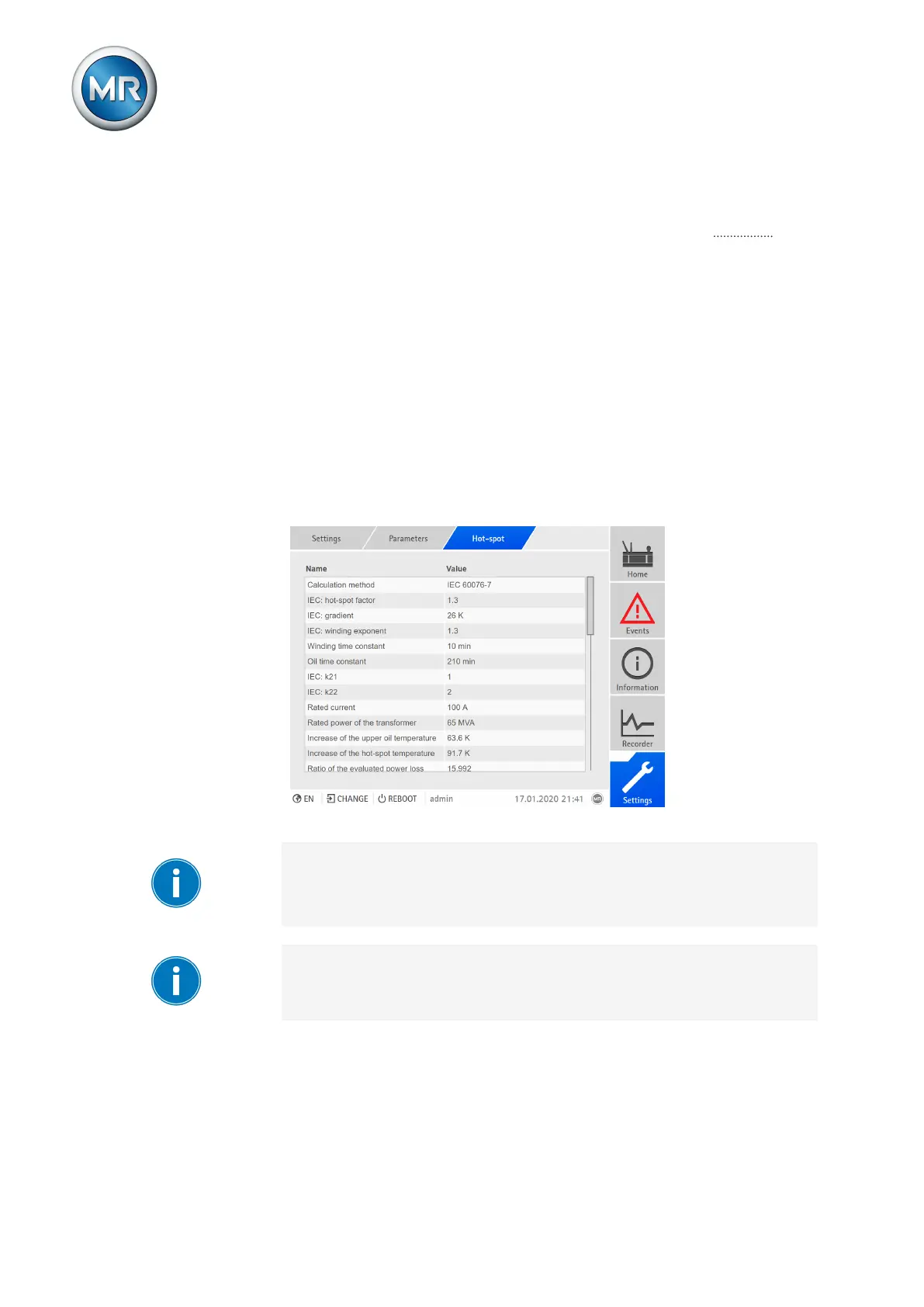
You can set the parameters for the hot-spot calculation in the Hot-spot
menu. If you use the device in the version with a winding temperature sen-
sor, then you can also select whether the hot-spot is to be measured or cal-
culated.
Hot-spot measurement
Hot-spot measurement requires that you connect [►Section 9.28, Page 282]
a sensor for recording the winding temperature to the device via an MR sen-
sor bus and link [►Section 9.29, Page 292] the transmitted data points to
the function of the analog input (winding temperature 1...24).
Hot-spot calculation
The device can calculate the hot-spot in accordance with the thermal models
of the standards IEC60076-7 and IEEEStdC57.91. To enable this, you
must set the calculation parameters.
Figure191: Hot-spot calculation
If you use the optional function "Hot-spot calculation on 3 different windings
(W1, W2, W3)", you must set the parameters "IEC: Gradient", "IEEE: Gradi-
ent", "IEC: Hot-spot factor" and "Nominal current" for W1, W2 and W3 re-
spectively.
If you are using a cooling system, you also need to enter the calculation pa-
rameters for each cooling stage in the menu under "CS x hot-spot".



 To Next Page