9 Visualization
Maschinenfabrik Reinhausen GmbH 2020 3056385142/08 EN ETOS
®
ED
2. Press the New entry button.
3. Enter the maintenance data.
4. Press the Accept button to save the entry.
Deleting an entry in the maintenance logbook
You can delete the entries in the maintenance logbook as needed. To do so,
proceed as follows:
1. Go to Settings > Maintenance logbook.
2. Press the button in order to delete the entry.
9.31.6 Suppressing a maintenance event
You can use this function to suppress the event messages of maintenance
tasks whose limit values have been reached for a specific number of on-load
tap-change operations. If you acknowledge a maintenance event without
performing maintenance, the device will report the event message after the
set number of on-load tap-change operations.
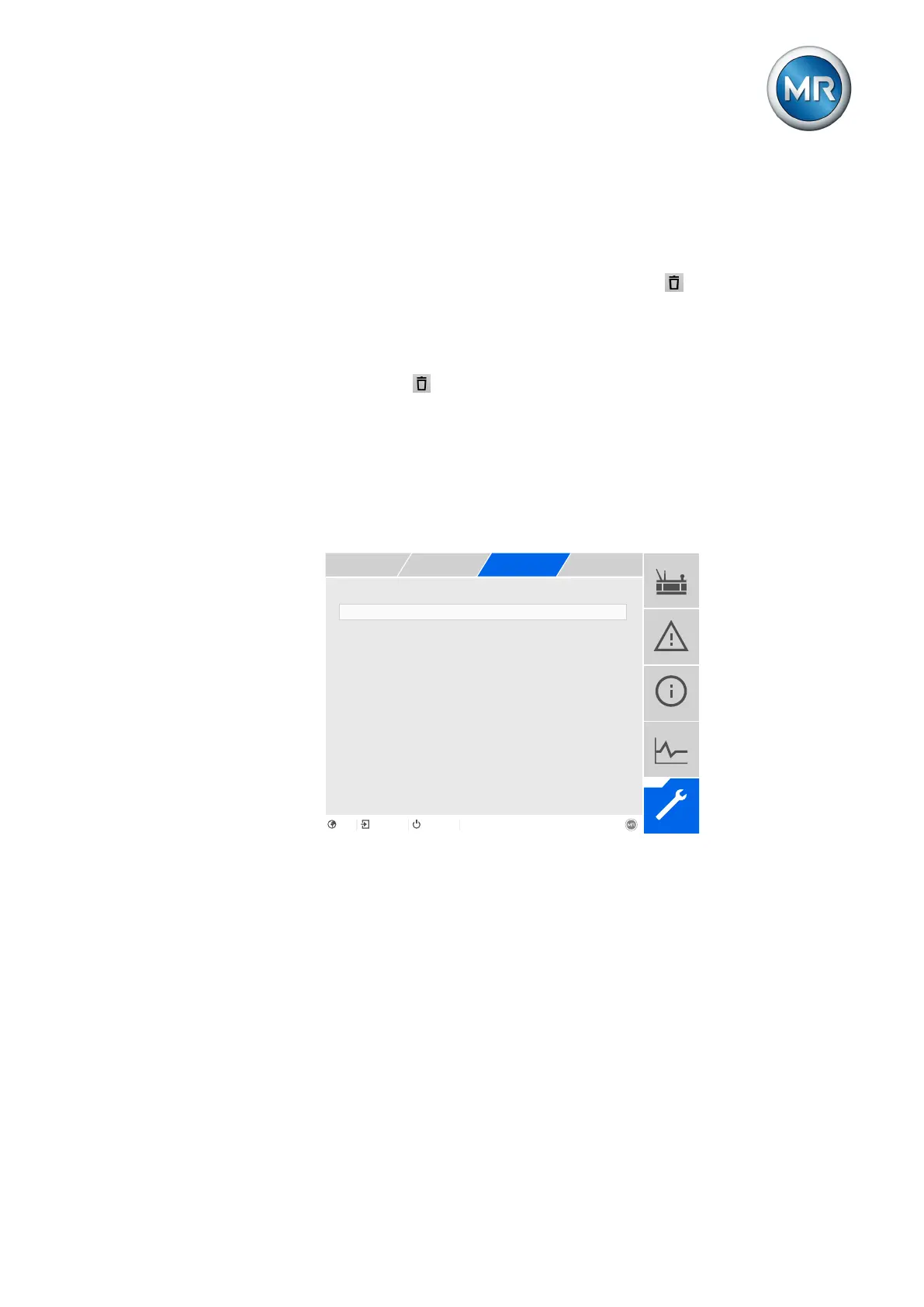
Suppressing transformer maint. ev... 1
Figure232: Suppressing a maintenance event
Suppressing a maintenance event
You can use this parameter to set the number of on-load tap-change opera-
tions for which the event message should be suppressed.
To suppress the maintenance event function, proceed as follows:
1. Go to Settings > Parameters > Maintenance events.
2. Select the desired parameter.
3. Set the parameter.
4. Press the Accept button to save the modified parameter.



 To Next Page