9 Visualization
Maschinenfabrik Reinhausen GmbH 2020 2856385142/08 EN ETOS
®
ED
Adding a sensor
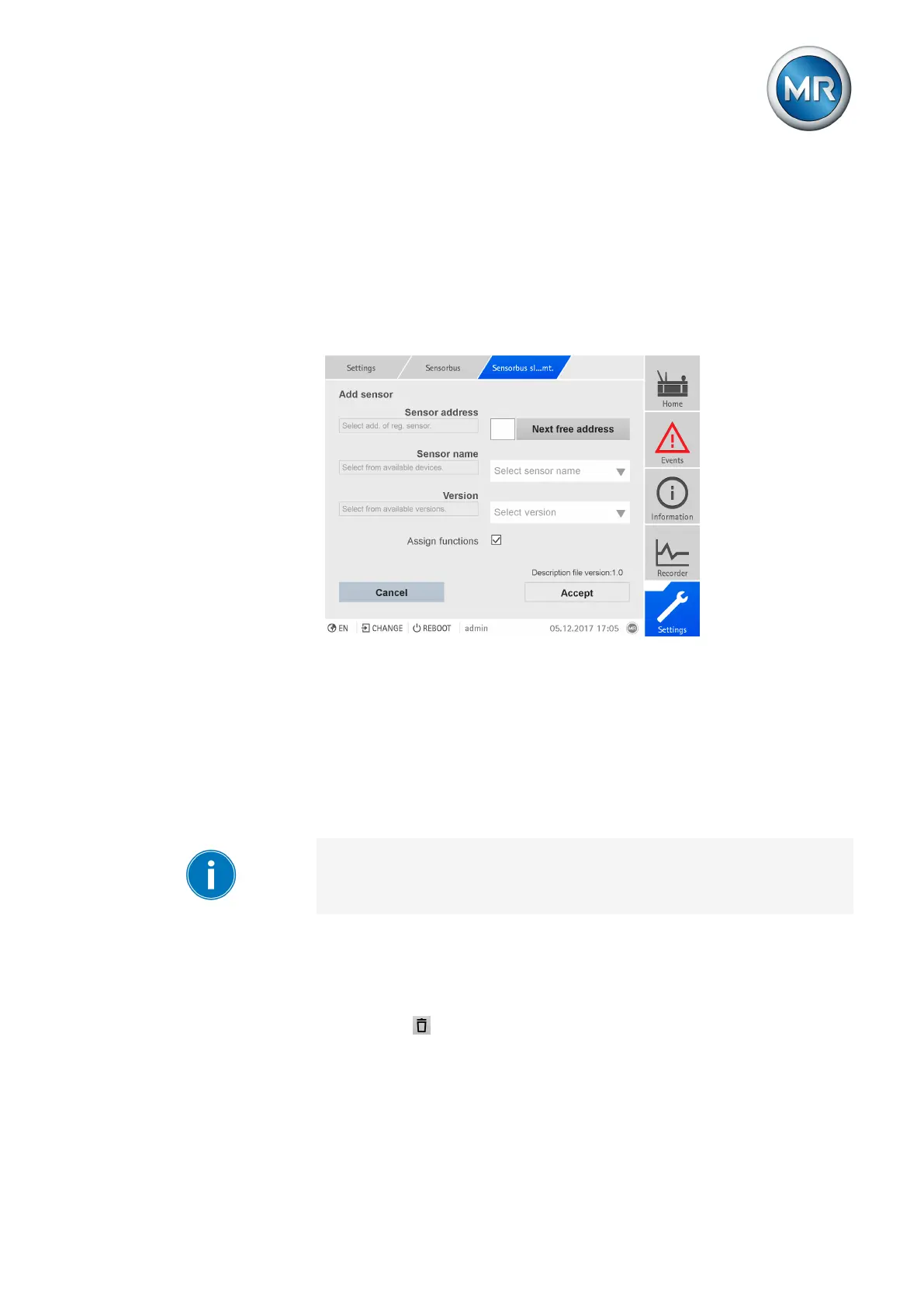
If you would like to add a sensor, then you have to set the Modbus address,
sensor name and version. In addition, you can select whether the device is
to perform an automatic function assignment of the data points.
Proceed as follows to add a sensor:
1. Go to Settings > Sensor bus > Sensor management.
2. Press the New sensor button.
Figure211: Add sensor
3. Enter the Modbus address or press the Next free address button.
4. Select the Sensor name.
5. Select the Version.
6. If necessary, enable the Assign functions option.
7. Press the Accept button.
8. After adding a sensor or several sensors, restart the device to apply the
changes.
Before restarting the device, you can add even more sensors or change ad-
ditional settings such as the function assignment or configuration of analog
or digital inputs.
Removing a sensor
Proceed as follows to delete a sensor:
1. Go to Settings > Manage sensor.
2. Press the button to delete the sensor.



 To Next Page