9 Visualization
Maschinenfabrik Reinhausen GmbH 2020146 6385142/08 ENETOS
®
ED
Column Description Modifiable Setting range
PREFSTATICVAR For a data point of class 0 (Static), you can define the fol-
lowing variation depending on the object group:
▪ BI: 1, 2
▪ BO: 2
▪ AI: 2, 4
▪ AO: 2
▪ CT: 1, 2, 5, 6
Yes 0...6
PREFEVENTVAR For a data point of classes 1...3 (Event), you can define
the following variation depending on the object group:
▪ BI: 1, 2, 3
▪ BO: no value
▪ AI: 2, 4
▪ AO: no value
▪ CT: 1, 2, 5, 6
Yes 0...6
NAME Data point designation. No -
Deadband Threshold value for analog inputs. The data point is only
transferred again if the change of value is greater than the
threshold value.
▪ If you enter the value 0, no threshold value is active.
▪ If you do not enter any value, the device adopts the
threshold value defined by the device parameter. If no
device parameter is available for the threshold value,
no threshold value is active either.
Notice: The threshold value has the same unit as the data
point value. Take note of the list of data points.
Yes 0...32,768
Table39: Configuring DNP3 data points
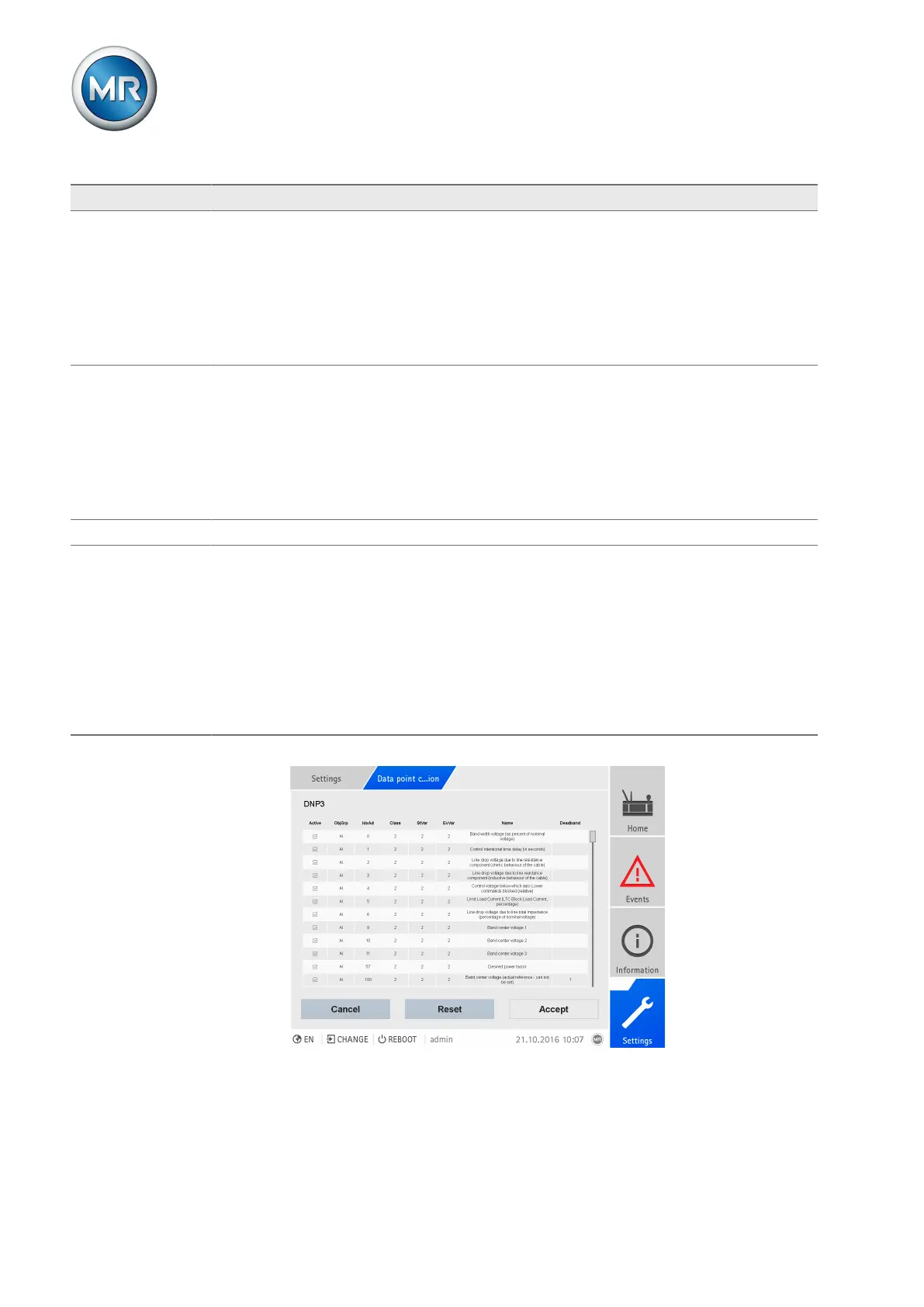
Figure105: Configuring DNP3 data points
Proceed as follows to configure the data points:
1. Go to Settings > Data point configuration.



 To Next Page